
This Dzine.AI review breaks everything down with real tests, examples, and actionable use cases, showing how Dzine.AI, formerly Stylar AI, is a creative suite that unlocks new business and artistic opportunities for photographers and content creators across industries.
What Is Dzine.AI?

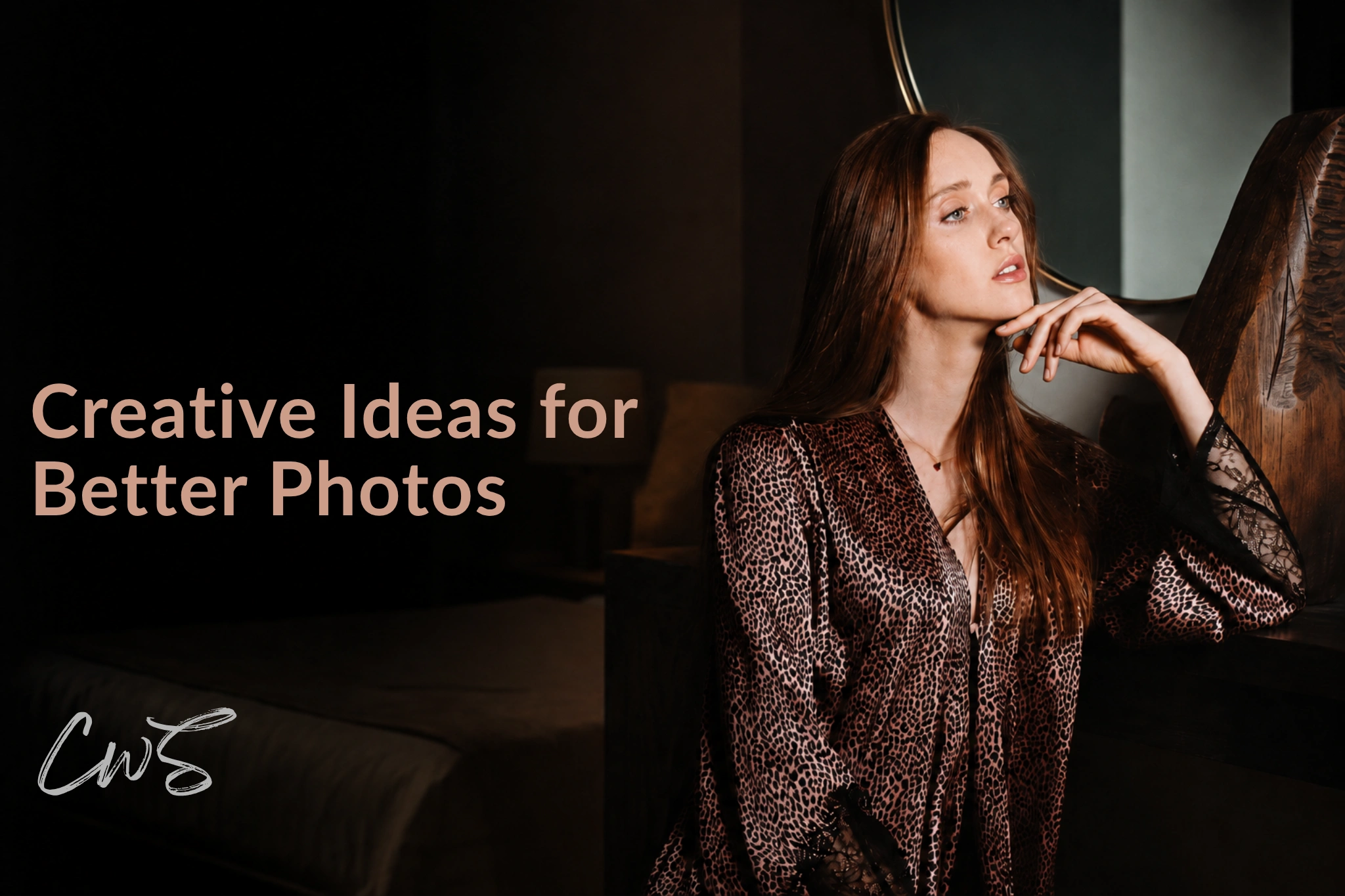
Dzine.AI is an image and video generator that also functions as a full editing platform. In fact, it provides a Photoshop-style workspace, multiple AI models, and a complete suite of tools, making it a high-value option. We intentionally tested Dzine.AI on our photographs with the objective of preserving the subject while elevating the environment into a more immersive experience. The entire test revolved around:
- Keeping the model’s natural skin texture.
- Respecting original lighting.
- Enhancing environments instead of rewriting reality.
- Using AI where it adds value, not where it steals authenticity.
For this kind of task, Dzine.AI performed very well. In photographs that lean into aesthetic and mood, it provided the tools to amplify the effect without compromising them.

For photographers and content creators pushing their craft and looking to expand further Dzine.AI features definitely make things very interesting. Here are some key feature that stand out:
- Multiple style models you can swap between for different aesthetics.
- Layer-based editing with masks and adjustments.
- Generative fill, object removal, clean background replacement, and style preservation.
- High-quality image generation and strong image-to-image consistency.
- Project-based workspaces so your assets, prompts, and versions stay unified.
- Batch processing for repetitive tasks.
- A clean interface that doesn’t bury you under a hundred panels.
- Visuals can be downloaded in high-quality resolution.
Dzine.AI pricing is straightforward and offers several plans. The Creator plan delivers the most value, giving you the full editing suite, sufficient credits, and access to multiple models. This makes it a strong option for photographers and creators. The Master plan is more expensive, with higher included credits and advanced tools, designed for users who need extra flexibility and power.
Bonus: Get 15% Off any Dzine.AI plan using our promo code CLICKWITHSAL thorugh our link → to claim your discount and start creating today.

Product Photography Test


We loaded one of Sal’s framed photography prints into a cozy living room setup featuring neutral tones, realistic shadows, and natural staging. The mockup turned out clean and brand-ready, making it an ideal addition to your creative toolkit whether you are a product shooter, a wall art creator, or anyone in need of backgrounds and compelling visual storytelling.
Try it yourself and save 15% on Dzine.AI with promo code CLICKWITHSAL and see how your own product photography can come to life.
Background Switching


The background replacement test was surprisingly strong, with the fill engine delivering precise results that held up even under zoom. Dzine.AI has earned a spot in our creative arsenal because it respects the photographer’s eye while providing both control and speed.
Branding and Assets


Dzine.AI can be a powerful asset for branding your business. It is an excellent choice for working photographers, YouTubers, bloggers, marketers, or anyone looking to create professional visuals with maximum efficiency. One standout feature is consistent character creation, which is highly repeatable and incredibly useful for producing blog headers, banners, and avatars. Dzine.AI is a solid alternative to Canva, but it offers more personalized stylistic depth, making it a full 360-degree tool that allows you to be an artist rather than just a template user.


Key Takeaways
- Dzine.AI blends generation + editing in a way that actually supports professional workflows.
- The workspace and layer system make it feel production-level.
- It’s strong at preserving photographic authenticity while enhancing environments.
- Mockups, background swaps, and consistent character tools are shockingly good.
- The Creator Plan offers the best value, especially for photographers and content creators.
Don’t forget to activate CLICKWITHSAL through our link → to get 15% off your Dzine.AI plan and start enhancing your visuals immediately.










Leave a Reply