
Tag: Photo Editing
-
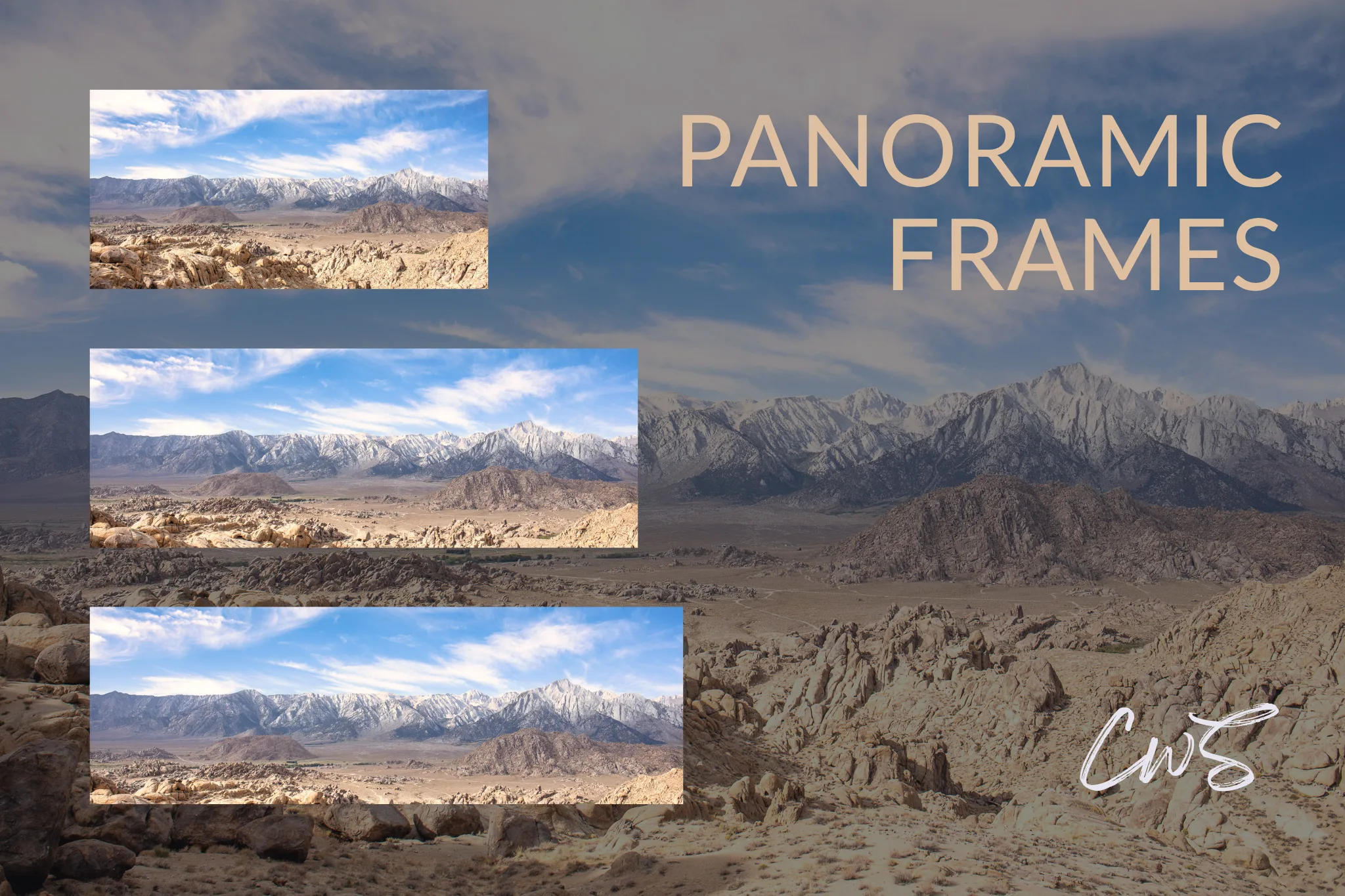
The best panorama image size depends on how you intend to display the photograph. Common panoramic aspect ratios include 2:1 and 3:1, but there is no single required format. Wider or intermediate proportions can work just as well. Here’s something worth knowing: You don’t necessarily need to stitch multiple photographs together to create a panoramic…
-
If you are looking for an Adobe alternative for photography, it is crucial to understand from the start that one piece of software probably will not replace the entire Adobe ecosystem. You need to think about tasks first. That is because Adobe gives photographers several completely different tools within one ecosystem: RAW development, photo organization,…
-
Skylum is currently offering limited-time discounts on Luminar plans. Check the latest Black Friday prices and available offers. Click through our Skylum link and use code CLICKWITHSAL at checkout to check for additional eligible savings. Luminar pricing currently starts at $129 for Desktop, while Skylum is offering All Platforms for $159 instead of $259 and…
-
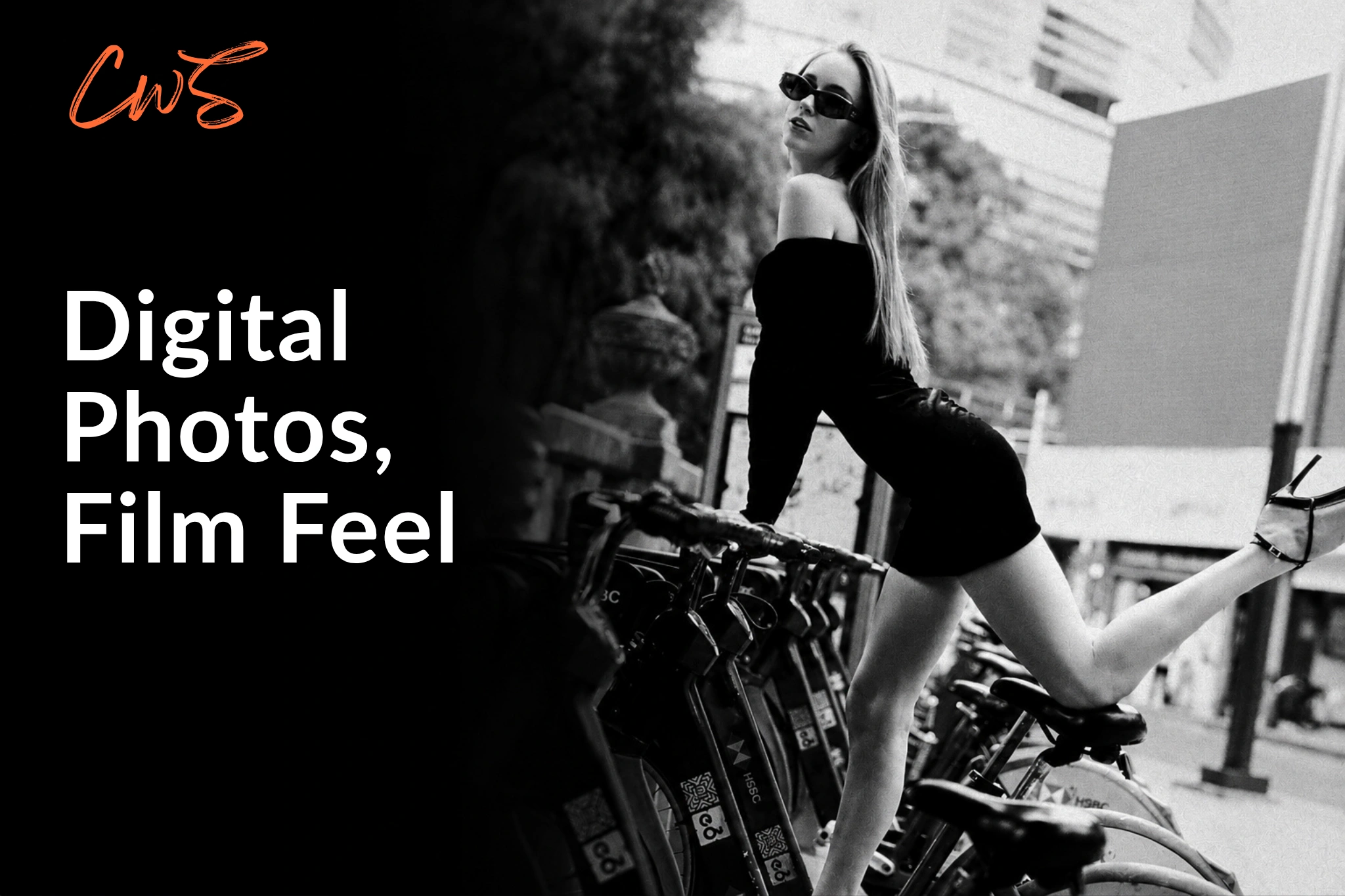
Grain alone won’t make digital photos look like film. A believable film look starts with the capture itself, then comes together through the right editing touch, with intentional light, tonal response, and controlled imperfection working together. The goal is to start with a photograph that already gives the edit something to work with. That approach…
-
We tested the latest Luminar update to see if it is worth considering as a solid Photoshop alternative for fast creative editing and powerful AI tools. This Luminar review covers version 1.28, which is available now, and our first impressions point to an editing experience that feels more organized and faster than in previous versions…
-
Culling in photography is not the same as editing. Culling decides which photographs move forward, while editing determines how those selected images will look. A strong cull removes technical failures and unnecessary duplicates, but it also shapes the direction, consistency, and overall story of the final selection. The culling process comes before editing begins, and…
-
Can AI really judge your photography? AI photo critique can be useful, especially when you ask specific questions: AI becomes less reliable when asked whether a photograph will become a meaningful work of art. It can recognize familiar visual patterns, technical weaknesses, and common compositional problems. What it cannot reliably determine is whether breaking those…
-
If you want to avoid adding another monthly subscription to your photography editing stack, the Luminar Neo lifetime deal is worth considering. But “lifetime” needs to be understood correctly. With the Luminar Neo lifetime deal, you are buying a perpetual license, which means you can keep using the software without an ongoing subscription. It does…
-
Using Photoshop in ChatGPT lets you edit images with plain-language prompts, but let’s avoid confusion from the start: Photoshop for ChatGPT is an Adobe app, not the full Photoshop platform. That does not make it useless. For photographers, it can be a fast way to test a visual direction, explore an edit, or build a…
-
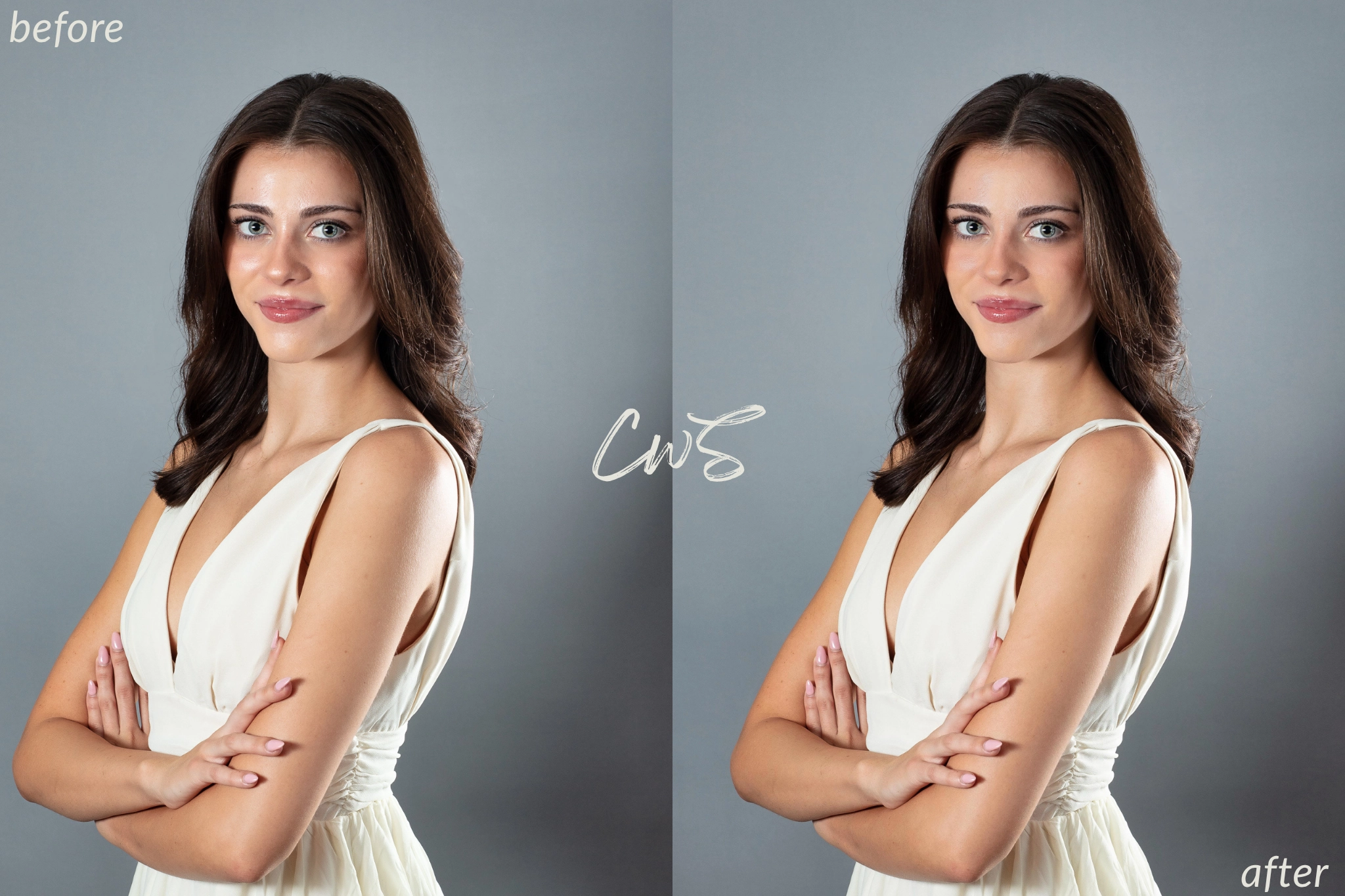
Shine on the face is one of the most common issues after a photoshoot. It usually comes from flash, strong studio lighting, heat, oily skin, or angles where the light hits the forehead, nose, and cheeks too hard. The best correction in post is to reduce face shine while keeping the texture polished and natural.…

Newsletter
Stay updated with tools, workflows, and ideas for better photography.
Discover


Recent Posts
-
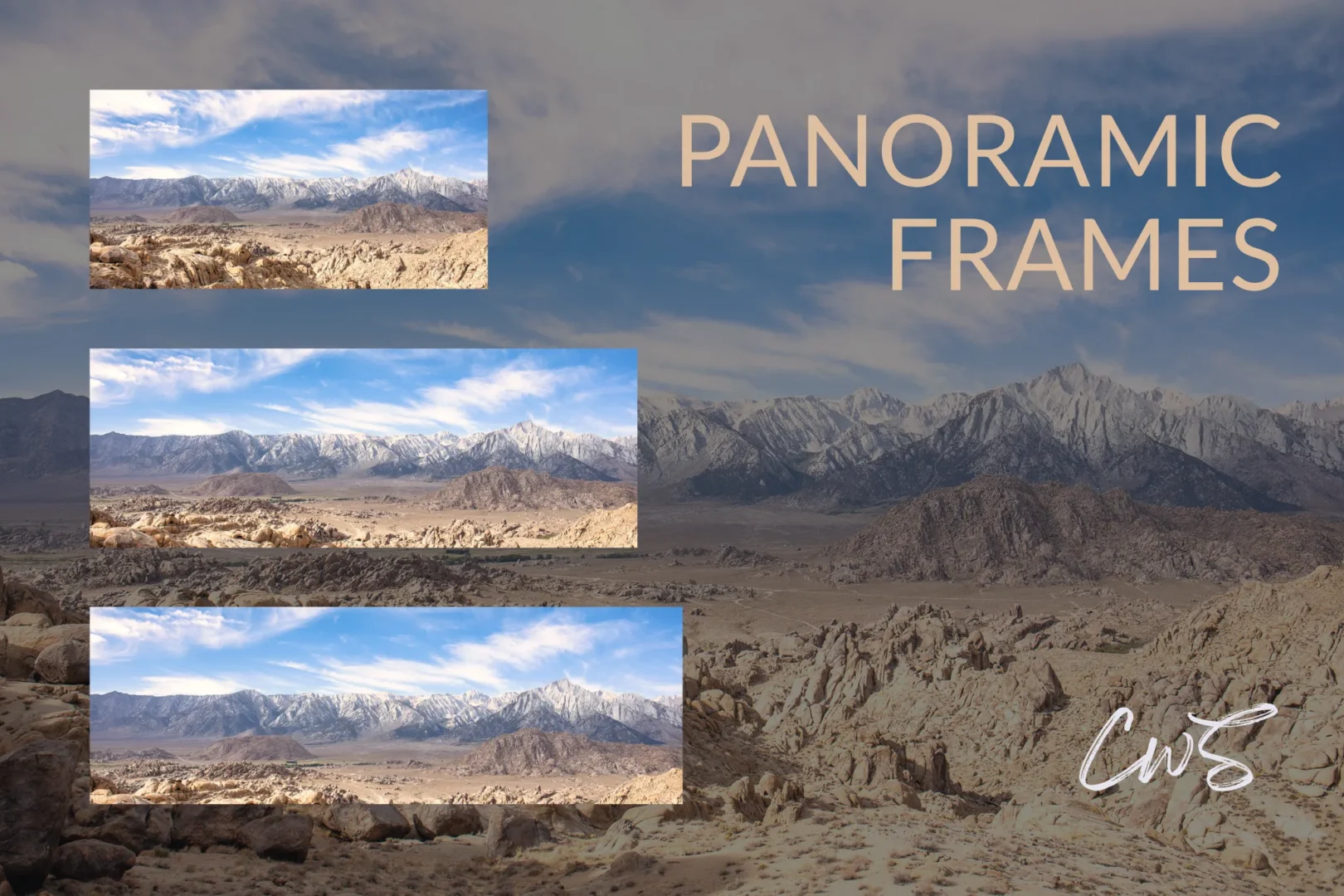
Panorama Image Size: Best Ratios, Pixels & Print Dimensions
-
Studio Ninja Pricing: Plans Compared + 50% Off
-
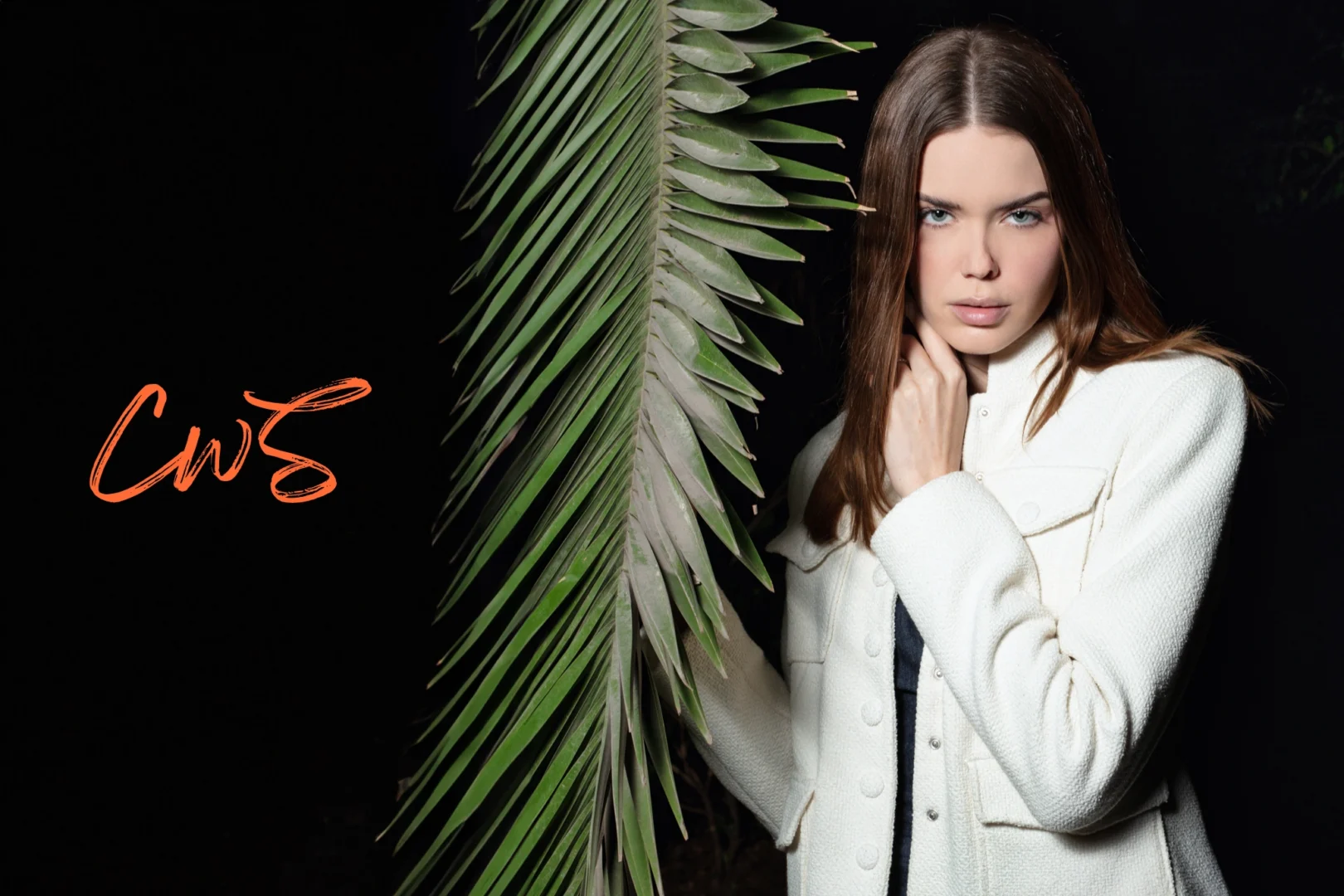
Portraits With A 50mm Lens: Distance, Framing & Real Examples
-

SEO Keywords For Photographers: From Search Intent To AI Discovery
-
Adobe Alternative: Can Photographers Replace Lightroom + Photoshop?

Claim Your Free Guide: The Smarter Photographer
Discover how to optimize your workflow efficiently, get more done, shoot more, and grow your business.
Get the free guide and receive new content and valuable insights straight to your inbox.


Work With Gallery Canyons


