
If you are looking for an Adobe alternative for photography, it is crucial to understand from the start that one piece of software probably will not replace the entire Adobe ecosystem. You need to think about tasks first. That is because Adobe gives photographers several completely different tools within one ecosystem: RAW development, photo organization, batch editing, detailed retouching, compositing, cloud storage, and more. So the more useful question becomes: Which parts of the Adobe photography workflow do you actually need to replace?
The answer will be different for every photographer. A wedding photographer processing thousands of images does not need the same workflow as a portrait photographer doing detailed retouching or a landscape photographer building layered composites. That is what we are going to figure out here. The goal is not to leave Adobe just because leaving Adobe sounds rebellious. The goal is to build a photography workflow around what you actually shoot, what you actually need, and where alternative tools can genuinely do the job better.
What Exactly Are You Replacing When You Leave Adobe?
Lightroom and Photoshop are photography editing staples because, together, they cover several very different tasks. That range is exactly what makes the Adobe ecosystem difficult to replace with a single alternative. Instead of making a broad software comparison, it makes more sense to break the workflow down feature by feature. This makes it much easier to find the right Adobe alternative.
| Task | Adobe Tool | Alternative |
| RAW development | Lightroom | Luminar |
| Culling | Lightroom | Aftershoot |
| Photo organization | Lightroom | Luminar |
| Batch editing | Lightroom | Aftershoot |
| Portrait retouching | Photoshop | Aftershoot |
| Film emulation | Lightroom | Dehancer |
| Client delivery | Lightroom Web | Aftershoot Galleries |
The table above matters because it represents a practical, low-risk strategy. Part of the decision may be to keep the parts of Adobe that already work well for you. If your Lightroom catalog is organized, your presets live there, and the workflow is already familiar, rebuilding the entire system may not be the smartest move. A better approach can be to keep Lightroom where it still makes sense and add specialized software where Adobe creates friction.
Best Adobe Alternative for Culling and High-Volume Workflow
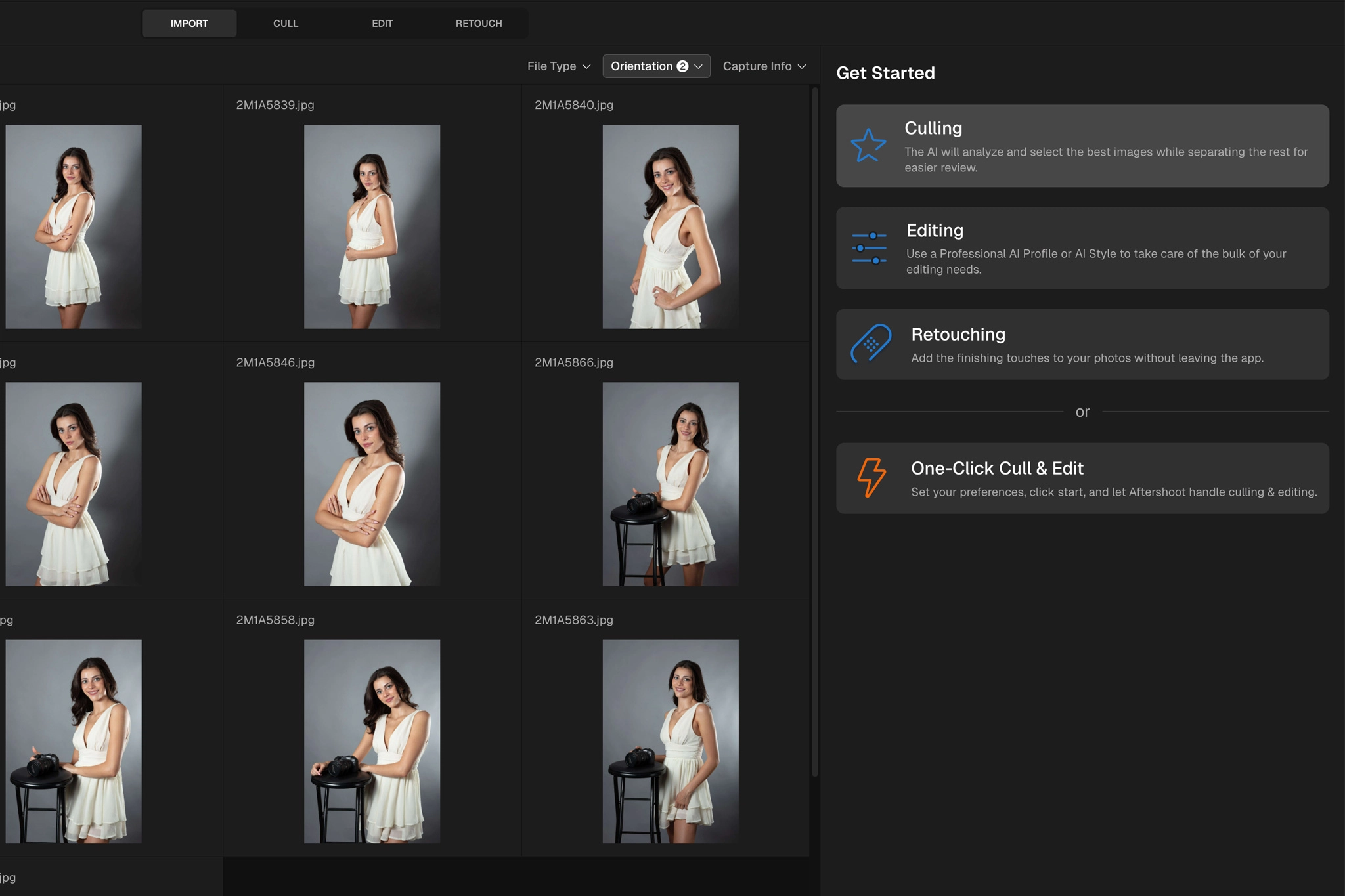
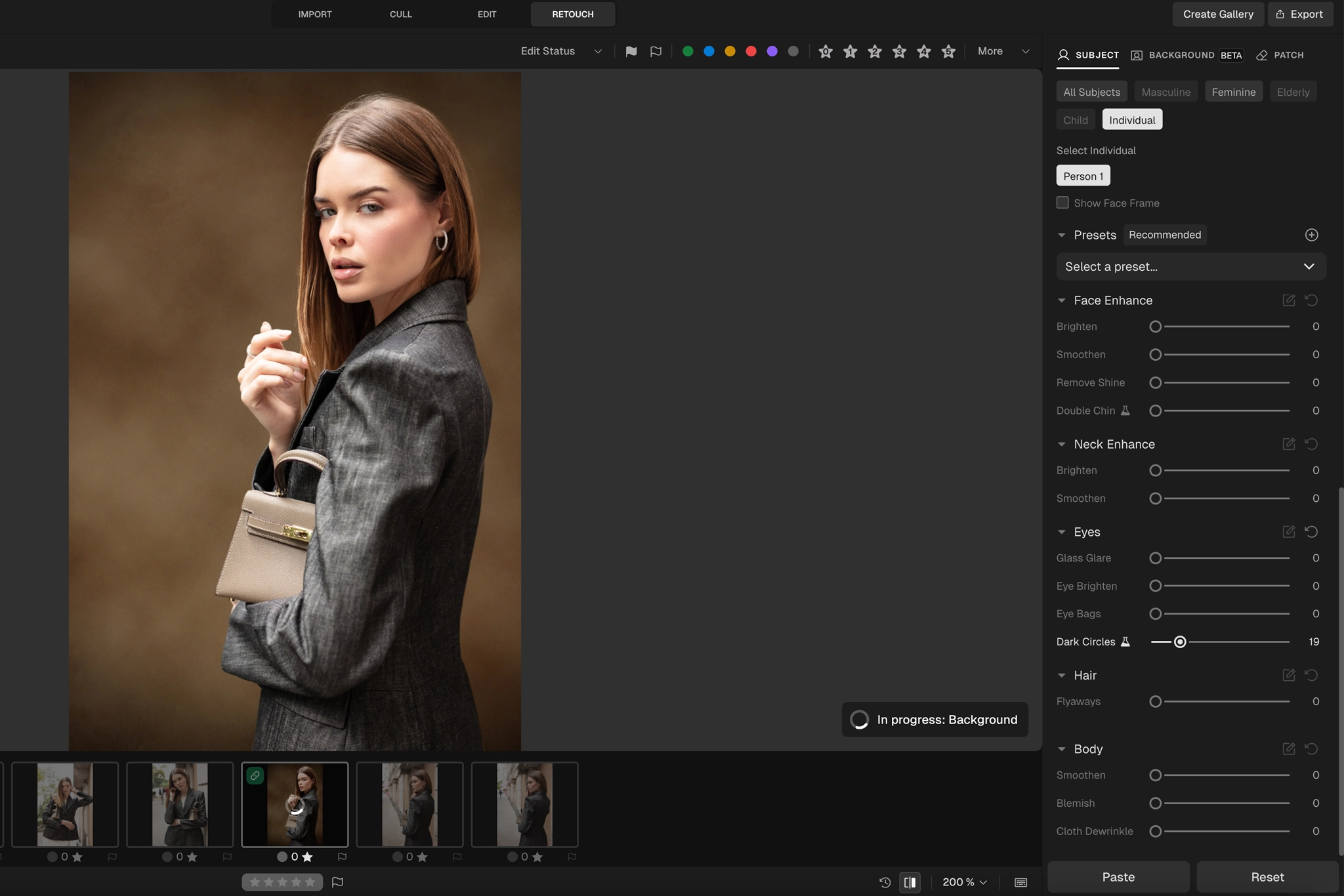
If culling and reviewing high-volume photoshoots is the part of Adobe you want to leave behind, Aftershoot is the strongest alternative to consider. It combines AI culling, editing, retouching, and galleries inside the same platform, making it a credible Adobe alternative for photographers who hit post-processing bottlenecks and want a smoother workflow that carries a shoot from editing to final client delivery, all within the same ecosystem.
Bonus for readers: Try Aftershoot on a real shoot before changing the rest of your editing stack. Use code CLICKWITHSAL15 for 15% off a paid Aftershoot plan.
Best Non-Subscription Adobe Alternative for Creative Photo Editing
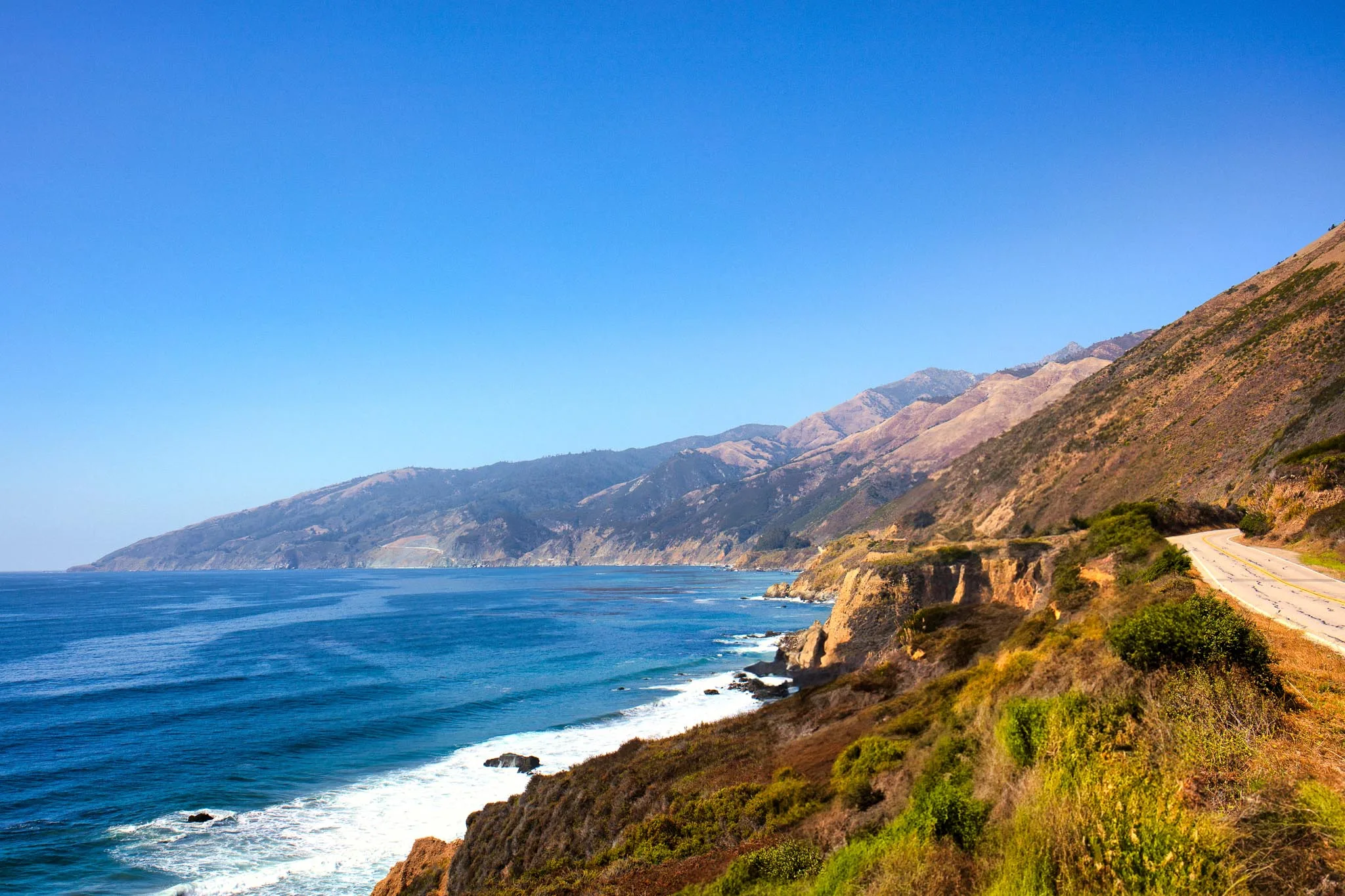
If you are looking for a flexible standalone photo editor with strong AI-assisted creative tools, and you also want to move away from Adobe’s monthly subscription, Luminar deserves serious consideration. It is especially powerful for artistic editing while still keeping the learning curve relatively easy.
Also check Luminar pricing to understand what the lifetime option actually includes and where its limitations are. One important advantage is that Luminar can also be used as a plugin. That can make a lot of sense if your Lightroom archive contains years of edits, organization, and usable catalog data that you do not want to leave behind.
Best Adobe Alternative for Film Color and Character

If you need an Adobe alternative for building a recognizable film look from digital photography, generic Lightroom presets may not be enough, especially when it comes to color, texture, grain, and overall film behavior. In that case, Dehancer becomes the strongest option. Dehancer can be used as either a standalone application or a plugin, and you can choose between a monthly subscription and a lifetime license. That flexibility gives photographers another path, especially if avoiding recurring software payments is one of the reasons for moving away from Adobe.
Bonus for readers: Use code CWSPROMO10 for 10% off Dehancer if you decide it fits your workflow.
Adobe Alternative FAQs
There is no single best Adobe alternative for every photographer. The right option depends on what you want to replace. Aftershoot is strong for culling and high-volume workflows, Luminar focuses on creative AI-assisted editing, and Dehancer specializes in film emulation and finishing.
Yes, but replacing Lightroom and Photoshop often requires more than one application. Lightroom handles RAW editing, organization, presets, and batch processing, while Photoshop covers detailed retouching and compositing. A combination of specialized tools can replace individual parts of that workflow.
Luminar is one option for photographers who want RAW editing and AI-assisted creative tools without relying entirely on a monthly Adobe subscription. Photographers with large Lightroom catalogs should also consider how their existing organization, presets, and archive will transfer before switching.
Aftershoot can replace or automate parts of a Lightroom workflow, particularly culling, batch editing, portrait retouching, and client delivery. It is not a direct replacement for every Lightroom feature, especially long-term catalog organization and RAW asset management.
Dehancer is better viewed as a specialized alternative for film emulation and creative finishing rather than a complete Lightroom replacement. It is particularly useful for photographers who want more control over film color, grain, halation, and analog-style image characteristics.
No. A hybrid workflow can make more sense than replacing Adobe entirely. You can keep Lightroom or Photoshop for the tasks they already handle well while adding specialized tools such as Aftershoot, Luminar, or Dehancer where they improve speed or creative control.
Final Takeaways
- There is no single Adobe alternative that replaces every part of Lightroom and Photoshop for every photographer
- The smarter approach is to identify which part of your Adobe workflow you actually want to replace
- Aftershoot is a strong option for photographers who need faster culling, batch editing, retouching, and delivery
- Luminar makes sense for photographers looking for creative AI-assisted editing with a non-subscription desktop option
- Dehancer is better treated as a specialized tool for film color, grain, texture, and analog character rather than a complete Lightroom replacement
- Keeping part of your Adobe workflow can still make sense if your existing Lightroom catalog, presets, and organization are already working well
Affiliate Disclosure: Some links or promo codes in this article may earn us a commission if you buy through them, at no extra cost to you. That does not change our opinion. We recommend tools based on whether they actually fit the workflow.













Leave a Reply