
Yes, Aftershoot is worth it for photographers who need a faster way to move from shoot to delivery without scattering their workflow across separate tools.
After attending the May 28, 2026 live premiere, the answer is stronger than it was before. Aftershoot is no longer only about AI culling, editing, or retouching in separate pieces. With Aftershoot Complete, the platform now brings the full post-shoot workflow closer together: cull, edit, retouch, deliver, and even sell through one connected system.
That matters because most photographers do not lose momentum during the shoot. They lose it after the shoot, buried inside duplicate frames, inconsistent edits, retouching cleanup, gallery delivery, and client handoff. Aftershoot Complete is built around that exact bottleneck.
The honest answer is simple: Aftershoot is worth it if post-production is slowing down your delivery, consistency, or ability to grow. It is not worth it if you barely shoot, already have a fast manual workflow, or expect AI to replace your creative judgment.
Bonus for readers: Test Aftershoot on your own workflow and use code CLICKWITHSAL15 for 15% off any paid Aftershoot plan.
What Changed After May 28, 2026
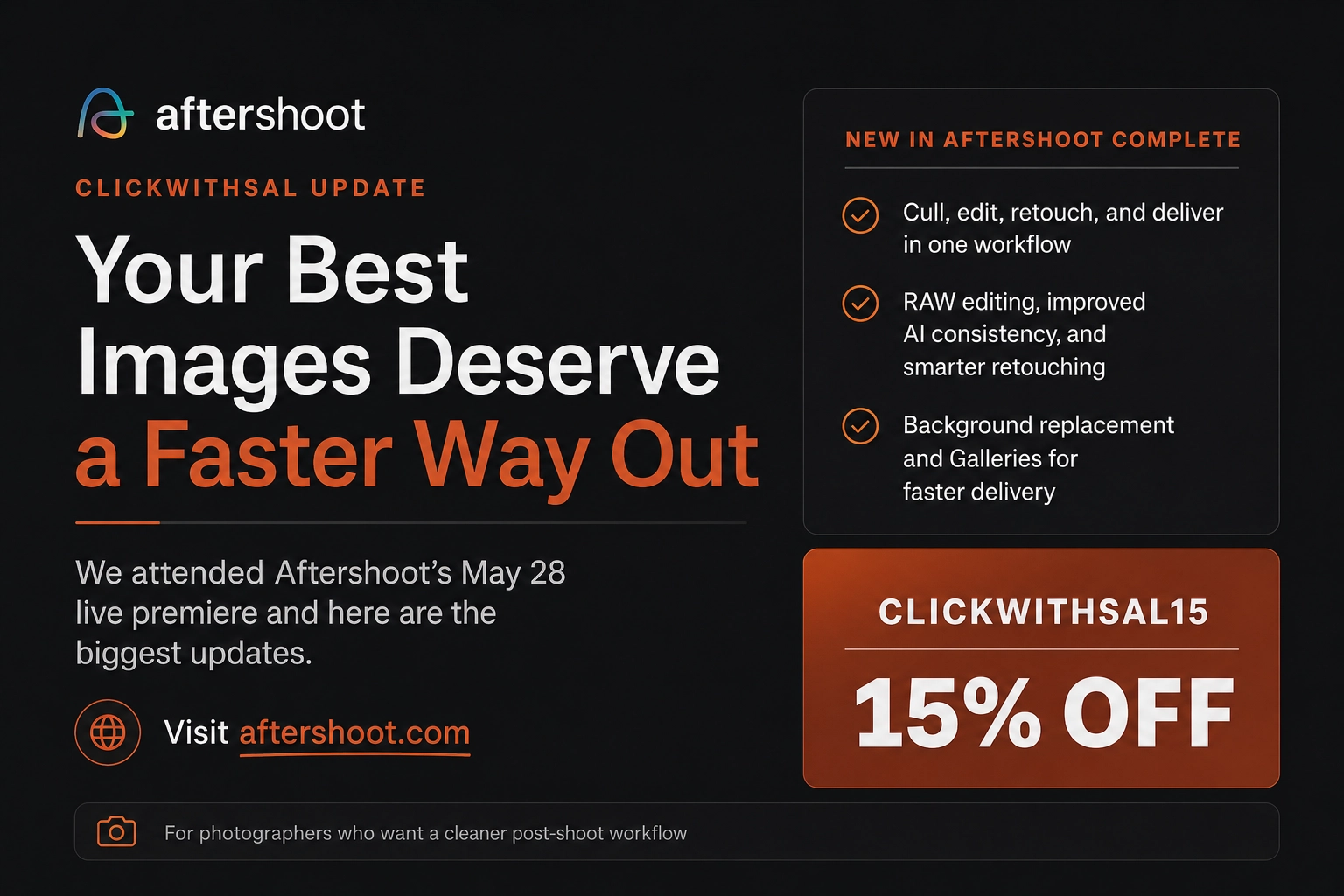
After May 28, 2026, Aftershoot became a more serious post-shoot workflow platform, not just an AI culling or editing tool. The biggest change is Aftershoot Complete. Photographers can now move through the full post-shoot process inside one connected system: cull, edit, retouch, deliver, and sell. That changes the value of Aftershoot because the platform is no longer only solving one part of the workflow. It is trying to reduce the friction between all the steps that happen after the shoot.
The update touched four major areas: Culling, Editing, Retouching, and Galleries.
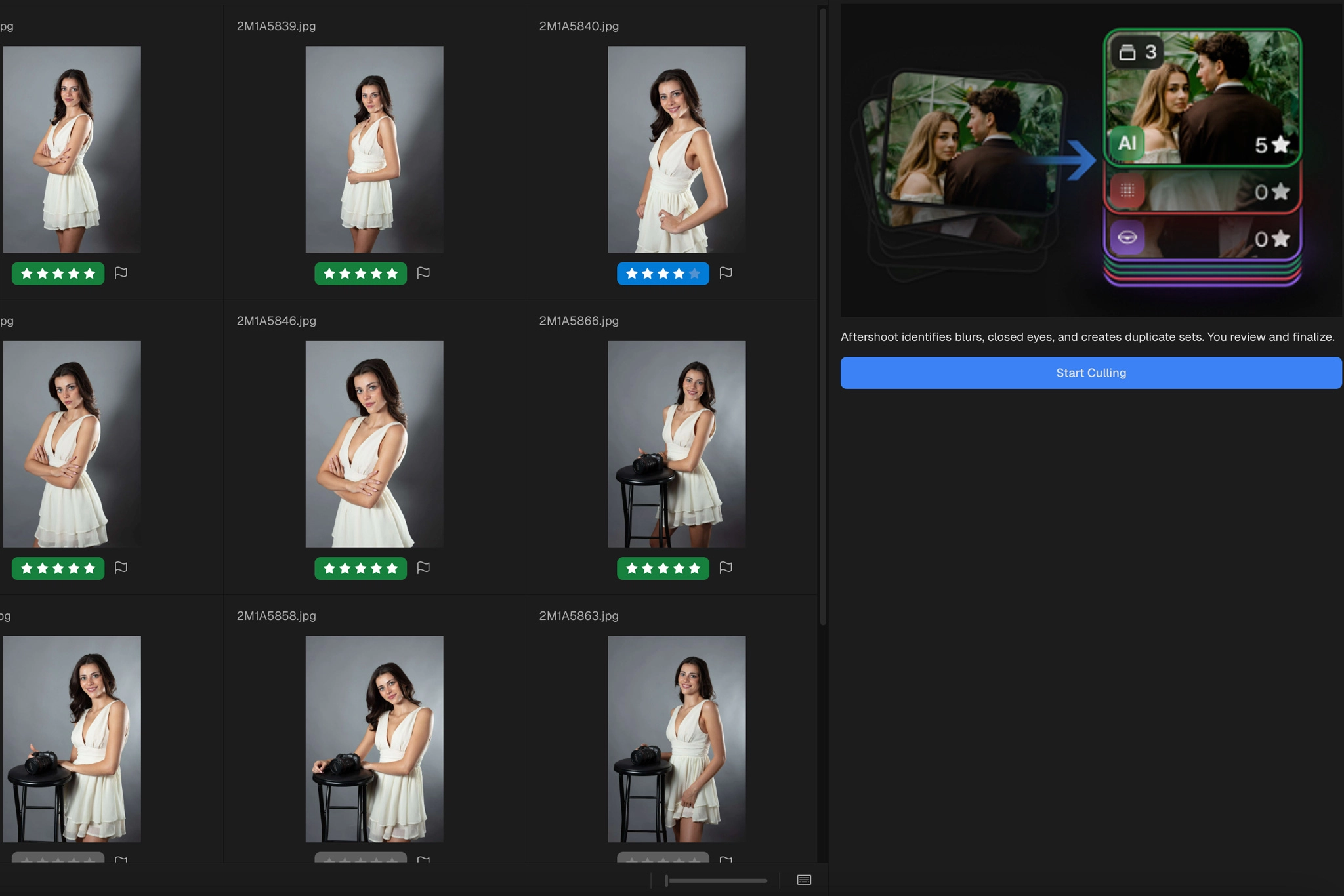
Culling now has smarter duplicate grouping, which helps organize burst shots and minor expression changes into tighter groups. More importantly, Aftershoot is getting better at understanding photographer intent, so intentional composition changes, like a wide frame and a tighter crop of the same moment, are treated as separate creative decisions instead of simple duplicates.
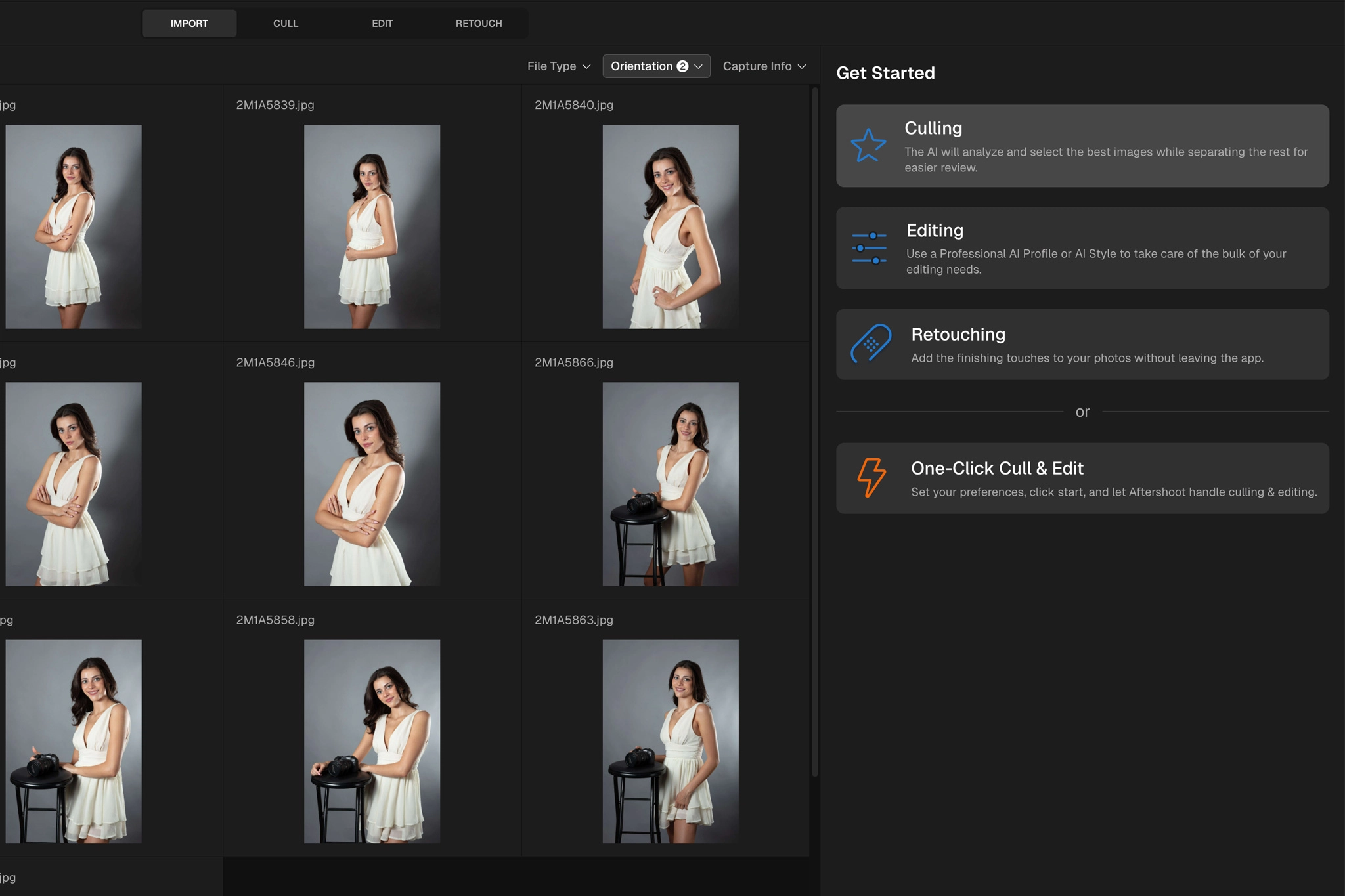
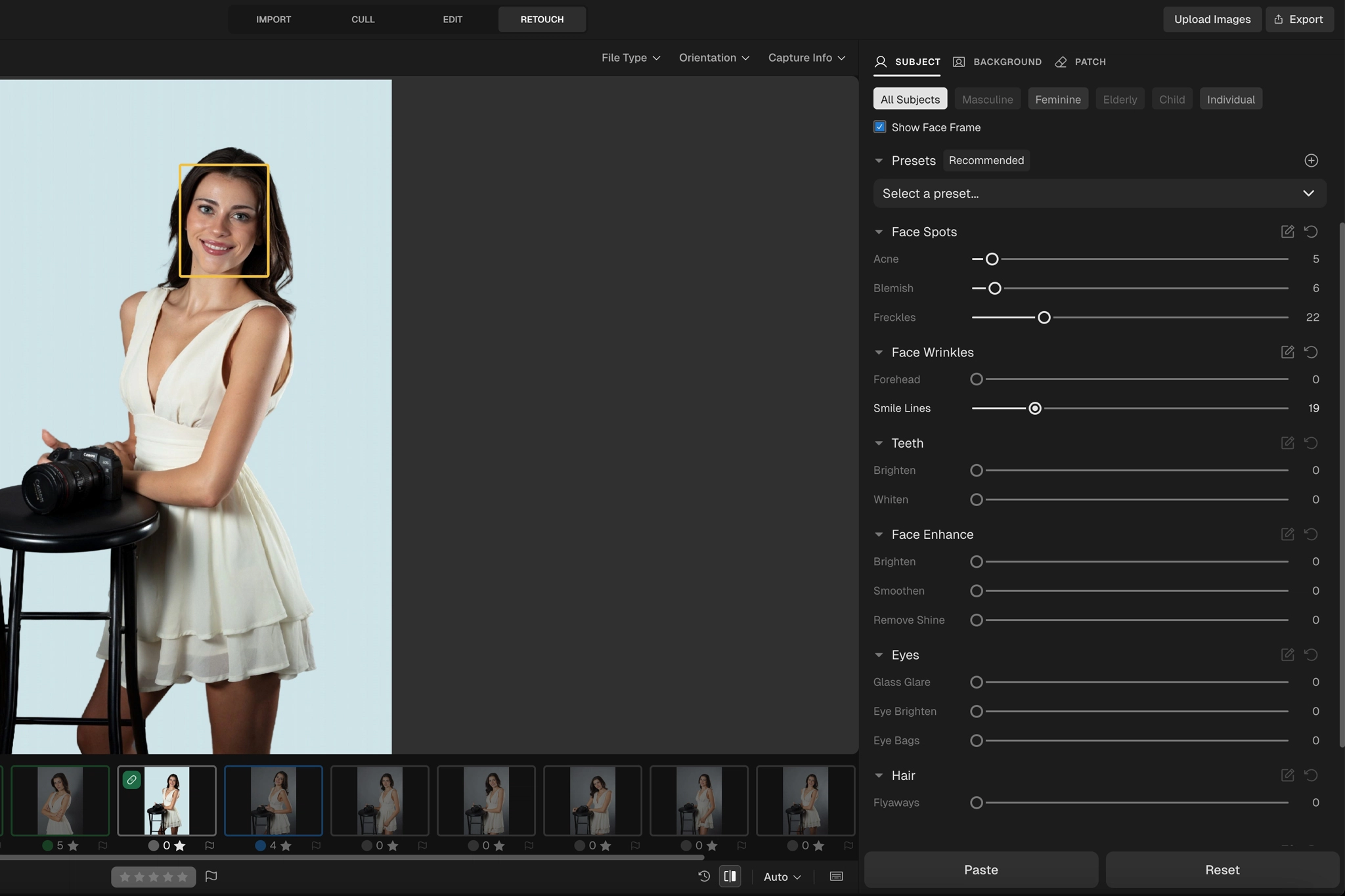
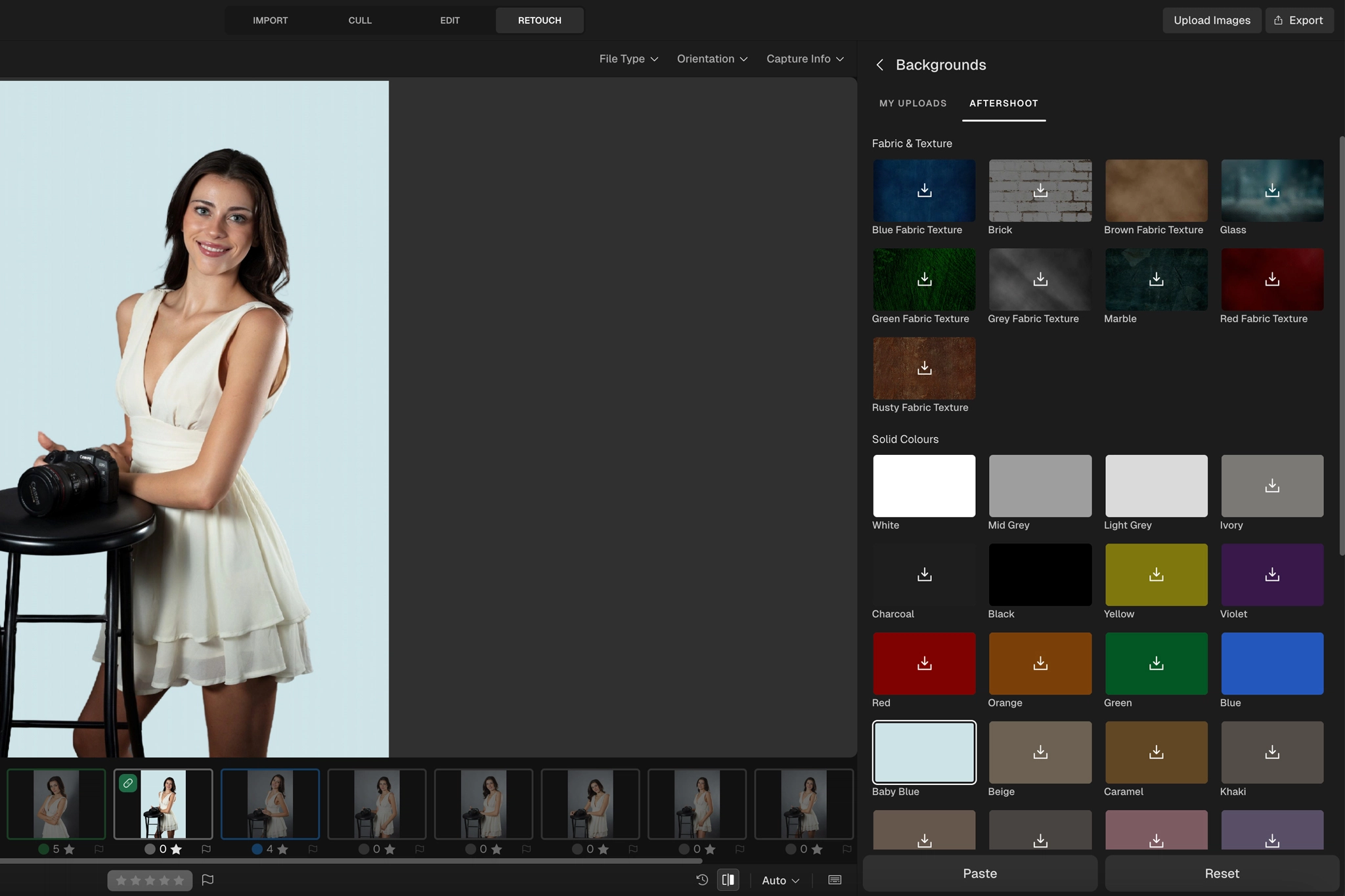
Editing also became more serious with RAW editing inside Aftershoot. That means photographers can use manual controls, refine edits, work on color, crop, straighten, and export without being forced back into Lightroom for every correction. For photographers who want fewer handoffs, this is one of the most important changes. Retouching improved with better skin cleanup, acne and blemish detection, stray hair removal, clothing dewrinkling, and background replacement. The key detail is that the goal is not fake plastic skin or overprocessed portraits. The value is faster cleanup while preserving texture and realism.
The biggest new product is Aftershoot Galleries. This adds the delivery layer that Aftershoot was missing before. Photographers can now create client galleries, share images, let clients search for themselves with AI face scanning and keyword search, proof images, and connect print-selling options from the same workflow.
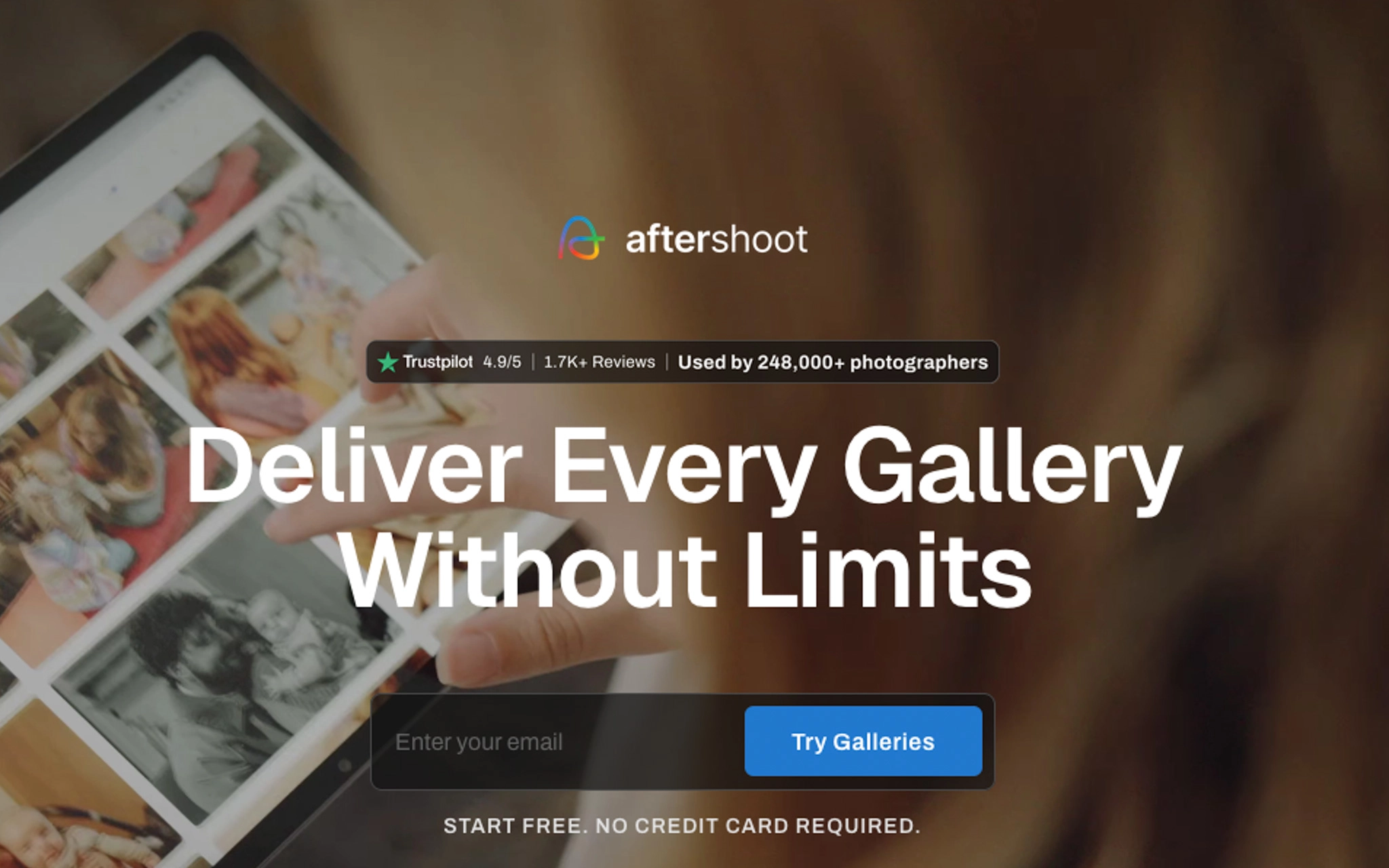
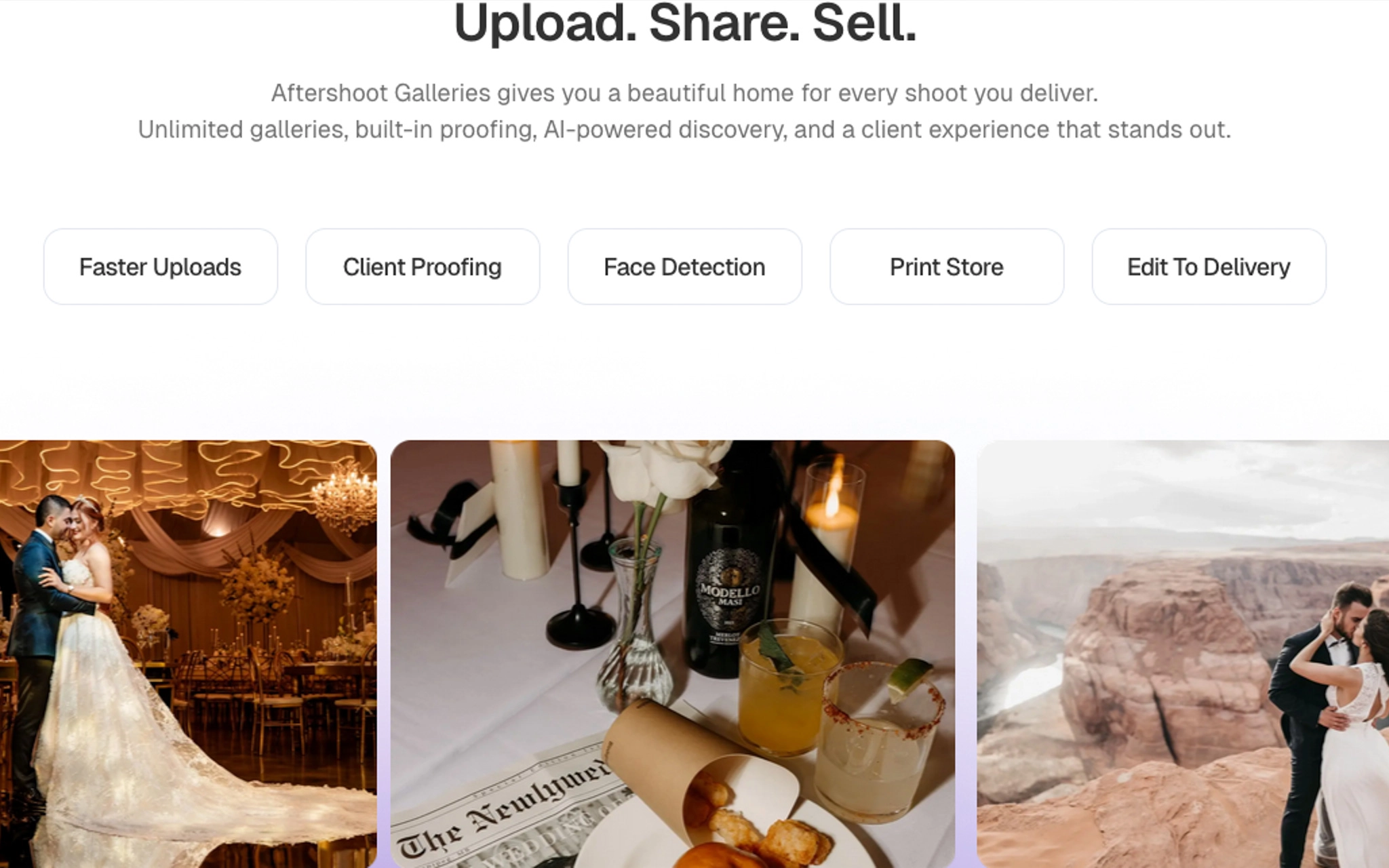
That is the real shift after May 28. Aftershoot is not only asking photographers to edit faster. It is trying to give photographers one place for everything that happens after the shoot.
August 2026 Update: Aftershoot pushes the workflow further, especially for portrait photographers and anyone trying to finish more work without jumping back into another editor. The latest version adds Double Chin Remover, Dark Circles Remover, Neck Brightening & Smoothing, improved multi-subject Background Replacement, and Background Shadow. RAW editing also gains histogram and clipping indicators and a manual brush mask, while Portrait & Headshot Crop can batch-crop an album using close, medium, or wide framing. You can now also resize images and add watermarks during export.
Is Aftershoot Worth It for Photographers
For photographers who regularly process large image sets and want to cut down the time spent on repetitive post-production tasks, the answer is yes, Aftershoot is worth it. The biggest advantage is that Aftershoot helps you move faster without flattening your editing style. That matters because every hour you recover from culling and post-shoot workflow can be redirected into shooting, publishing, refining your client experience, and building a stronger body of work.
Aftershoot makes the most sense for photographers who shoot enough volume to feel the drag. That includes:
- Wedding photographers
- Event photographers
- Portrait and studio photographers
- Family photographers
- Branding photographers
Wedding and event photographers especially deal with galleries that can include thousands of images, repeated moments, group shots, missed blinks, duplicate frames, and constantly changing lighting situations. That is exactly the kind of chaos where AI culling and editing tools become useful:
- Faster previews
- Faster full galleries
- More consistent edits
- Less backlog
- Fewer late nights
- More room to grow
If Aftershoot saves even a few hours per session, the math starts making sense fast.
Aftershoot Real Photography Workflow
A strong Aftershoot workflow should look something like this:
- Import the shoot
- Let Aftershoot organize, group, and cull the images
- Review the selects manually
- Check rejects
- Apply editing or profile-based adjustments
- Use RAW editing controls when needed
- Retouch skin, clothing, or backgrounds
- Finish the images with your own eye
- Export
- Create a client gallery
- Deliver and track the client experience
Aftershoot should not be used as a sealed box where your photos go in and your creative direction disappears. It works best when it is used to speed up the workflow, not erase the photographer behind it.
Aftershoot can help you catch technical problems, duplicates, closed eyes, and weak frames. But photography is not only technical. A clean frame can still be boring. A slightly imperfect frame can still carry the story. That is why the strongest workflow is not fully manual or fully automated. An AI-assisted workflow is where Aftershoot handles the heavy sorting, while your final review keeps the final decisions. That is the workflow that keeps the work sharp, intentional, and scalable.
Is Aftershoot Worth It for Your Workflow?


Aftershoot is especially worth it if :
- Culling slows you down
- Editing backlogs are hurting your delivery
- You shoot large galleries
- You want more consistency
- You want to spend less time on repetitive decisions
It is probably not the best fit if:
- You barely shoot
- You enjoy a fully manual workflow
- You expect AI to replace your eye
With RAW editing, photographers can refine images directly inside Aftershoot with manual controls, color work, cropping, straightening, and direct export. That does not mean every photographer should drop Lightroom tomorrow. It means Aftershoot is becoming a more realistic option for photographers who want fewer handoffs.
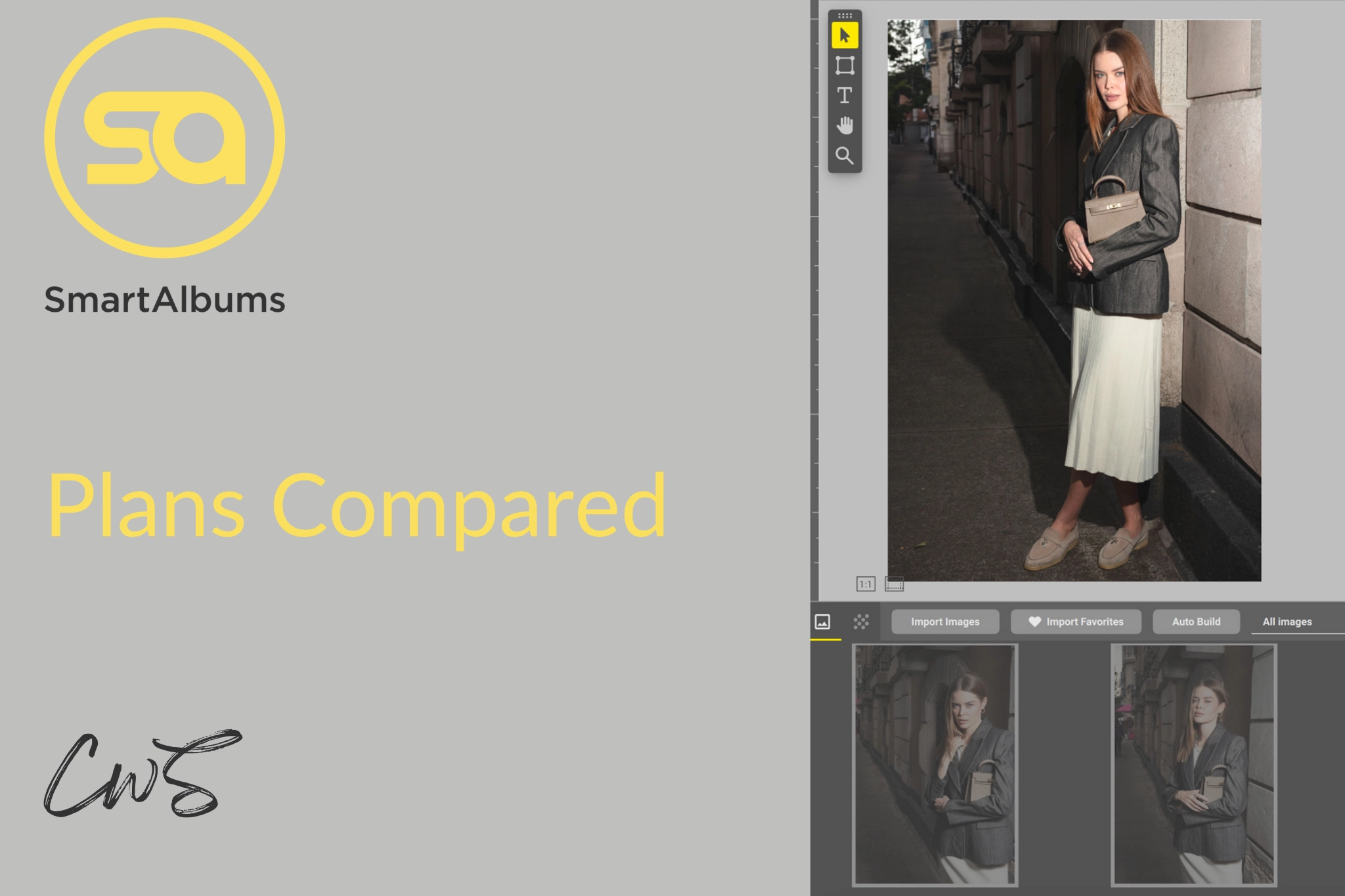
Aftershoot Pricing 2026
Aftershoot also moved to a more modular pricing structure. That is important because photographers do not all need the same tools. A photographer who only needs culling should not have to pay like someone using culling, editing, and retouching together. Based on the new pricing structure, photographers can choose the tools that fit their workflow.
Use code CLICKWITHSAL15 for 15% off any paid Aftershoot plan.
Is Aftershoot Worth It? FAQs

Yes, Aftershoot is worth it for photographers who shoot enough volume that culling, editing, and repetitive post-production slow down delivery.
Yes. Wedding photographers often deal with thousands of images, duplicates, missed expressions, and delivery pressure. Aftershoot can help reduce culling time and speed up the post-shoot workflow.
Yes, especially for portrait photographers who shoot large sessions or many similar frames. It can help narrow the set faster.
Not for every photographer. RAW editing makes Aftershoot more independent, but photographers who rely heavily on Lightroom catalogs, plugins, or advanced manual workflows may still keep Lightroom in the process.
Yes, use code CLICKWITHSAL15 for 15% off any Aftershoot paid plan.
Key Takeaways
- Aftershoot is worth it for photographers who need faster culling, editing, and post-shoot workflow
- Aftershoot makes the most sense for photographers who process large or repetitive image sets
- RAW editing makes Aftershoot less dependent on Lightroom for some workflows
- Aftershoot Complete plan makes the platform stronger because it connects the full post-shoot workflow
- Aftershoot Galleries adds the client delivery layer that was missing before
- AI culling should not replace your eye. Use Aftershoot to reduce the pile, then make the final creative decisions yourself
- Aftershoot should speed up your workflow, not replace your creative judgment
Affiliate Disclosure: Some links or promo codes in this article may earn us a commission if you buy through them, at no extra cost to you. That does not change our opinion. We recommend tools based on whether they actually fit the workflow.










Leave a Reply