
Most AI tools right now survive on hype or get buried under endless noise. This guide is not about overhyping Dzine AI or using it to generate random visuals. It is a real breakdown of how to use Dzine AI inside an actual production workflow that creates consistent creative value. Once you understand that it is not a toy, but a content engine that can support a serious creative operation, the way you approach both Dzine and AI tools in general starts to change completely.
How We Use Dzine AI
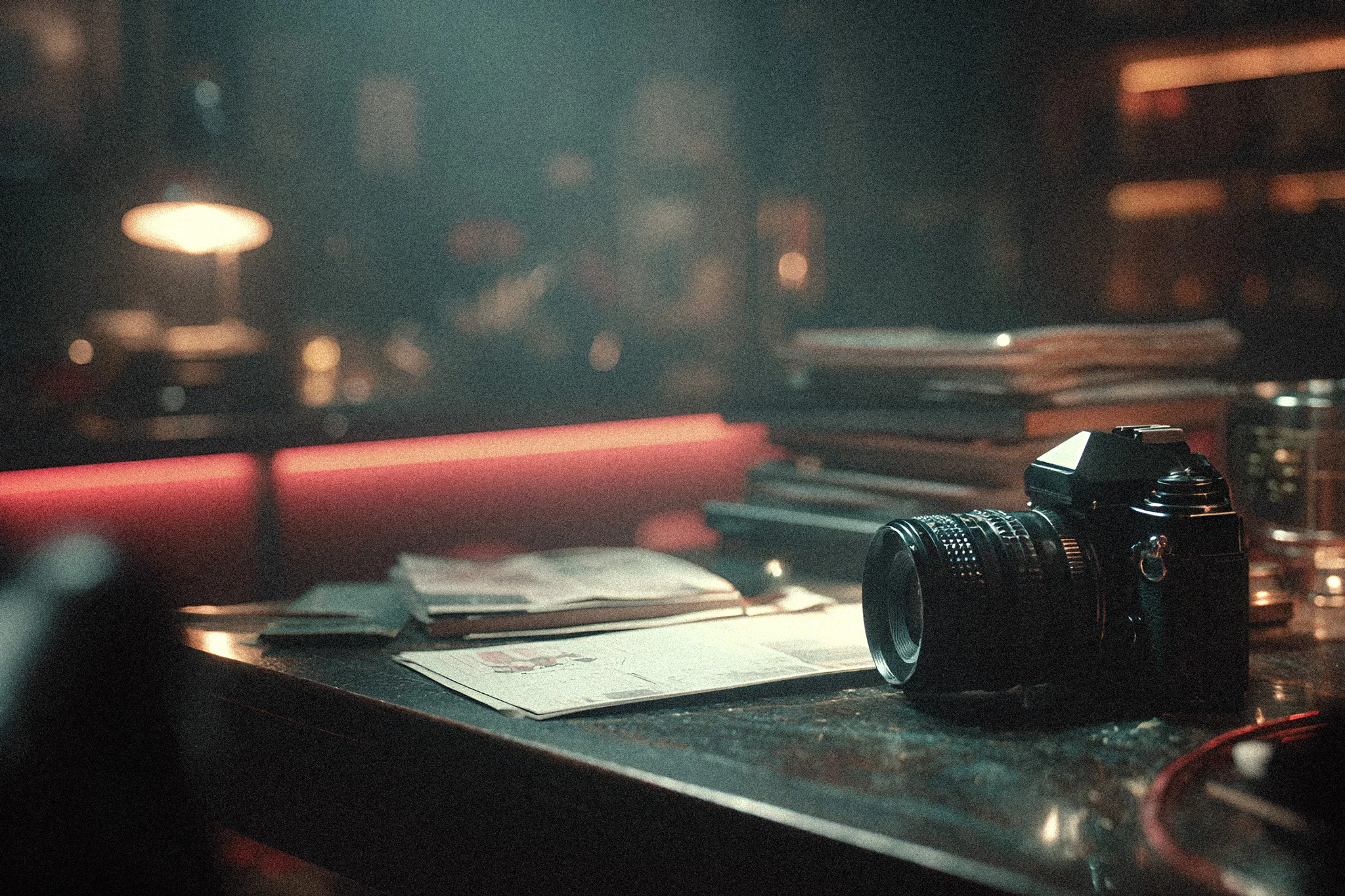
At ClickwithSal, Dzine is one of the AI tools we use daily. It helps us create blog assets faster, but its value goes far beyond speed. We also use Dzine for:
- AI photo enhancements
- Article banner creation
- Wall art mockups
- Photo animation
For us, Dzine is absolutely worth having in our creative stack. The platform brings together some of the strongest AI image and video generation models in one place. In this article, we’ll break down the main Dzine use cases at ClickwithSal and show you practical ways to use the platform in your own creative projects. If you want a deeper look at the platform itself, also read our Dzine AI review.
Hybrid Photography with Nano Banana Pro
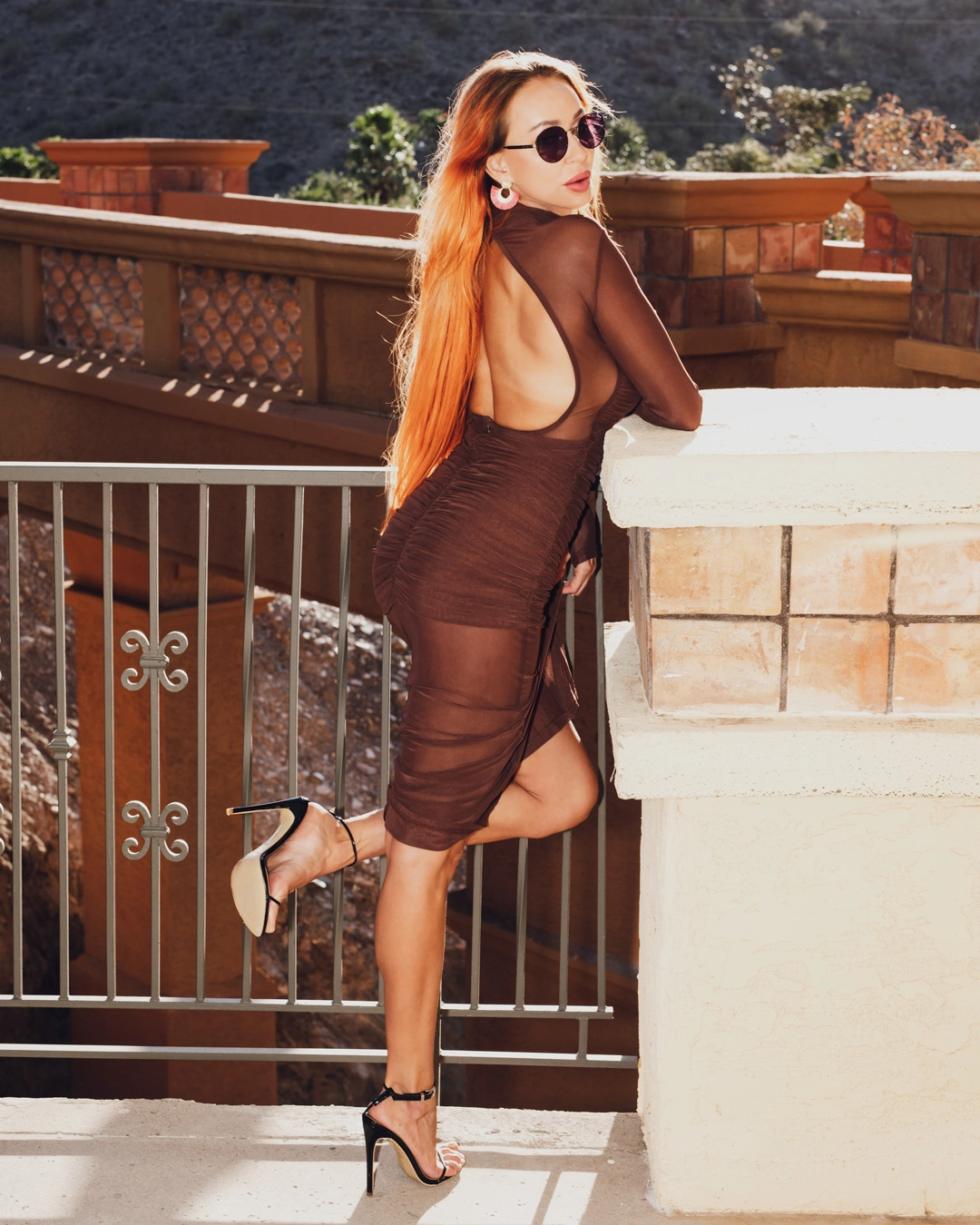
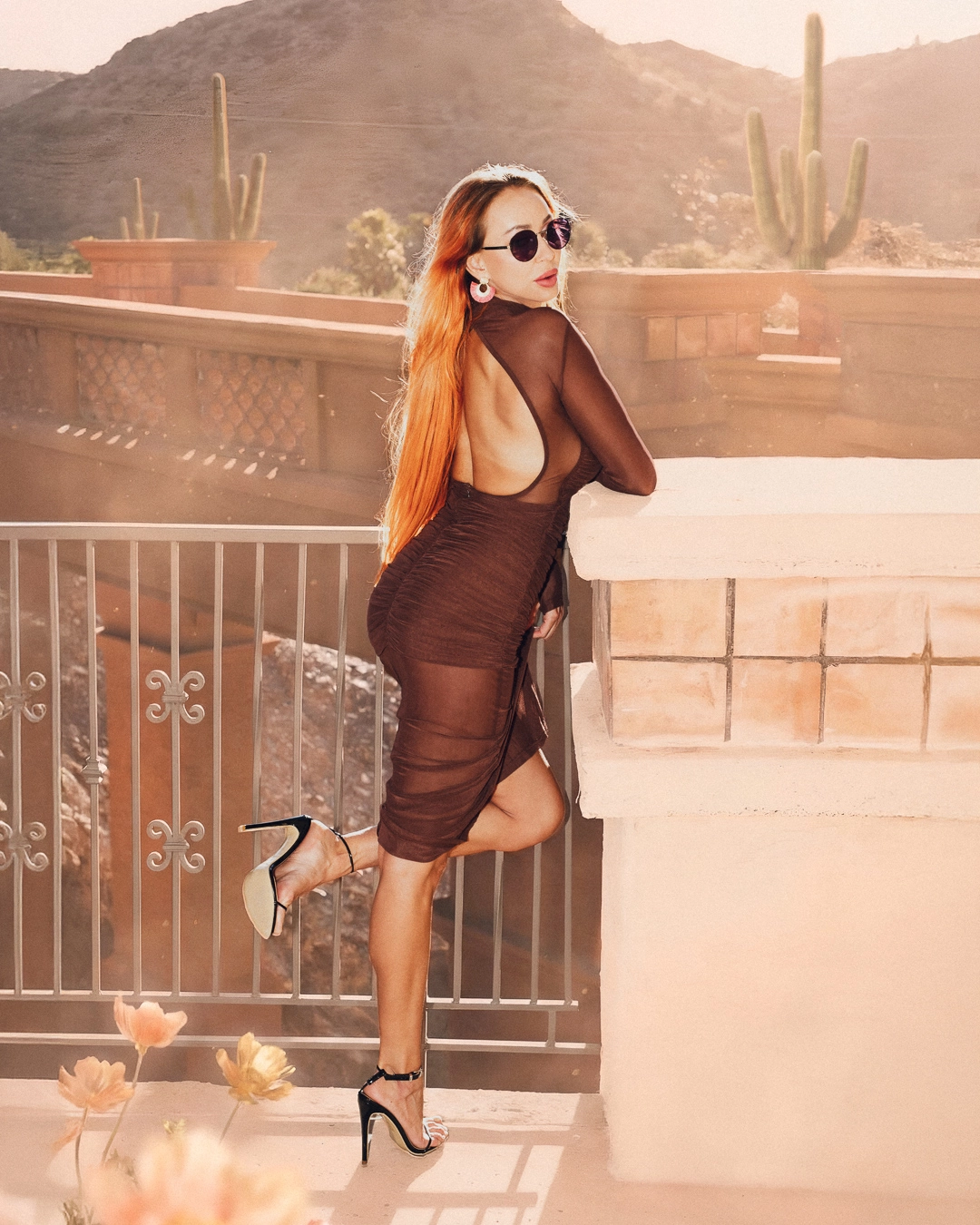
This is one of the strongest use cases for editing existing photos with AI. We use Nano Banana Pro inside Dzine because it supports high-resolution exports, and offers far better credit value than using Nano Banana Pro directly in Photoshop.
When working with hybrid photography workflows, this approach gives us the flexibility to enhance the environment, refine atmosphere, and then bring the final edit back into Photoshop for precise finishing work. This is how we use it in this situation, but inside Dzine you can also combine Nano Banana Pro with other popular AI models to:
- Add cinematic atmosphere
- Reshape lighting mood
- Extend backgrounds
- Create surreal storytelling elements
Adobe’s generative workflows become expensive fast if you’re experimenting heavily. Dzine gives far better value when:
- Testing concepts
- Building blog assets
- Iterating cinematic scenes
- Experimenting creatively
How to Use Dzine AI for Blog Banners
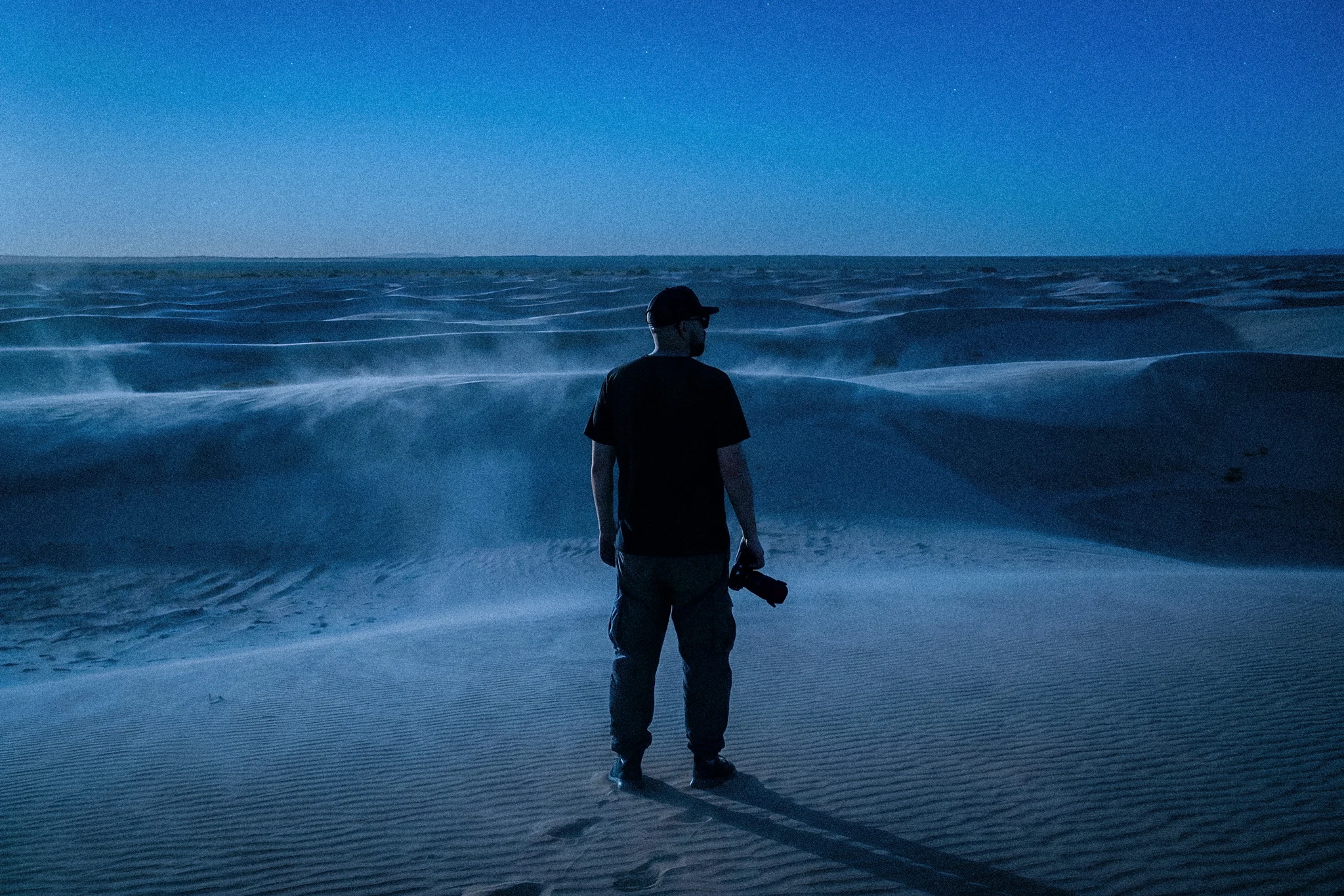
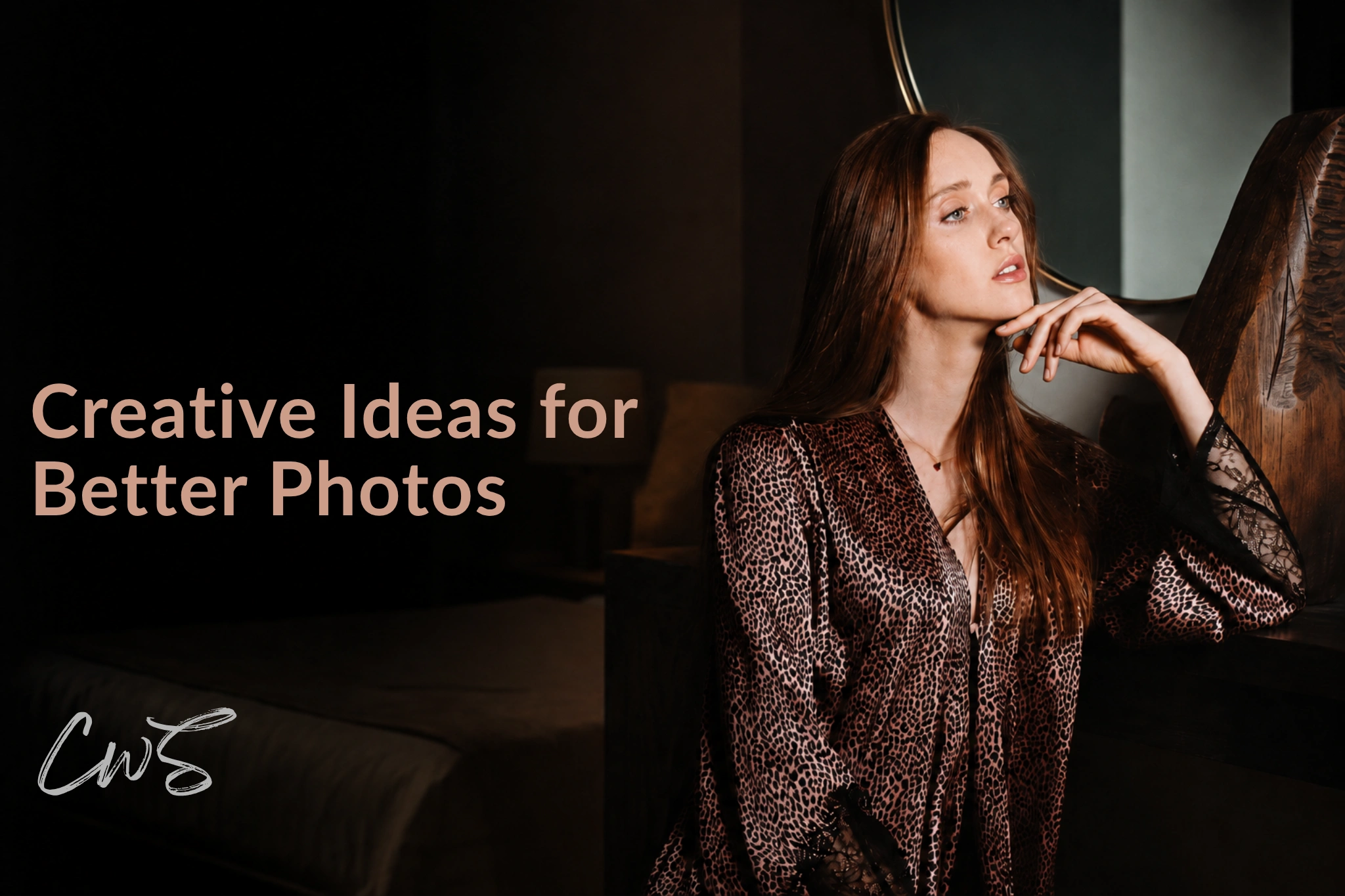
There are occasions when we use Dzine to generate blog banners and supporting visuals alongside real photographs, like in this article. Having access to multiple AI models, the ability to start from an existing image, and tools such as consistent character generation creates far more control over the final result. This makes it possible to produce customized visuals efficiently without losing the identity and visual style behind ClickwithSal.
Instead of relying on generic stock banner images that often feel disconnected from the brand, Dzine allows us to create visuals that are more distinctive, immersive, and optimized for stronger click-through rates. The ability to produce high-quality banner visuals without going through a full manual graphic design production is another reason we consider Dzine such a powerful and highly functional creative tool within our workflow.
How To Use Dzine AI to Animate Photos and Other Use Cases
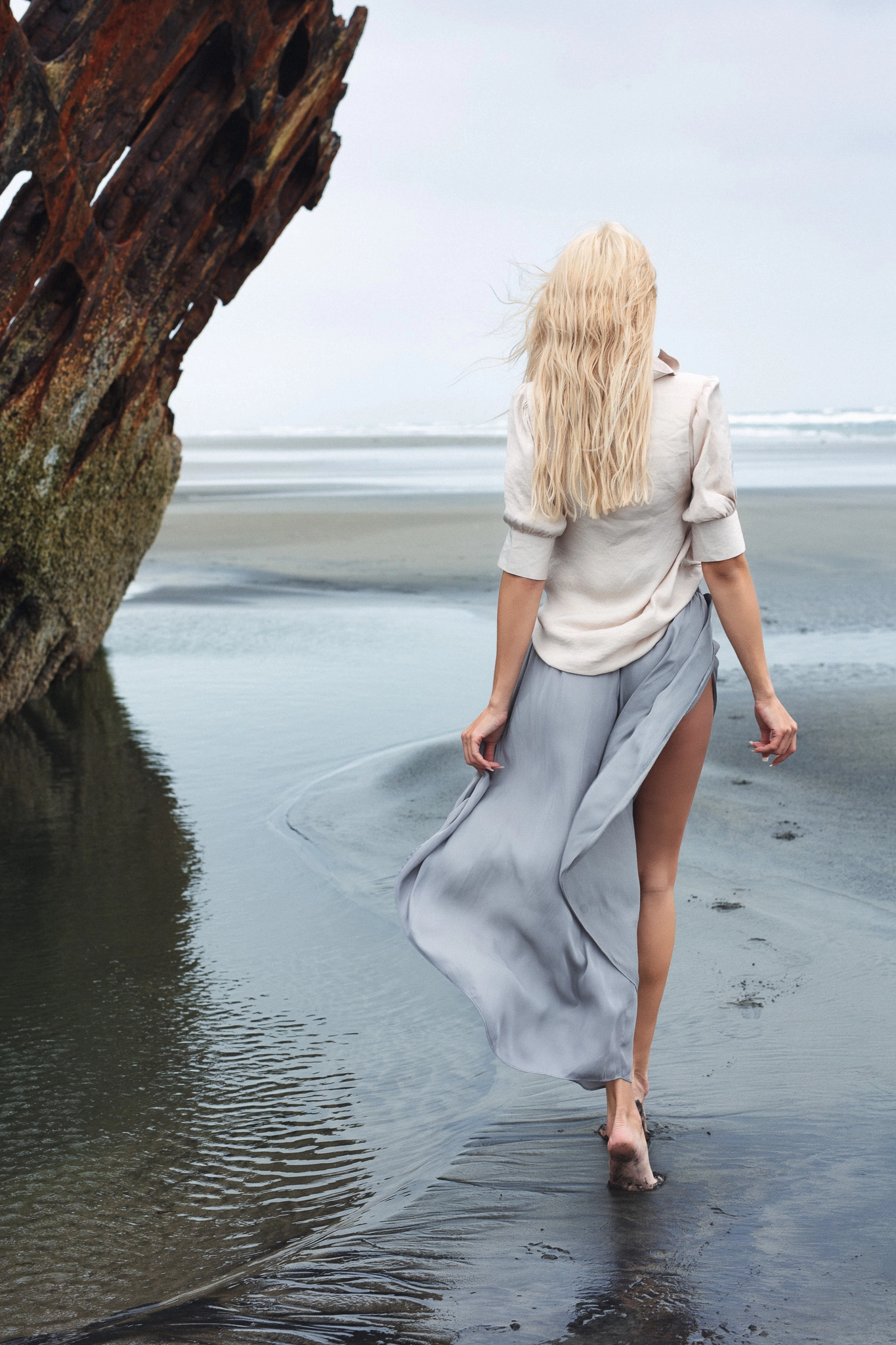
AI photo animation is a massive opportunity for content creators right now, yet many photographers are still heavily underusing it. That is a serious oversight, especially as platforms increasingly reward motion content over static images. For photographers, AI photo animation offers an innovative way to repurpose a single photograph into multiple forms of high-engagement content:
- Instagram reels
- Youtube shorts
- Pinterest video pins
- X video posts
- Blog embeds
- Digital ads and promos
- Teaser clips
Dzine’s AI video generator includes several of the most popular video generation models available today, and the platform is updated frequently with new releases and model upgrades. Dzine offers a 7-day free trial along with multiple paid plans that remain competitively priced for the amount of creative control and production value they deliver. The pricing structure ranges from beginner-level credit systems for casual creators to higher-tier plans built for heavy production workflows and commercial use.
Another detail worth mentioning is that the Master plan, priced at $59.99 per month, includes access to advanced image and video models, including options that support uncensored NSFW AI video generation. Unlike many AI video tools that aggressively perform content detection and moderation, these models currently allow significantly broader creative flexibility and fewer automated restrictions. While that is not a use case at ClickwithSal, it is still worth mentioning because many creators specifically search for AI video generators with uncensored or less filtered output capabilities.
It is also important to note that the term “uncensored” does not mean lawless. In the context of AI, it generally refers to moderation systems that are less aggressive about blocking content that is edgy, sensual, or unconventional. With Dzine’s Master plan, a filmmaker won’t get flagged for a dark scene, and a photographer won’t lose access because of artistic nudity or provocative storytelling. At the same time, Dzine still enforces strict rules against illegal content. Anything involving minors, exploitation, non-consensual material, or unlawful activity remains completely prohibited. There is a clear distinction between uncensored creative tools and illegal misuse.
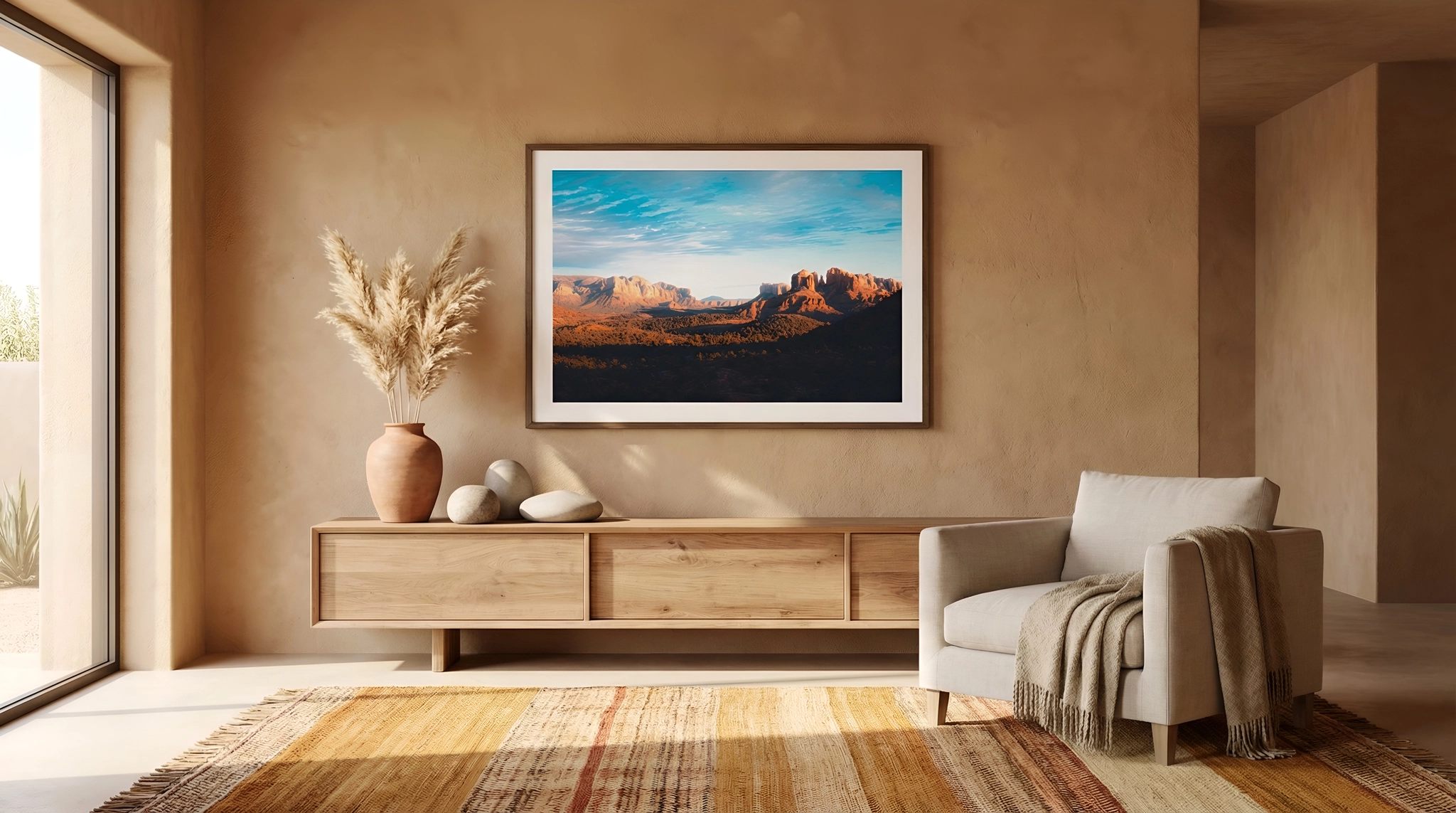
In our workflow, gallery mockups are another strong use case. Wall art converts significantly better when shown in various environments instead of isolated image previews. We use this approach for print imagery within Gallery Canyons, but it applies to any product mockup that needs stronger visual context.
Other high value Dzine use cases include creating:
- Custom moodboards
- Pre visualizations for shoot concepts
- Music visuals
- Graphics
- Thumbnails
- Stylized typography layouts
Considering Dzine’s easy learning curve, intuitive interface, built in features, and multiple AI models, it can be a solid alternative to Canva. In our opinion, it can actually be superior because it allows greater consistency in branding through originality and deeper customization.
Dzine AI FAQs
Dzine AI is used for AI image generation, image editing, video generation, photo animation, design assets, product mockups, blog banners, moodboards, and creative content production.
Yes, Dzine AI can be useful for photographers who want to create blog visuals, enhance existing images, animate photos, build wall art mockups, test shoot concepts, or create supporting assets around their photography. It works best when used as a creative layer around real work.
Yes, Dzine AI can be used to edit existing photos by uploading an image and using AI models to adjust the background, atmosphere, lighting mood, style, or visual direction. For serious work, the best approach is usually hybrid: start with a real photograph, use Dzine to explore or enhance the scene, then finish the final image in Photoshop or another professional editing tool.
Yes, Dzine AI can be used to create custom blog banners and supporting visuals. This is useful when stock images feel too generic or disconnected from the brand.
Yes, Dzine AI includes AI video generation tools that can help turn static images into motion content.
Dzine AI can be worth it for content creators who regularly need banners, mockups, AI image edits, video clips, moodboards, thumbnails, or branded visual assets.
Dzine AI can be better than Canva for creators who want more control over AI-generated visuals, custom image editing, photo-based workflows, and original visual direction. Dzine is stronger when the goal is to create visuals that feel less generic and more connected to a specific creative identity.
Key Takeaways
- Dzine works best as a workflow multiplier, not a photography replacement
- Nano Banana Pro in Dzine delivers insane visual output without the inflated costs inside Photoshop
- Product mockups and animated photos are major overlooked monetization angles
- Consistency matters more than random AI generation volume
- AI becomes powerful when it is used to scale production, not to shortcut creativity
If your work is starting to feel limited by time, tools, or repetitive outputs, give Dzine a try and run it through your content production workflow. Treat it as a real layer inside your system and see how the shift feels in practice.
Affiliate Disclosure: Some links or promo codes in this article may earn us a commission if you buy through them, at no extra cost to you. That does not change our opinion. We recommend tools based on whether they actually fit the workflow.










Leave a Reply