
At its core, LumiBot is an AI-powered assistant designed specifically for Luminar Neo. It answers editing questions instantly, suggests tools based on your image, and guides you through workflows without forcing you to leave your editor. That’s the short version. Now comes the real shift. Is LumiBot just another gimmick AI tool, or is it built to solve the real struggle with creativity and editing while improving results that you still control as the creator?
Quick clarification: this LumiBot review is about LumiBot for Luminar Neo from Clever Photographer. It is not the Python trading bot library, manufacturing AI tool, or unrelated software products that also use the Lumibot name.
What is LumiBot and Why It Exists

LumiBot isn’t a preset, and it’s not a plugin. It’s an AI-powered assistant built for Luminar Neo photo editing. Developed by Clever Photographer, LumiBot is designed to help you understand and use Luminar Neo’s tools with more clarity and control. The table below breaks down its key features.
| Feature | What it does |
| AI assistance | Gives editing help on demand |
| Photo-based guidance | Can analyze photos for suggestions |
| Tutorial support | Points users to training content |
| Workflow help | Speeds up editing decisions |
| 24/7 availability | Available whenever you need help |
This means that instead of jumping between scattered guides, you get context-specific guidance trained on over 100 tutorials and Luminar Neo documentation. For example, if you ask LumiBot, “Why does my sky replacement look fake?” it won’t give you a vague opinion. It will point directly to what needs to be fixed.
LumiBot vs Luminar Neo AI Assistant: LumiBot and Luminar Neo’s built-in AI assistance solve similar friction from different angles. LumiBot works best as an external editing guide trained around Luminar Neo workflows and Clever Photographer education. Luminar Neo’s native AI Assistant is more directly integrated into the Skylum environment.
Bonus for readers: If you’re already in Luminar Neo, LumiBot removes the guesswork. Grab it with code SAL for 10% off.
How LumiBot Works Inside Luminar Neo

This is how LumiBot operates during an editing session in Luminar Neo:
- Load your image: You’re working inside Luminar Neo like normal.
- Hit friction: Something in the image feels flat or off.
- Ask LumiBot: You type a direct question, for example “How do I enhance sunset colors?” or “How can I add depth to this portrait?”. You can also upload your photo directly.
- Get actionable direction: This is where the real value shows up. No YouTube rabbit holes, LumiBot responds to your exact problem, adapts to your image, and works in real time without breaking momentum.
Where LumiBot Actually Helps
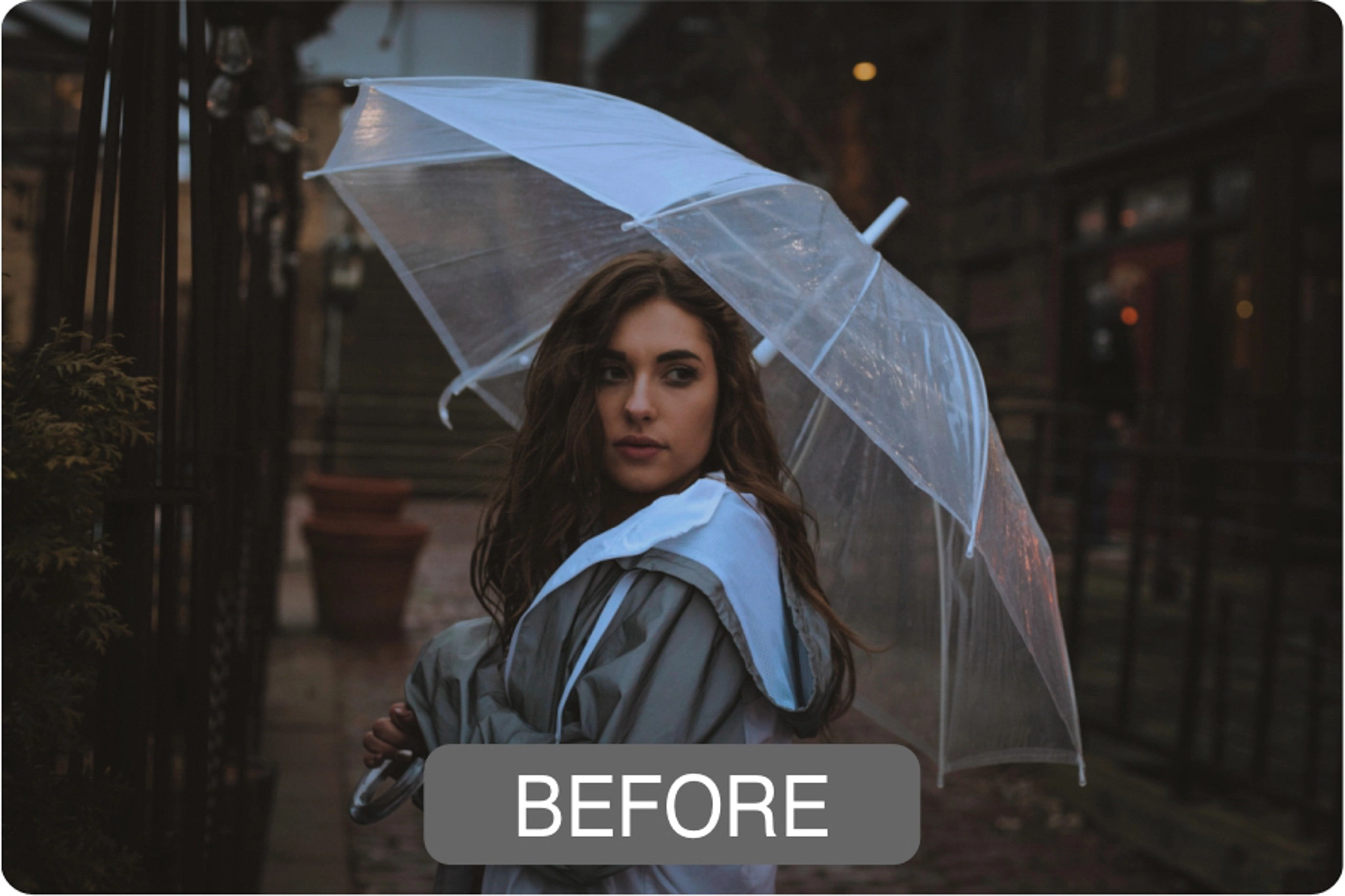
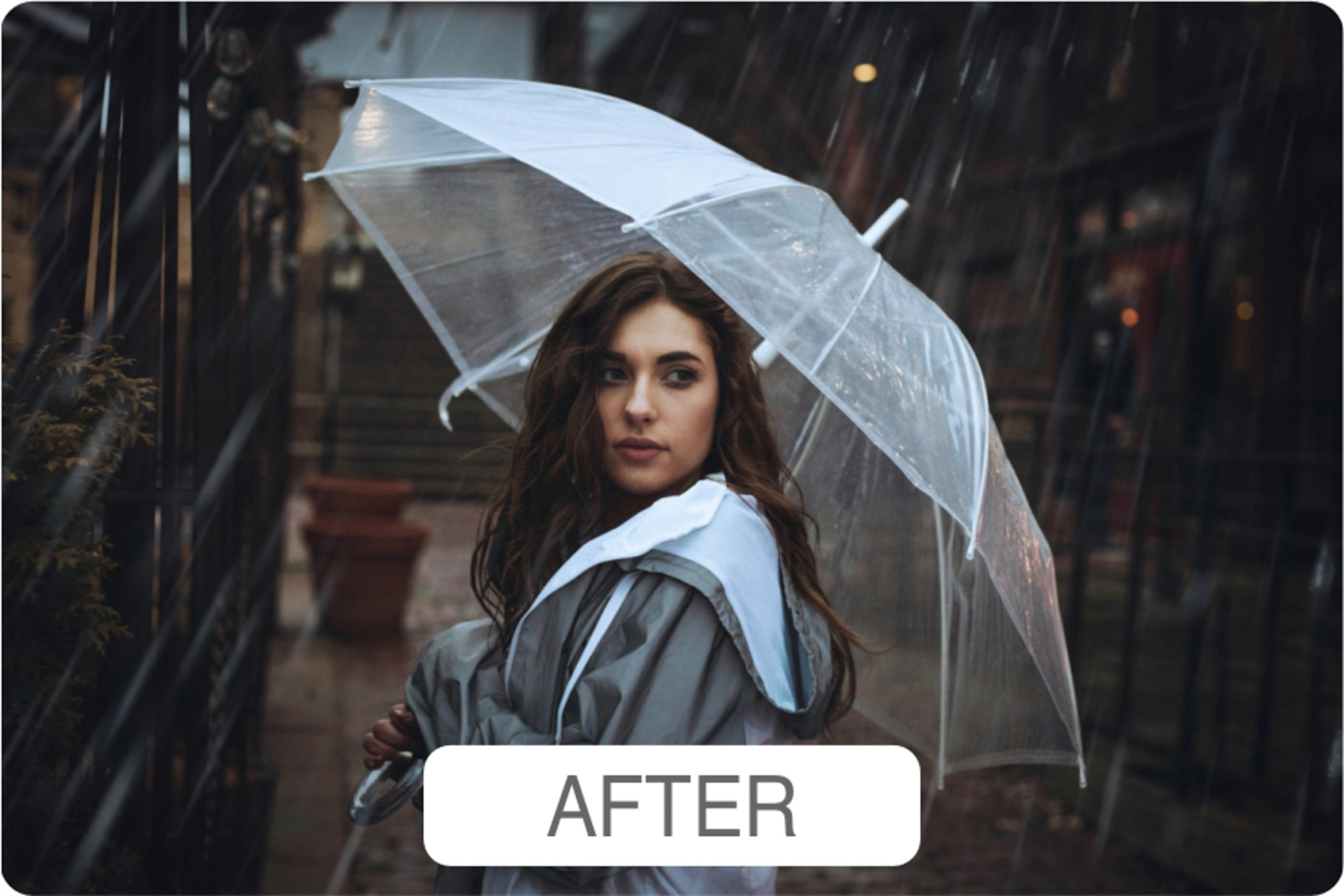
The difference between watching a tutorial and using LumiBot is that the first option is passive, while the second is reactive. This is key because instead of learning theory, you are learning inside your own work. That’s why we can confidently say LumiBot doesn’t replace learning; it actually improves it.
Our suggestion is not to pretend LumiBot replaces skills. It won’t:
- Make bad photos good
- Replace artistic direction
- Build your style for you
If you rely on it blindly, your work will start to feel generic. Instead, use it as:
- A guide
- A shortcut
- A valuable editing assistant
The current version is LumiBot 2.0, and here are the most notable aspects of the update:
- Unlimited access (no capped queries)
- Smart contextual answers
- Deep understanding of editing intent
- Multilingual support


Considering LumiBot’s approachable pricing and the fact that you get unlimited access, continuous guidance, and an evolving knowledge base, the ROI is obvious. If you choose LumiBot, code SAL unlocks 10% off.
Pairing LumiBot with The Luminar Neo Ecosystem



This is where it gets really powerful. Pairing LumiBot with the right tools turns it into an optimized editing system:
- Foundation: Read more about Luminar Neo. If you are not using it yet, start today.
- Ultimate Sky Bundle: LumiBot can suggest sky replacements, but you still need high-quality skies. Browse the Clever Photographer Ultimate Sky Bundle.
- Luminar Neo Presets: Lock your editing game into a consistent style. Read our Luminar Neo presets breakdown.
Before starting with LumiBot, here are some common mistakes to avoid. To get the full value when using it, avoid:
- Asking vague questions: Bad: “How do I improve this?”. Better: “Why do my highlights look harsh on skin?”.
- Ignoring consistency: LumiBot will improve your Luminar Neo edits, but you still need a clear visual direction and a consistent approach.
- Treating it like magic: LumiBot is not replacing your eye. It sharpens it while helping you achieve better outputs. If your taste is weak, your edits will still be average, just faster.
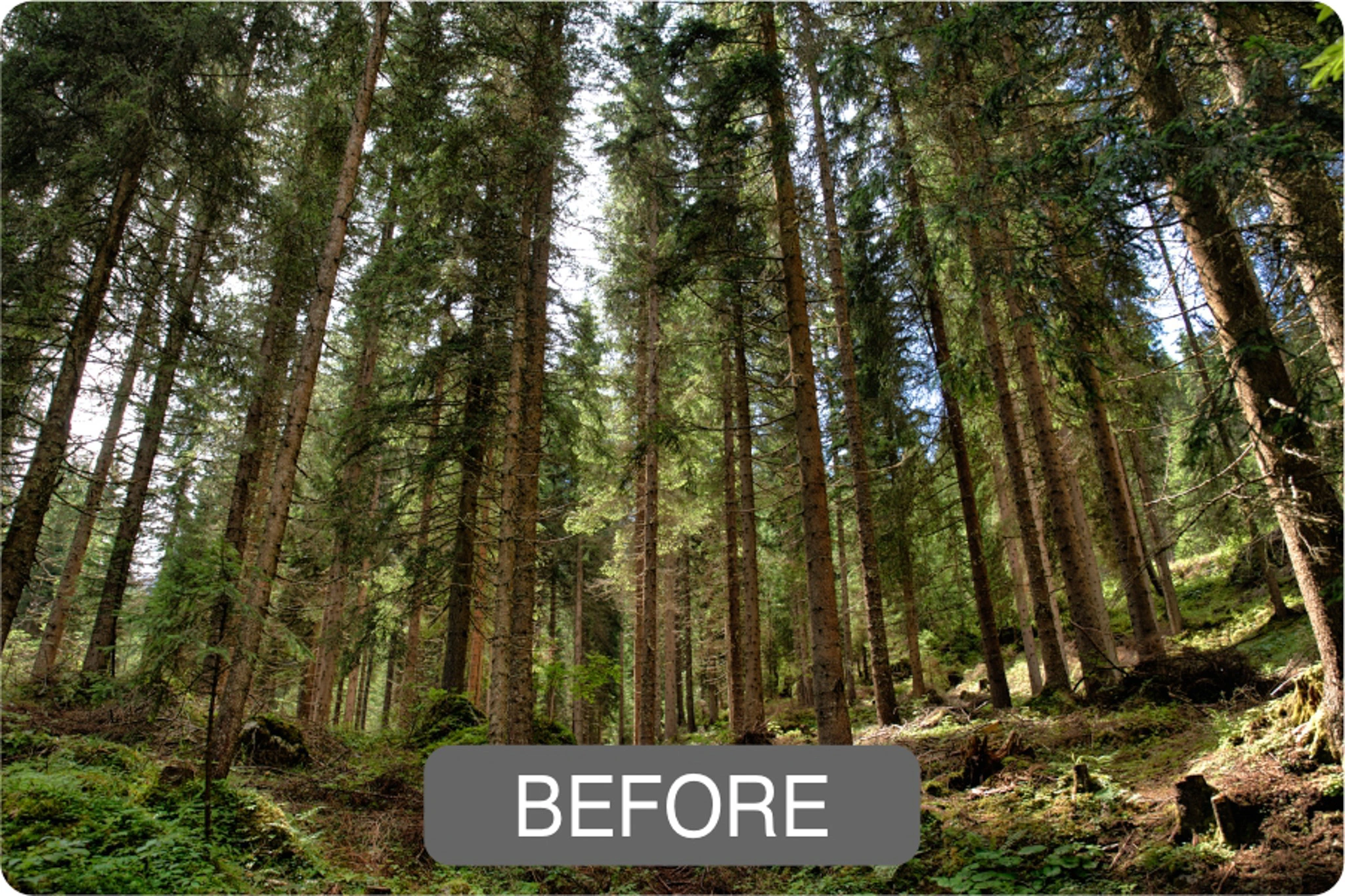
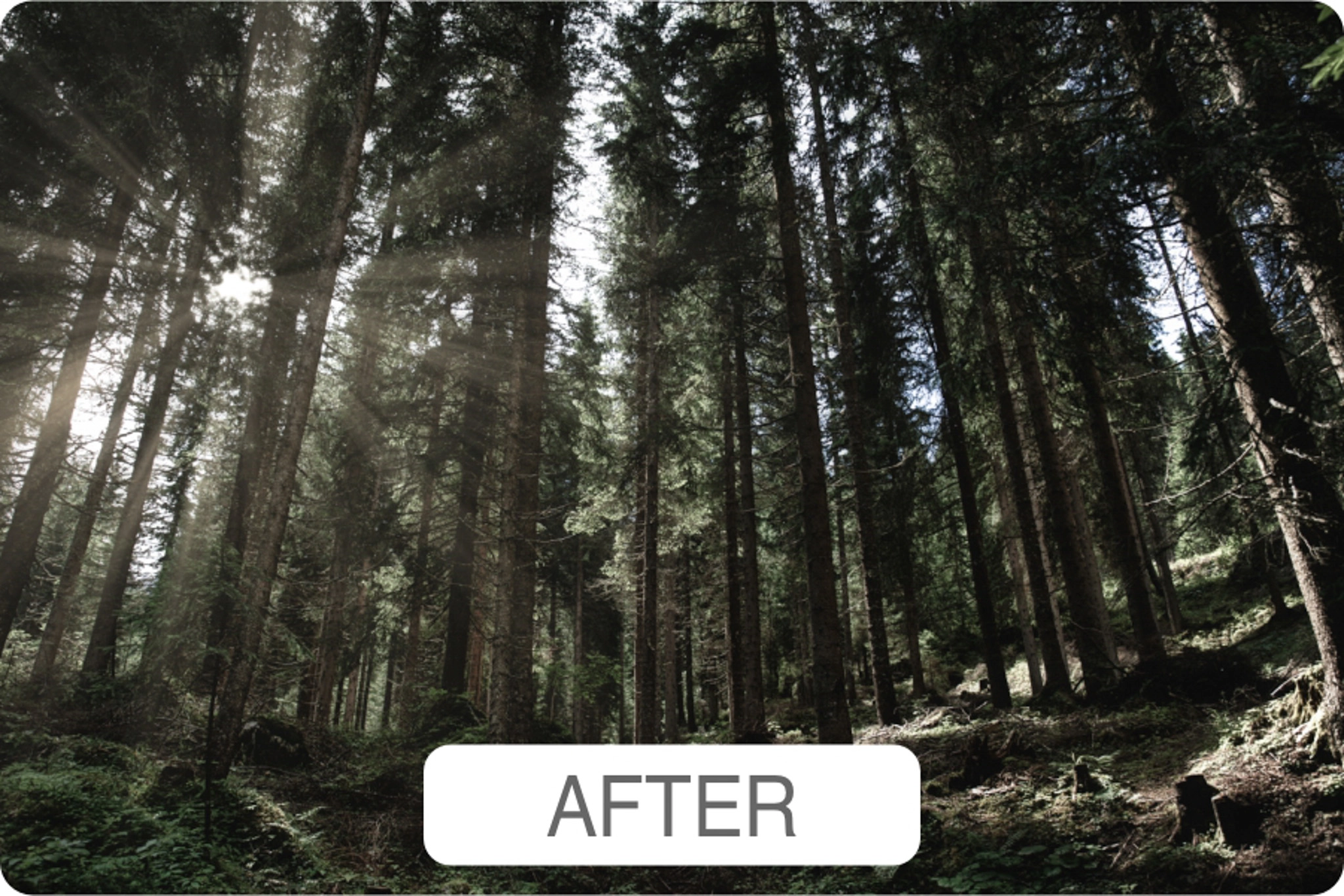
Now for the final question: is LumiBot actually worth it? If you are only editing occasionally, probably not. But if your goal is to improve your workflow in Luminar Neo and build consistent results across your edits, LumiBot earns its place. If you choose to try it, use code SAL for 10% off.
LumiBot FAQs
No, LumiBot is not a traditional Luminar Neo plugin or preset pack. It is an AI-powered editing assistant built to help Luminar Neo users understand tools, solve editing problems, and get workflow guidance faster. Think of it as a smart editing coach rather than another effect or slider.
LumiBot answers Luminar Neo editing questions, explains tools, suggests workflows, points users toward relevant tutorials, and can give creative suggestions based on uploaded photos. Its value is not that it edits the image for you, but that it helps you make better editing decisions while you work.
LumiBot is worth it if you use Luminar Neo often and want faster guidance without searching through manuals, tutorials, or YouTube videos. It makes the most sense for photographers who want to improve their editing workflow, understand Luminar Neo tools better, and avoid wasting time guessing which feature to use.
No, LumiBot does not replace learning photo editing. It can speed up the learning process by giving direct answers inside your workflow, but you still need taste, judgment, and creative direction. If you rely on it blindly, your edits can still look generic.
LumiBot 2.0 is available through the Clever Photographer website and can be used on desktop or mobile. There is also a separate LumiBot Mobile product built specifically for the Luminar Mobile app, so users should make sure they choose the version that matches their editing setup.
Yes. ClickwithSal readers can use the discount code SAL for 10% off through the Clever Photographer link.
Key Takeaways
- LumiBot is an AI assistant built specifically for editing in Luminar Neo.
- It works best as a real-time decision assistant by giving instant, contextual editing guidance.
- It speeds up and optimizes the editing process, but it does not replace creative intent or direction.
- Its value can be underutilized if you rely on weak or vague prompts.
- LumiBot is ideal for photographers who want direct learning from their own work and value efficiency and consistency.
Photo courtesy of Clever Photographer















Leave a Reply