
Ever stared at a mountain of RAW files and thought, “There’s no way I’m getting through this tonight?”. Probably yes, and that’s why you found this article. Culling and organizing can be a time consuming task, and let’s be honest, it’s not the most fun part of photography. When photographers talk, two big names usually come up: Aftershoot and Photo Mechanic. Both are respected, both are fast, but they’re built for totally different workflows. Wondering which one better fits your style? Here’s my honest Aftershoot vs Photo Mechanic breakdown.
2026 Update: Aftershoot Is Now More Than AI Culling
Photo Mechanic still wins for photographers who want blazing-fast manual ingest, tagging, and metadata control. But Aftershoot now goes beyond culling by connecting editing, retouching, and Galleries.
Quick Intro: What They Do
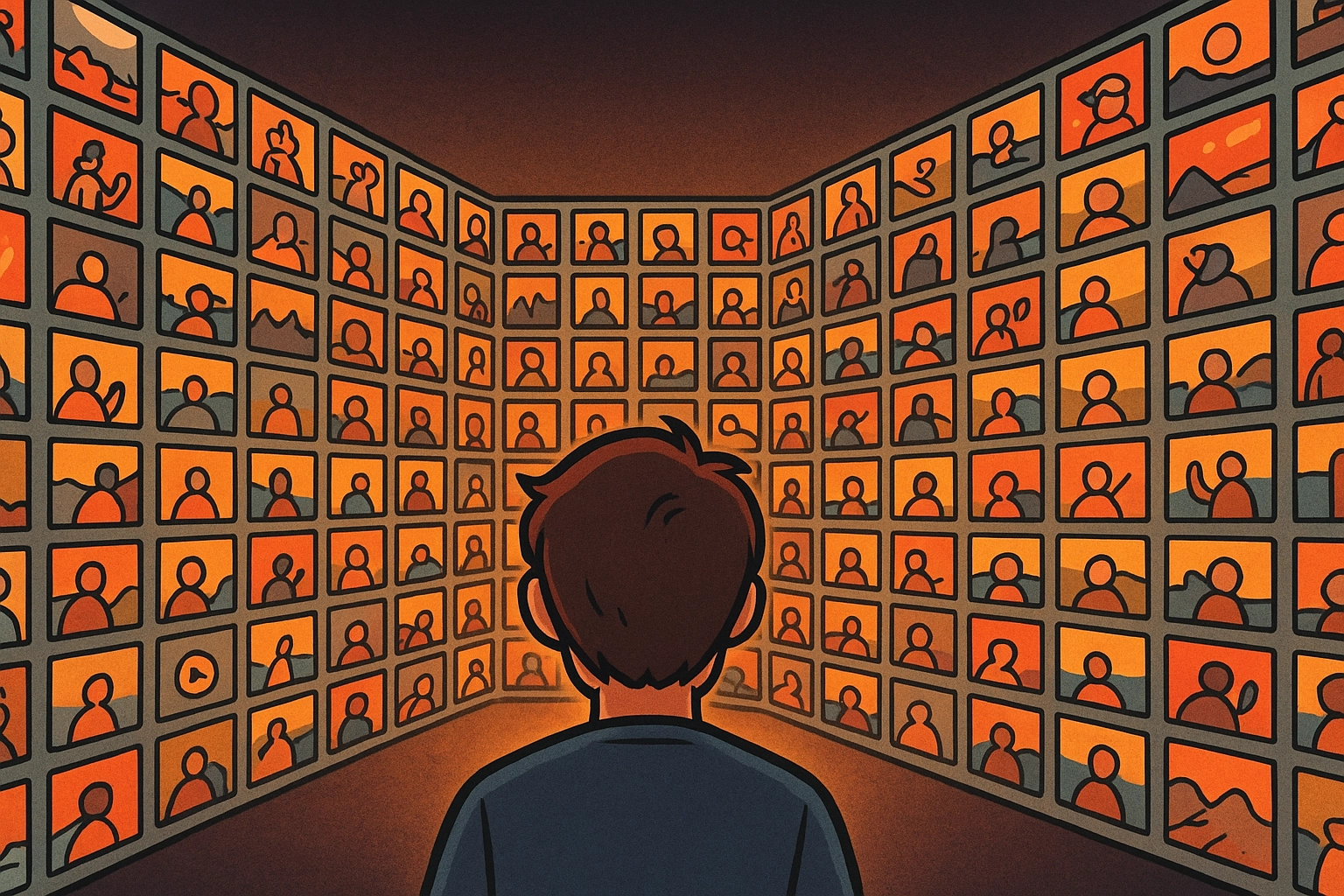
- Aftershoot: AI-powered culling & editing assistant. Think: it looks at your gallery, finds the best shots, groups duplicates, and learns your taste the more you use it. It’s automation without compromise.
- Photo Mechanic: Old-school file manager loved by journalists and event shooters. It’s blazing fast at previews, tagging, and metadata, but everything is still 100% manual.
So the real question isn’t which one is better, but which one is better for you.
Aftershoot
Aftershoot is built to save you hours:
- AI Culling: Detects sharpness, exposure, even facial expressions. It’ll group duplicates and tell you which shot in a series is the keeper.
- Learns Your Taste: The more you use it, the more it mirrors your style of culling.
- Local + Lightning Fast: Processes thousands of RAWs in minutes, no internet required.
Bonus: If saving hours sounds good, you can test it yourself. Use code CLICKWITHSAL15 to get 15% off Aftershoot.
See also: Aftershoot Review and Aftershoot AI Retouching.
Photo Mechanic
- Browsing Speed: Zero rendering lag, even with massive RAW files.
- Multi-Card Import: Ingest from multiple cards at once, with safety checks.
- Manual Culling: You tag, rate, and select. No AI culling.
For photographers who live and die by metadata (think: wire services, agencies, sports shooters), Photo Mechanic is still the standard.
Aftershoot vs Photo Mechanic
| Feature | Aftershoot | Photo Mechanic |
| Culling | AI-powered (fast + adaptive) | Manual (tag + rate) |
| Speed | Thousands in minutes (AI) | Instant previews, manual selects |
| Metadata | Basic | Advanced (journalist-level) |
| Learning Curve | AI adapts to you | Metadata-heavy |
| Ideal For | Wedding + portrait photographers, high-volume creatives | Journalists, sports shooters, metadata-first workflows |
For most portrait and wedding photographers, the AI route just makes sense. If you want to see how it works in practice, use promo code CLICKWITHSAL15 at checkout to receive 15% off Aftershoot.
Which Should You Choose? Here’s Why I Back Aftershoot

If you are a wedding, commercial, or portrait photographer, I’d go with Aftershoot. Time is everything, and Aftershoot is an example of how smarter tools evolve with you, not against you. If you are a sports or news photographer, opt for Photo Mechanic since metadata precision matters most. If you fall into both categories, run them together: use Photo Mechanic for metadata and Aftershoot for culling.

Ready to speed up your workflow? Start Aftershoot today with code CLICKWITHSAL15 for 15% off.
Aftershoot vs Photo Mechanic FAQs
Aftershoot is better if you want AI to help cull, edit, retouch, and move a gallery faster. Photo Mechanic is better if you want full manual control, fast ingest, captions, keywords, and metadata. For most wedding and portrait photographers, Aftershoot is the stronger time-saving choice.
No. Photo Mechanic is built around fast manual culling, tagging, rating, ingest, and metadata control. It helps you move through files quickly, but you still make the selections yourself.
Aftershoot can replace Photo Mechanic for photographers who mainly need faster culling, editing, retouching, and client gallery delivery. It may not replace Photo Mechanic for photographers who rely heavily on IPTC metadata, captions, code replacements, agency workflows, or advanced ingest control.
Most wedding photographers will get more value from Aftershoot because weddings create large galleries with repeated expressions, duplicates, blinking, soft images, and similar moments. AI culling can cut down the slowest part of the workflow while still letting the photographer review final selects.
Affiliate Disclosure: Some links or promo codes in this article may earn us a commission if you buy through them, at no extra cost to you. That does not change the opinion. We recommend tools based on whether they actually fit the workflow.












Leave a Reply