
We tested the latest Luminar update to see if it is worth considering as a solid Photoshop alternative for fast creative editing and powerful AI tools. This Luminar review covers version 1.28, which is available now, and our first impressions point to an editing experience that feels more organized and faster than in previous versions of Luminar Neo.
Current update, August 2026: Luminar 1.28 is available now, but Skylum’s larger Fall Upgrade has not shipped yet. We are publishing this first hands-on review based on the software you can use today, then returning to this exact page when Atmosphere 2.0, Crop 2.0, Enhance AI, AI Assistant 2.0, and the Web Editor arrive. Bookmark this page for our testing and final verdict on the complete Fall Upgrade.
Want to keep up with our Luminar coverage and other photography tools we’re testing? Join our email list below to stay connected as we publish new work.
Luminar Review Quick Verdict
In our opinion, Luminar is a great fit if you want a fast, AI-powered, visually driven photo editor. For stylized edits, we find its creative tools especially valuable, particularly for travel and artistic photography that needs an extra layer of atmosphere or visual impact. However, we would not tell every photographer to abandon Lightroom. That decision depends heavily on how you prefer to manage and organize your catalog. Luminar can also run as a plugin, which makes it easy to add its creative tools to an existing Lightroom or Photoshop workflow rather than replace it entirely.
Best for:
- Creative photographers
- Travel and landscape photographers
- Photographers who want powerful AI without a steep learning curve
- Lightroom users wanting a creative finishing editor
- Photographers who prefer perpetual software ownership
Less compelling for:
- Photographers heavily dependent on Lightroom Classic catalog management
- Anyone expecting AI to make every creative decision for them
Bonus for readers: If Luminar fits your workflow, use code CLICKWITHSAL for 10% off. Click our Luminar link first, then enter the code at checkout to activate the discount. It also works alongside selected Skylum offers.
What Changed After Luminar Neo?
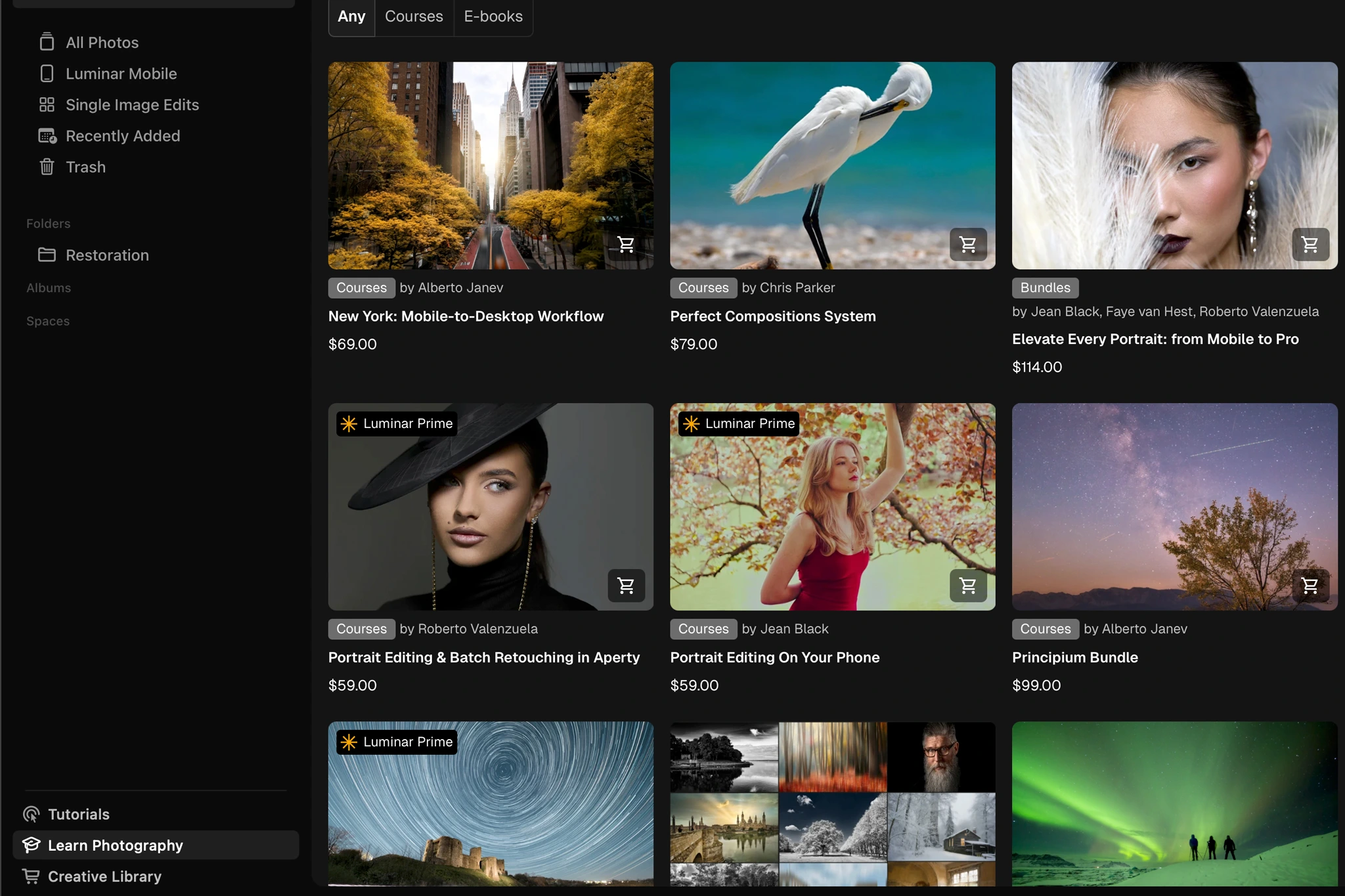
The important news is not the removal of Neo from the software name. It is that Luminar is starting to feel more like a connected editing ecosystem, with a cleaner and more cohesive workspace. Catalog and Edit now share the same space, while Presets, Tools, and Edit are grouped in the right-side panel. Navigation also gains breadcrumbs, back and forward controls, and the option to hide the Catalog panel when you want more room for the photograph.
This might sound like a mostly aesthetic change, but you actually feel the difference once you start editing. The workspace feels less fragmented and more focused on the image itself.
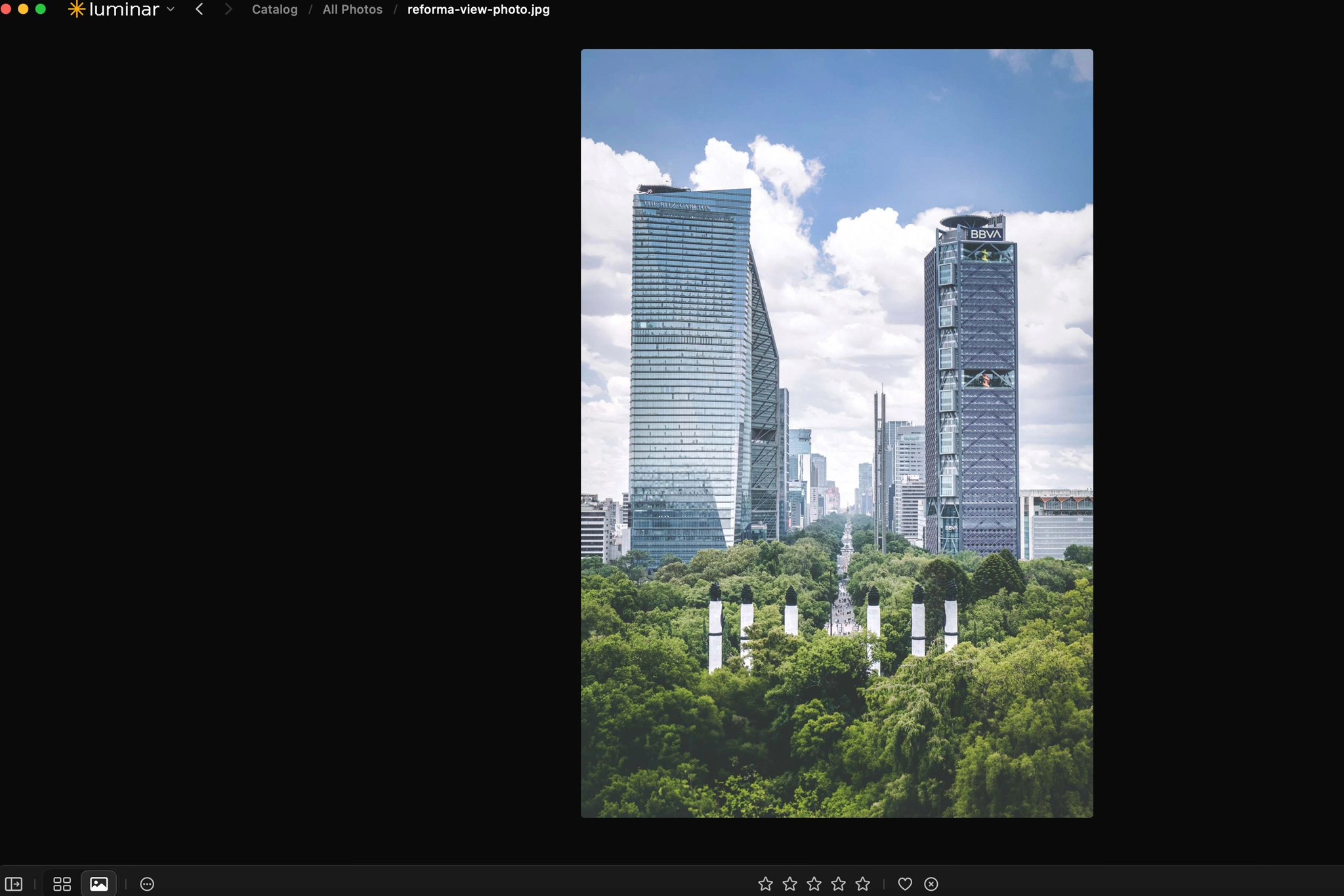
When editing in the newest version of Luminar, the first thing that feels different is the speed. Luminar is noticeably faster than previous versions. We have not run controlled timing benchmarks, so we are not going to pretend otherwise. What we can say from actually using the current release is that the software no longer feels as heavy as some previous versions of Luminar Neo did.
Our Luminar Workflow on Real Photos


We used two very different photographs to test the latest Luminar upgrade, and what stood out most was how quickly you can move between conventional photo correction and much more creative editing without turning the process into a technical exercise. We used Luminar for different reasons in each image, which makes them a good example of where the software is strongest.
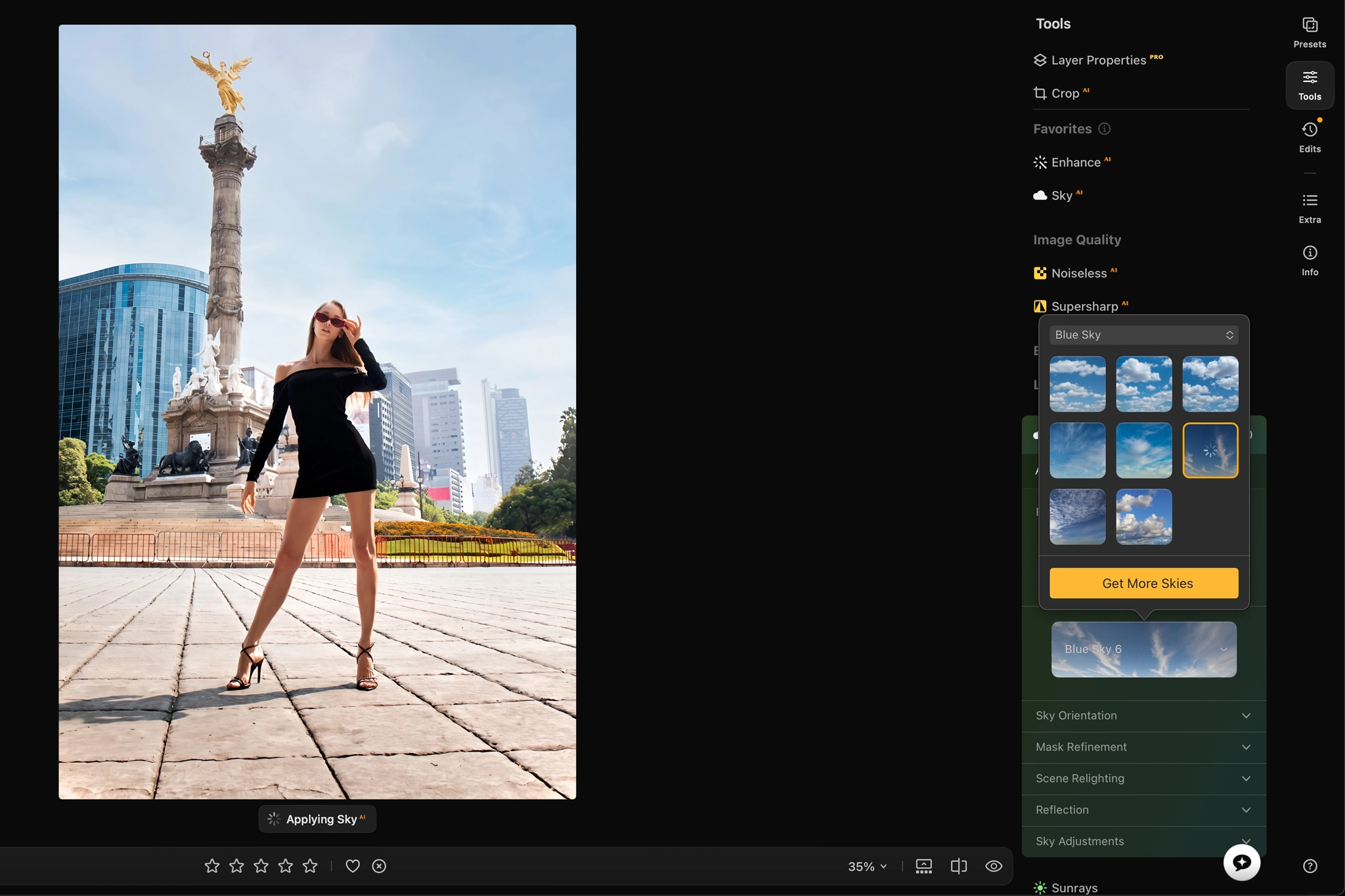
Model shot edit:
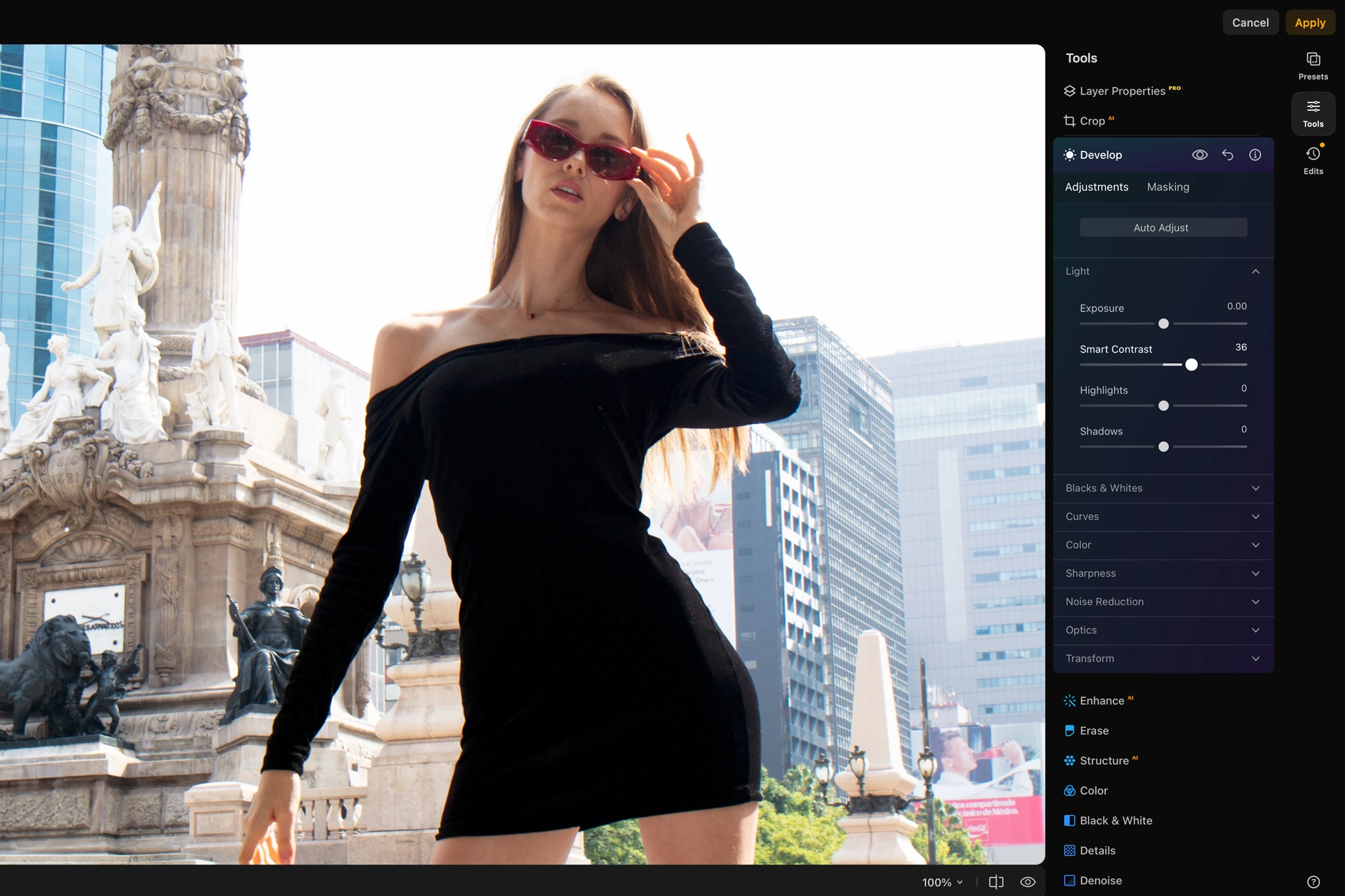
The original photograph had a nearly white, washed-out sky that contributed very little to the image. Instead of treating that as a limitation, we used Sky AI to replace the sky, then added atmosphere, refined the model’s skin, and gave the photograph a cleaner, more polished editorial finish. The sky replacement had to make sense with the direction of the light, color temperature, contrast, and the rest of the scene. Otherwise, it would immediately feel like an overlay pulled from a different photograph.
This is one of Luminar’s strongest use cases for us. It lets us start with a photograph that already has a strong subject and composition, identify the element holding it back, and push the image toward a more intentional visual direction without rebuilding the entire edit from scratch.
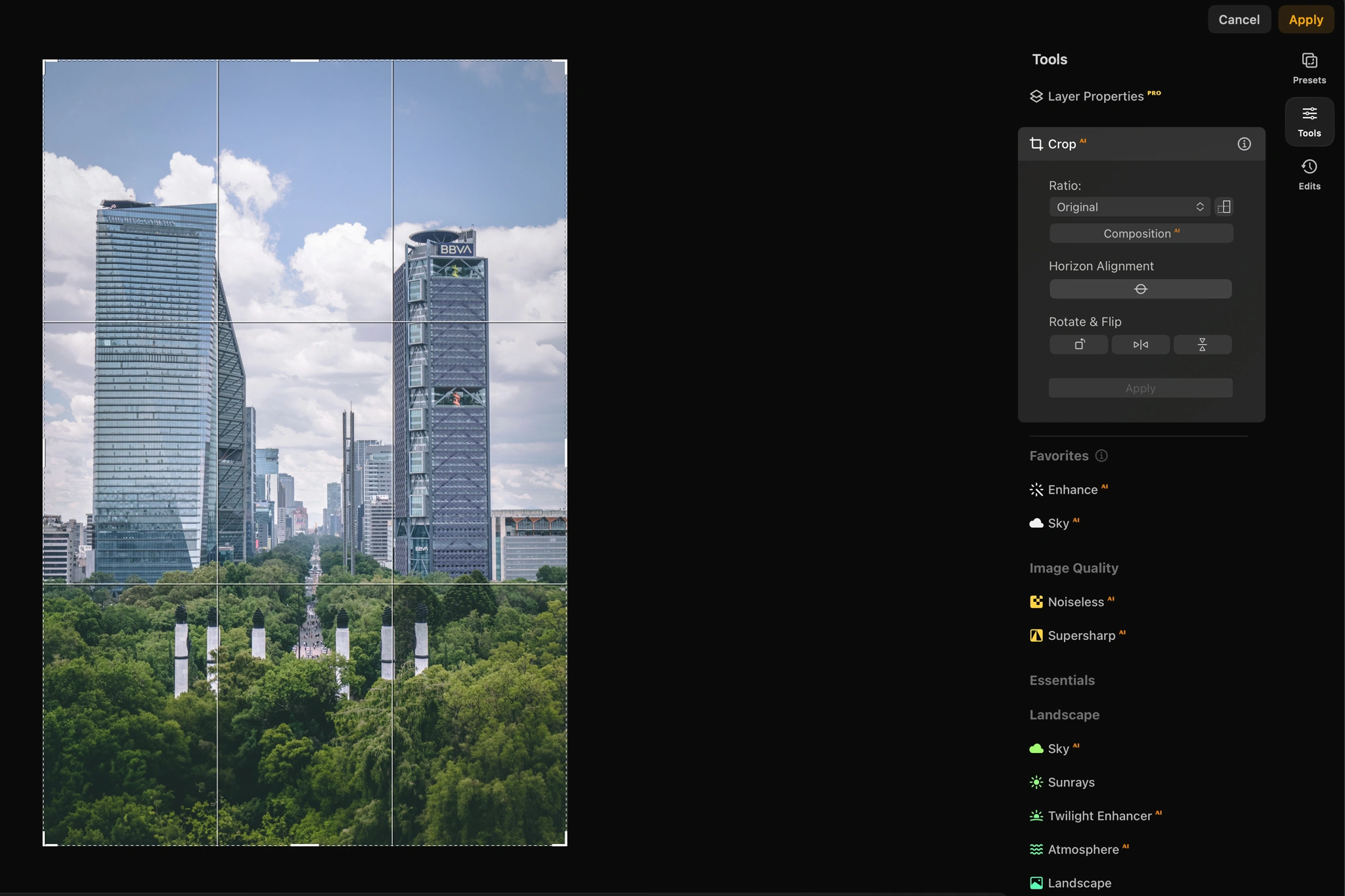
Mexico City skyline edit:
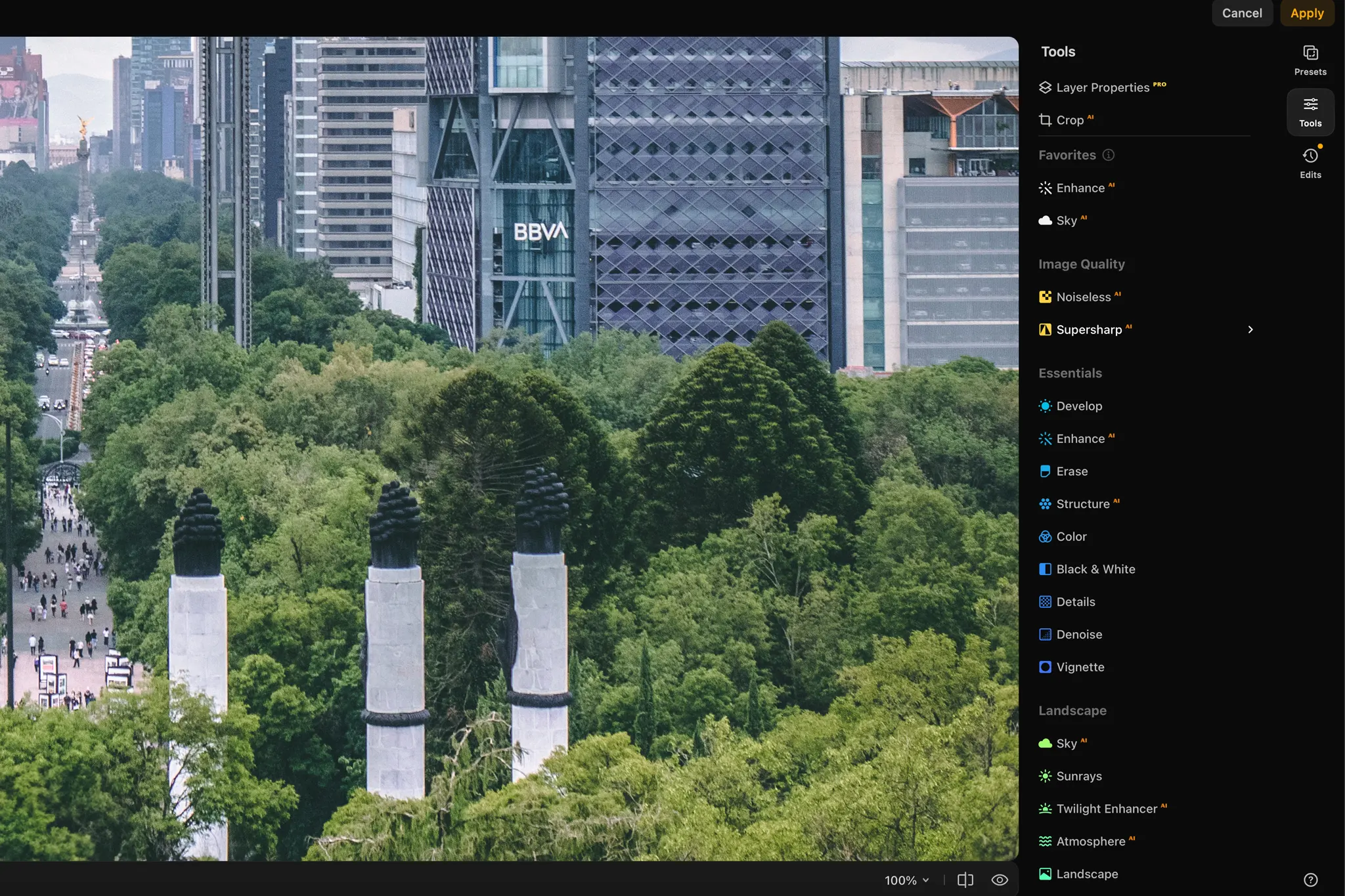
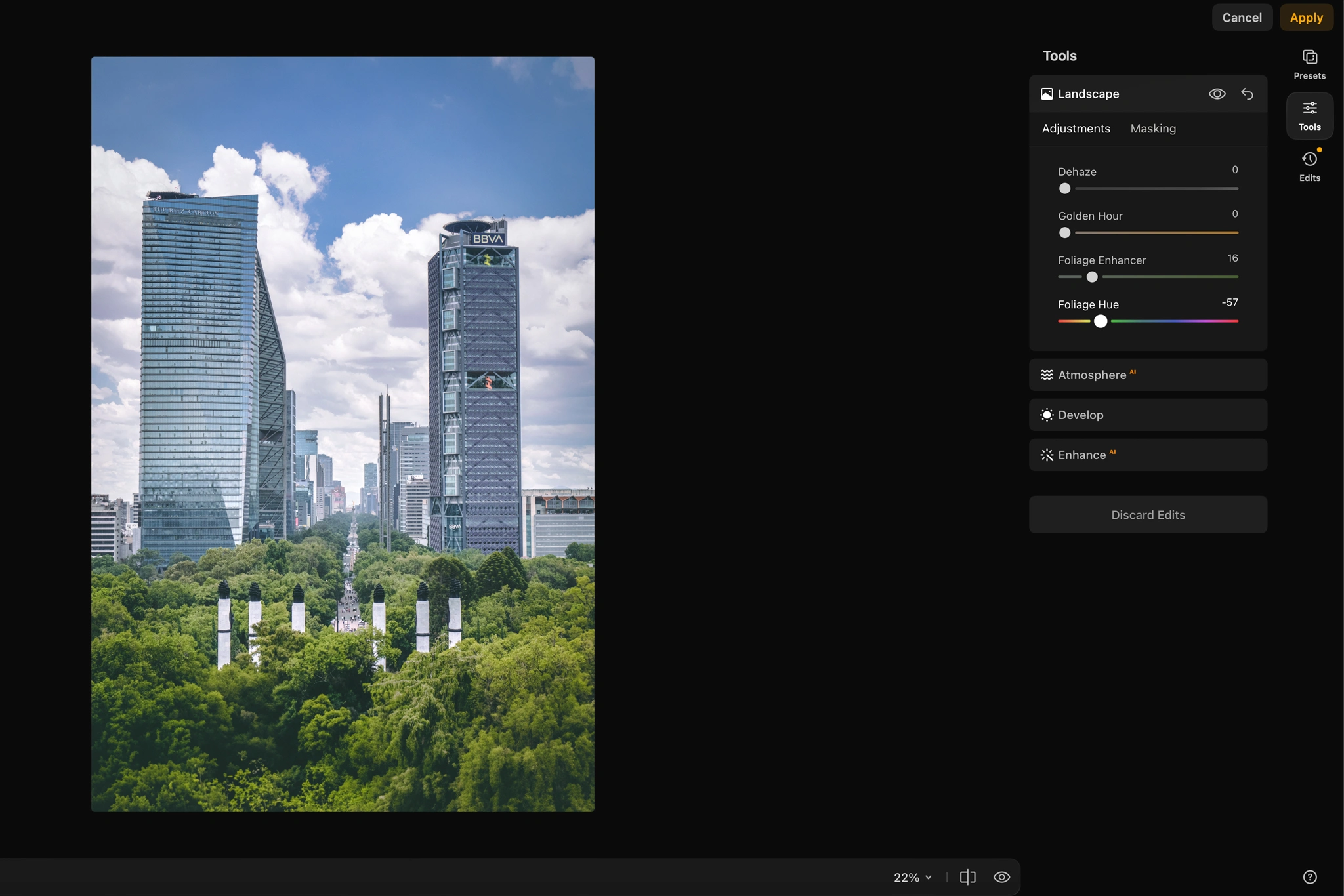
The second image was shot on a cloudy day in less-than-ideal light. There was already detail and texture in the sky, so replacing it would have been unnecessary and would have changed the character of the scene. Instead, we used Luminar to increase sharpness and definition, bring more presence back into the existing sky, and improve the foliage, while keeping the photograph grounded in the conditions that were actually there.
That is another reason we like Luminar. A good AI photo editor should not force every photograph toward a spectacular transformation. Sometimes the better edit is simply recovering the depth, separation, detail, and color that weak light took away. With Luminar, we could strengthen the parts of the photograph that actually needed help while leaving the rest of the scene alone.
For a faster starting point, see our guide to the best Luminar presets and the looks we think are actually worth using.
Luminar vs Lightroom
Lightroom remains the stronger foundation for serious catalog management. Luminar is more compelling as an AI-powered creative editor. That is also how we use Luminar most often. We select a hero image from our Lightroom catalog, bring it into Luminar and use its AI and creative tools to push the final edit further.
For us, that makes far more sense, especially with a lifetime purchase option. You can keep Lightroom at the center of your photography workflow while adding Luminar for the images that deserve a more creative finish, without committing to another monthly subscription. If you’re wondering whether Luminar can actually replace Lightroom, our Luminar vs Lightroom comparison goes deeper into that question.

Luminar Review FAQs
Yes, Luminar is worth considering if you want fast creative editing, powerful AI tools, and an easier learning curve than more complex editing software.
Luminar Neo is transitioning into the broader Luminar identity. The current Luminar 1.28 release introduces an upgraded interface, better organization, and performance improvements, while a larger set of new features is planned for the Fall 2026 Upgrade.
Luminar can replace Lightroom for photographers who do not depend heavily on Lightroom Classic’s catalog management.
Luminar is a strong Photoshop alternative for photographers who primarily want fast photo enhancement, sky replacement, creative effects, and AI-assisted editing.
Yes. Luminar offers perpetual license options, making it attractive to photographers who do not want another monthly software subscription. Some cloud-based and generative AI features can have separate access terms, so check the current plan details before purchasing.
Yes. Use Luminar coupon code CLICKWITHSAL for 10% off. Click through the ClickwithSal Luminar link first, then enter the code at checkout to activate the discount. It can also work alongside selected Skylum promotions.
Key Takeaways
- Luminar feels cleaner, better organized, and faster than previous versions of Luminar Neo we have used
- Luminar is strongest for fast creative editing, AI-assisted enhancements, travel photography, and atmospheric edits
- Luminar’s perpetual license option makes it more appealing if you want additional creative editing tools without adding another monthly subscription
Affiliate Disclosure: Some links or promo codes in this article may earn us a commission if you buy through them, at no extra cost to you. That does not change our opinion. We recommend tools based on whether they actually fit the workflow.















Leave a Reply