
Can AI really judge your photography? AI photo critique can be useful, especially when you ask specific questions:
- Is the subject competing with the background?
- Does the crop create tension, or just confusion?
- Is the color grade supporting the intended mood?
AI becomes less reliable when asked whether a photograph will become a meaningful work of art. It can recognize familiar visual patterns, technical weaknesses, and common compositional problems. What it cannot reliably determine is whether breaking those patterns is precisely what makes a photograph work.
A growing number of dedicated AI photo critique tools are appearing online, while Adobe has experimented with in-camera critique and reshooting suggestions through Project Indigo. The best approach is to treat AI photo critique as a second set of eyes, not the final vote. Use it to challenge your assumptions and offer alternative readings, but keep ownership of the visual direction.
Bonus for readers: Explore our free GPTs for photographers to sharpen concepts, improve editing directions, and make more intentional creative and business decisions.
Can AI Critique Photography?
AI can critique photography because vision-capable systems can inspect an image and analyze elements such as composition, lighting, color, focus, contrast, and subject placement. This makes AI useful for identifying technical issues that a photographer may have overlooked. However, the quality of the feedback depends heavily on the context provided. AI produces more relevant responses when the photographer explains the image’s intention and intended audience before requesting a critique.
AI photo critique can be divided into three levels, each offering a different degree of practical reliability:
- Observation: Ask AI to describe what is visible without deciding whether the photograph is good or bad. AI is generally most reliable at this level because the task is primarily descriptive.
- Diagnosis: Ask AI what may be weakening the photograph. Context becomes essential at this stage. Without it, AI often assumes that the photographer wants a clear, balanced, and technically polished image, even when tension, ambiguity, or imperfection is intentional.
- Judgment: Ask AI whether the photograph should be changed to produce a stronger result. Its recommendations may improve the image, but they could also erase the very qualities that made the photograph worth keeping. Treat AI judgments as possible directions, not as the final vote. That decision still belongs to the photographer.
What AI Sees Well and What It Misses

AI can be very effective at flagging technical issues involving:
- Exposure balance
- Subject sharpness
- Obvious color casts
- Competing focal points
- Weak separation between the subject and background
Technical feedback is especially useful for beginner and intermediate photographers because it provides a checklist of issues they may not yet notice consistently.
AI critique can also identify editing inconsistencies when a photo appears:
- Too warm or too cool
- Oversaturated
- Flat
- Too high in contrast
On the other hand, AI can miss the artistic intent if it was never clearly stated. A low-key portrait may be criticized for lacking shadow detail. A frame built around isolation may be criticized for containing too much empty space. A documentary image may be criticized for background clutter that is essential to the story. The critique is not necessarily wrong. It may simply be answering the wrong question.
How to Get a Better AI Photo Critique
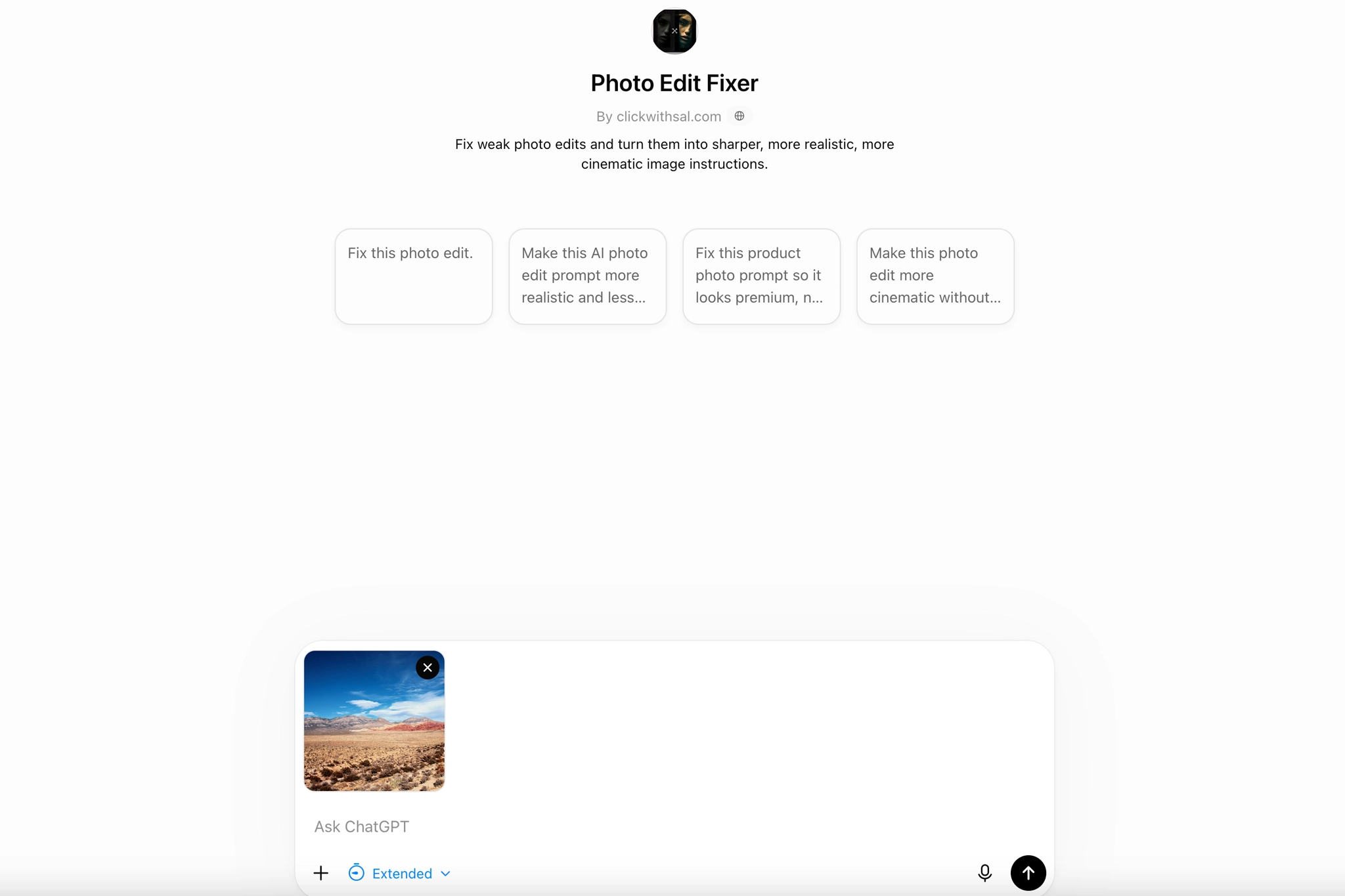
The quality of an AI critique depends heavily on the prompt. Make sure you include:
- The photography genre
- Your creative intention
- The intended audience
Then ask about one area of focus at a time so you receive targeted feedback instead of something too generic. Also specify what must remain unchanged. Without clear constraints, AI could improve the photograph by turning it into a different image entirely. Ask for alternatives and require the AI to disclose the assumptions behind its recommendations. A recommendation becomes easier to evaluate once you can see the assumption beneath it.
Here are three strong AI photo critique prompts worth saving:
Copy this into ChatGPT

Analyze this photograph only for technical and visual issues. Evaluate exposure, highlight and shadow detail, focus, depth of field, color balance, edge distractions, and subject separation. Support every criticism with visible evidence. Do not comment on emotional impact or give a numeric score.
Copy this into ChatGPT

Recommend three edits that could strengthen this photograph without changing the subject’s identity, the central mood, or the original lighting direction. Explain the problem each edit addresses, the software action required, and the point at which the adjustment would become excessive.
Copy this into ChatGPT - Replace the bracketed text with your details

You are critiquing a [genre] photograph intended for [purpose or audience]. The intended feeling is [mood or emotional direction]. The choices that are deliberate include [important creative decisions].

Evaluate only [composition, lighting, posing, color, editing, or storytelling].

First, describe what is visibly present without judging it. Then identify three choices that strengthen the stated intention. For every criticism, state the assumption you are making.

Do not assign a numerical score. Give one conservative change and one bolder alternative, and explain what each option would gain and lose.
Once you understand how to structure a useful critique, you can take the process further. Our ChatGPT for photographers article explores more practical ways to develop concepts, refine editing decisions, plan shoots, and strengthen your photography workflow.
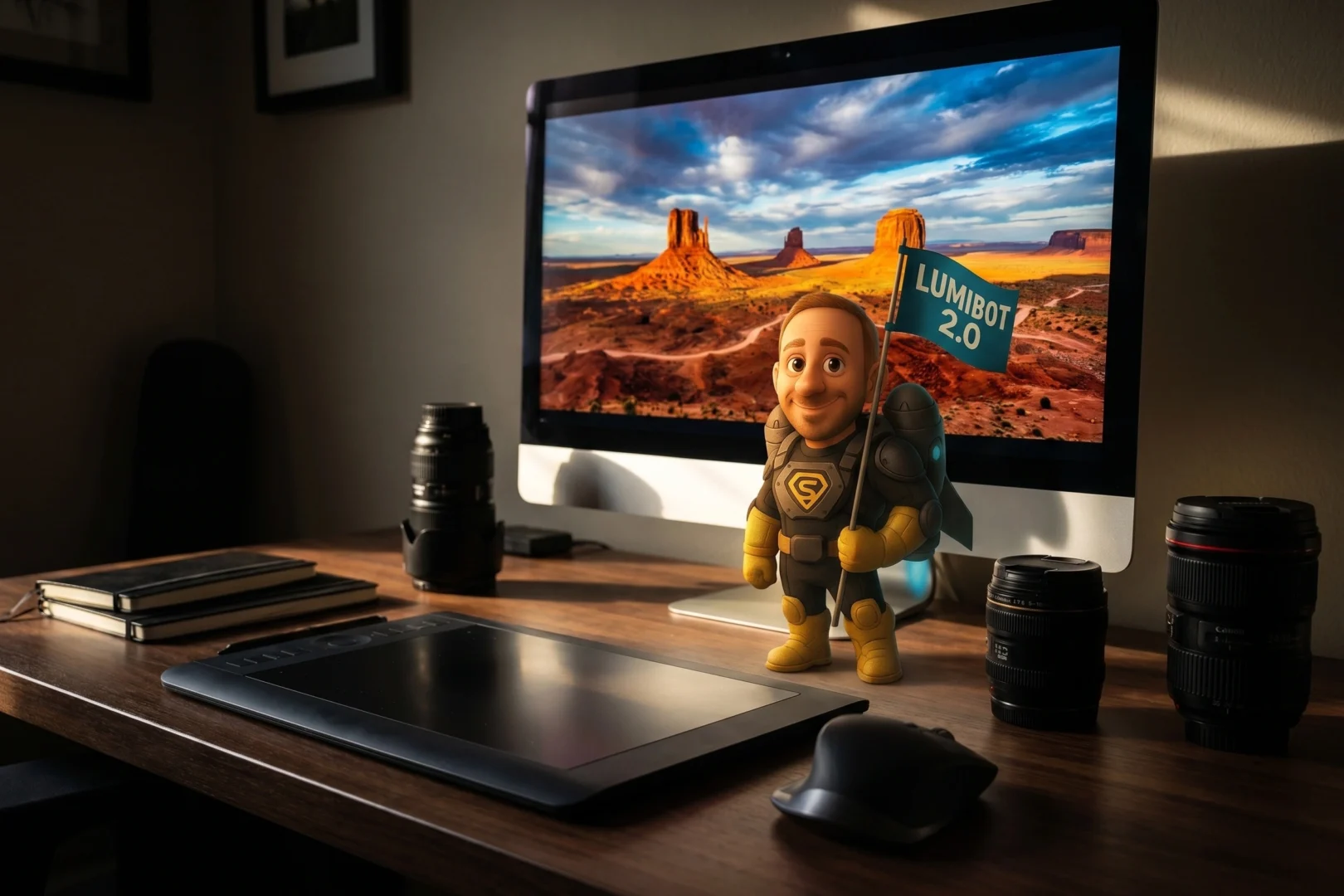
Bonus for Luminar Neo users: LumiBot translates the critique into action. Learn more about LumiBot and use Clever Photographer promo code SAL for 10% off.
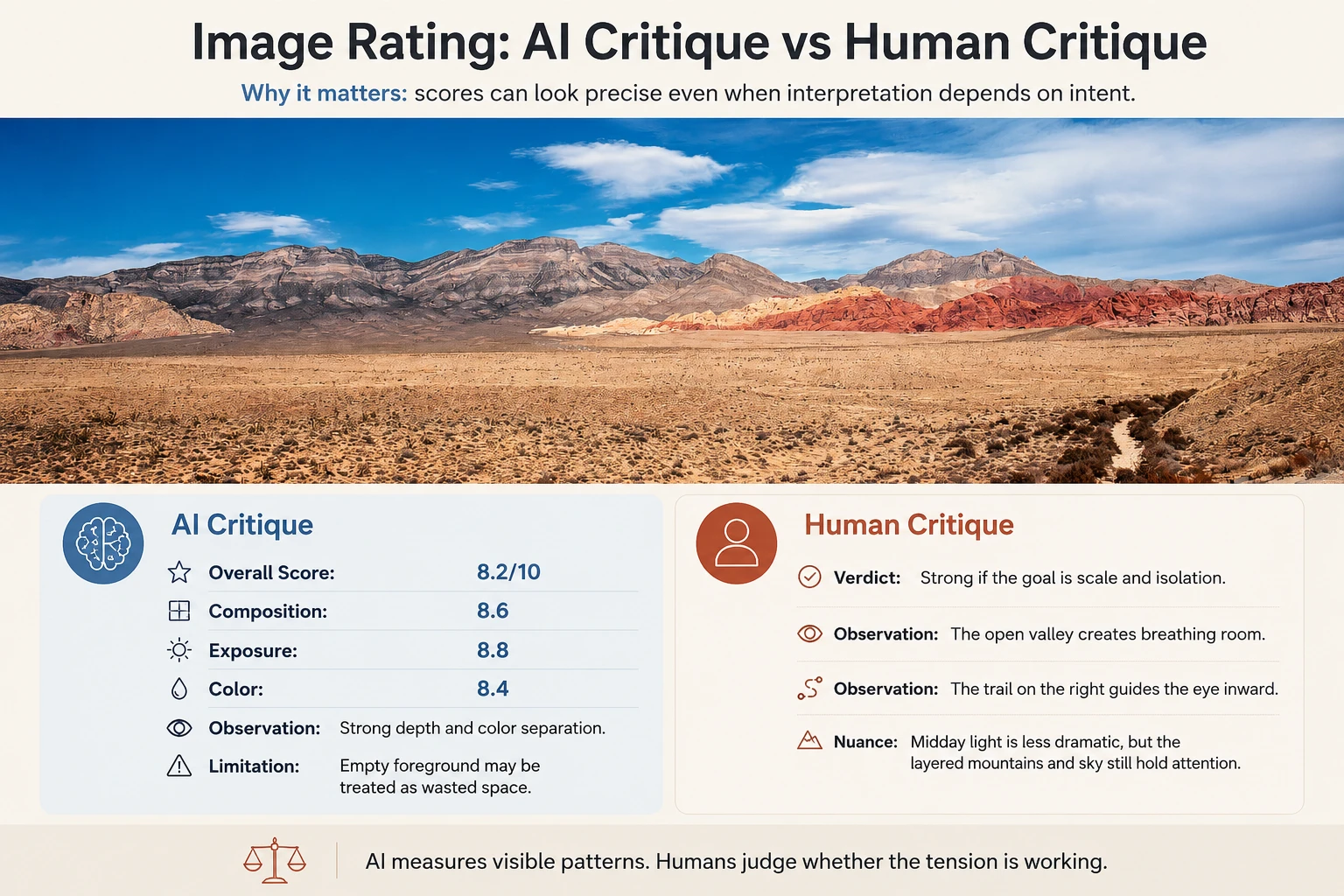
AI Critique vs Human Feedback
AI critique is faster, more accessible, and less socially complicated than asking another photographer for an opinion. It can also provide more structure than an unhelpful comment such as nice shot.
The strongest approach is to use AI for the first audit, then add feedback from a trusted, photographically competent person when that perspective is available and genuinely useful. Human critique is not automatically more valuable. It can be shaped by personal taste, insecurity, jealousy, or the desire to attract attention. The goal is to combine structured AI feedback with credible human insight, while keeping the final authority with the photographer.
AI Photo Critique FAQs
AI can critique photography accurately when evaluating visible elements such as exposure, focus, color balance, composition, contrast, and subject separation. It becomes less reliable when judging artistic intent, originality, symbolism, or emotional impact.
Yes. A vision-capable version of ChatGPT can analyze an uploaded photograph and provide feedback on composition, lighting, posing, color, editing, and storytelling. The critique becomes more useful when you explain the genre, intended audience, mood, and deliberate creative choices.
State the photograph’s purpose, intended mood, audience, and deliberate choices before asking for feedback. Ask the AI to evaluate one area at a time, support criticism with visible evidence, and explain the assumptions behind each recommendation.
AI critique is faster, more structured, and easier to access, while credible human feedback can better understand context, personal development, and emotional nuance.
Final Takeaways
- AI photo critique is strongest when analyzing visible technical and compositional elements
- The quality of the critique depends heavily on the context and constraints included in the prompt
- Asking about one area at a time produces more focused and usable feedback
- AI recommendations should be treated as alternatives to consider, not instructions to follow
- The photographer must retain final authority over the image’s visual direction
Affiliate Disclosure: Some links or promo codes in this article may earn us a commission if you buy through them, at no extra cost to you. That does not change our opinion. We recommend tools based on whether they actually fit the workflow.










Leave a Reply