
Photo editing is evolving faster than ever, and in our daily workflow we continuously test the most advanced photo editors that allow photographers to collaborate with AI. From elevating the creative process to automating time-consuming tasks for maximum efficiency, choosing the top AI photo editor can be a true game changer going into 2026. Below is our curated list, how we actually use each tool, and why they are worth serious consideration.
There is no single best AI photo editor for every photographer. The right tool depends on whether you need culling, retouching, creative effects, or background generation.
Adobe Photoshop
Photoshop remains a staple for serious photo editing in 2026. Its latest AI features allow photographers to remove backgrounds with exceptional accuracy, erase unwanted elements in seconds, and expand images using generative fill. Photoshop also supports advanced AI models, including Google Gemini’s Nano Banana Pro, while retaining the manual tools that keep photographers in control.
| Best For | Key AI Functions |
| Artists and professionals | Generative fill, generative expanding, text-to-image generation, content-aware fill. |
Bonus: Use Photoshop as your main editing hub, then combine it with a specialized AI tool to create a faster, more sustainable, and dedicated photo editing workflow tailored to your specific niche.

Aftershoot

Aftershoot is the efficiency king for high-volume photographers. Its auto-culling, AI-assisted tagging, and style-learning AI retouching make it invaluable for managing large shoots. If you prioritize speed while delivering professional results without compromising your visual identity, this is the strongest AI editing tool you can use in 2026.
Aftershoot became more complete in 2026 with RAW editing, smarter duplicate grouping, improved retouching, background replacement, and Aftershoot Galleries for delivery and proofing.
| Best For | Key AI Functions |
| Wedding, event, and commercial photographers | Auto-culling, color consistency, batch edits |
Bonus: Learn more about Aftershoot in our full review. Aftershoot is subscription-based, which makes sense for photographers who need consistent workflow speed instead of one-off edits. Use promo code CLICKWITHSAL15 to get 15% off.
Skylum Luminar Neo

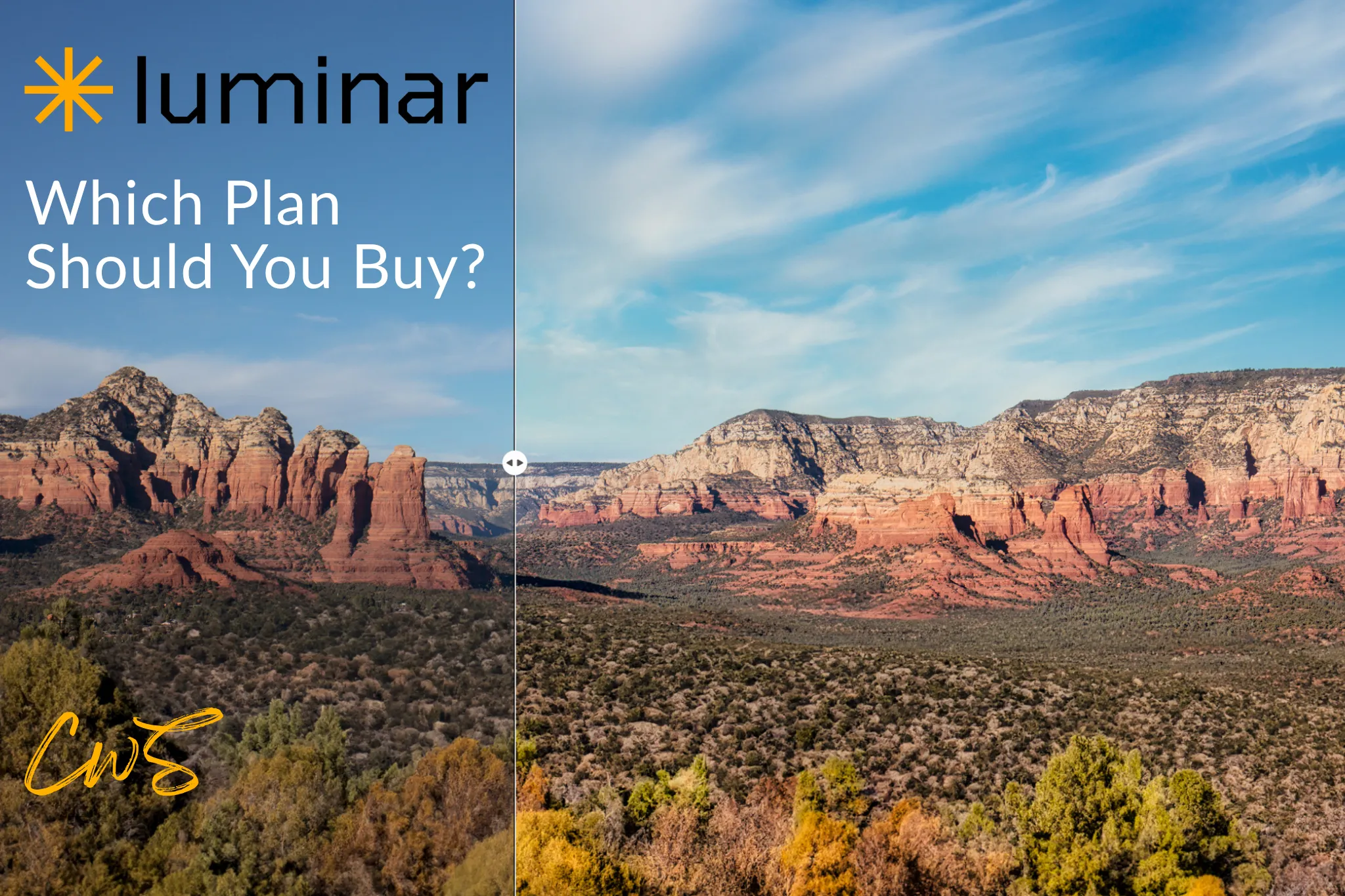
Luminar Neo in 2026 offers incredibly powerful AI features, including Sky AI and Relight, which allow photographers to reimagine entire scenes with natural realism. Luminar Neo has also introduced an AI Assistant with action prompts, live previews, and tool guidance, making the editing process faster and more intuitive.
| Best For | Key AI Functions |
| Landscape, environmental, and portrait photographers | Sky replacement, AI relighting, noise reduction |
Bonus: Unlike subscription-only software, Luminar Neo offers perpetual licenses, perfect for photographers avoiding ongoing fees.
Retouch4Me
For photographers focused on portraits who prefer a pay-as-you-go credit system, Retouch4Me offers AI retouching that automatically smooths skin, removes blemishes, balances tones, and enhances eyes and teeth while preserving the original texture. The Retouch4Me plugins work directly as a Photoshop panel, generating a separate layer for each edit to give you complete control.
| Best For | Key AI Functions |
| Fashion and beauty photographers | Skin retouch, body shaping, dodge & burn automation |
Bonus: Check out how Retouch4Me performs in our review with real photo examples and take advantage of a special deal.
Dzine.AI

Over the past several months, we tested a range of AI photo editors, searching for a solution that could truly elevate photography while giving creators full control. In the end, we landed on Dzine. It perfectly balances AI-powered creativity with high-resolution exports compatible with Photoshop, letting photographers enhance their work while fully conveying the stories and moods behind each image. Dzine is a complete creative playground, ideal for content creators and photographers looking to step up their craft in 2026. It also doubles as a visual branding assistant for your photography business. Discover why in our full Dzine review.
| Best For | Key AI Functions |
| Experimental and hybrid photographers blending AI with traditional editing | Image-to-image generation, scene expansion, enhancement, and upscale resolution |
Bonus: Dzine plans (in our opinion, the Creator plan is the strongest offering) provide better value than buying credits on other AI platforms or Photoshop. Its ability to export in high resolution makes it ideal for integrating AI creativity into professional workflows.

Best AI Photo Editors FAQs
The best AI photo editor for photographers in 2026 depends on the workflow. Photoshop is still the strongest all-around choice for professional control, Aftershoot is best for high-volume culling and batch editing, Luminar Neo is ideal for creative atmosphere and quick enhancements, Retouch4Me is excellent for portrait retouching, and Dzine is best for experimental AI-assisted visual work.
Aftershoot is one of the strongest options for high-volume photographers because it now covers more of the post-shoot chain: culling, editing, retouching, and gallery delivery.
AI photo editors are best used to speed up repetitive work, remove distractions, and improve consistency. The final look still depends on the photographer’s taste, direction, and ability to judge when the AI result helps or hurts the image.
Key Takeaways
- The best AI photo editor depends on the job, not the hype.
- Top AI photo editors save time by automating culling, masking, and object removal.
- Portrait photographers benefit from AI retouching and facial enhancements.
- Landscape and creative scene work excel with AI-powered sky and lighting tools.
- Hybrid photography capabilities extend beyond standard photo editing, enhancing artistic vision.
- Photographers who adopts best AI photo editors in 2026 will have the advantage in both client workflow and creative output.
- AI photo editing works best when it supports the photographer’s taste instead of replacing it.
Affiliate Disclosure: Some links or promo codes in this article may earn us a commission if you buy through them, at no extra cost to you. That does not change our opinion. We recommend tools based on whether they actually fit the workflow.










Leave a Reply