
If you are searching for a full Studio Ninja review, you are probably trying to decide whether it is worth investing in this CRM for photographers. In short, Studio Ninja is a CRM system built specifically for photography businesses. It manages leads, contracts, invoices, workflows, and client questionnaires inside one clean, focused interface. It saves serious admin time. It improves consistency. For most small to mid-sized photography businesses, it becomes a valuable asset for improving efficiency, growth, and overall client experience.
We have used Studio Ninja inside real photography workflows including bookings, contract delivery, payment schedules, and automations. In this review, we break down what it is built for, what you should know before committing, and which pricing plan actually makes sense for your stage of business.
Studio Ninja review quick verdict: Studio Ninja is best for photographers who want a clean CRM for leads, contracts, invoices, workflows, questionnaires, and client communication without building a complicated business backend from scratch. It is not the best fit if you want enterprise reporting, advanced sales forecasting, or extremely complex team structures.
What Is Studio Ninja and Who Is It Built For?

Studio Ninja is a CRM built specifically for photographers. Managing clients and delivering a better experience feels seamless because instead of facing an overwhelming dashboard, you get a system designed around how professional photographers actually work:
- Leading track
- Booking forms
- Quotes
- Contracts with e-signatures
- Invoices
- Payment schedules
- Automated workflows
- Questionnaires
- Client portals
- Calendar sync
- Stripe & PayPal integration
If you’re running 5–40 jobs per month, this becomes operational infrastructure.
Studio Ninja Real-World Workflow Test
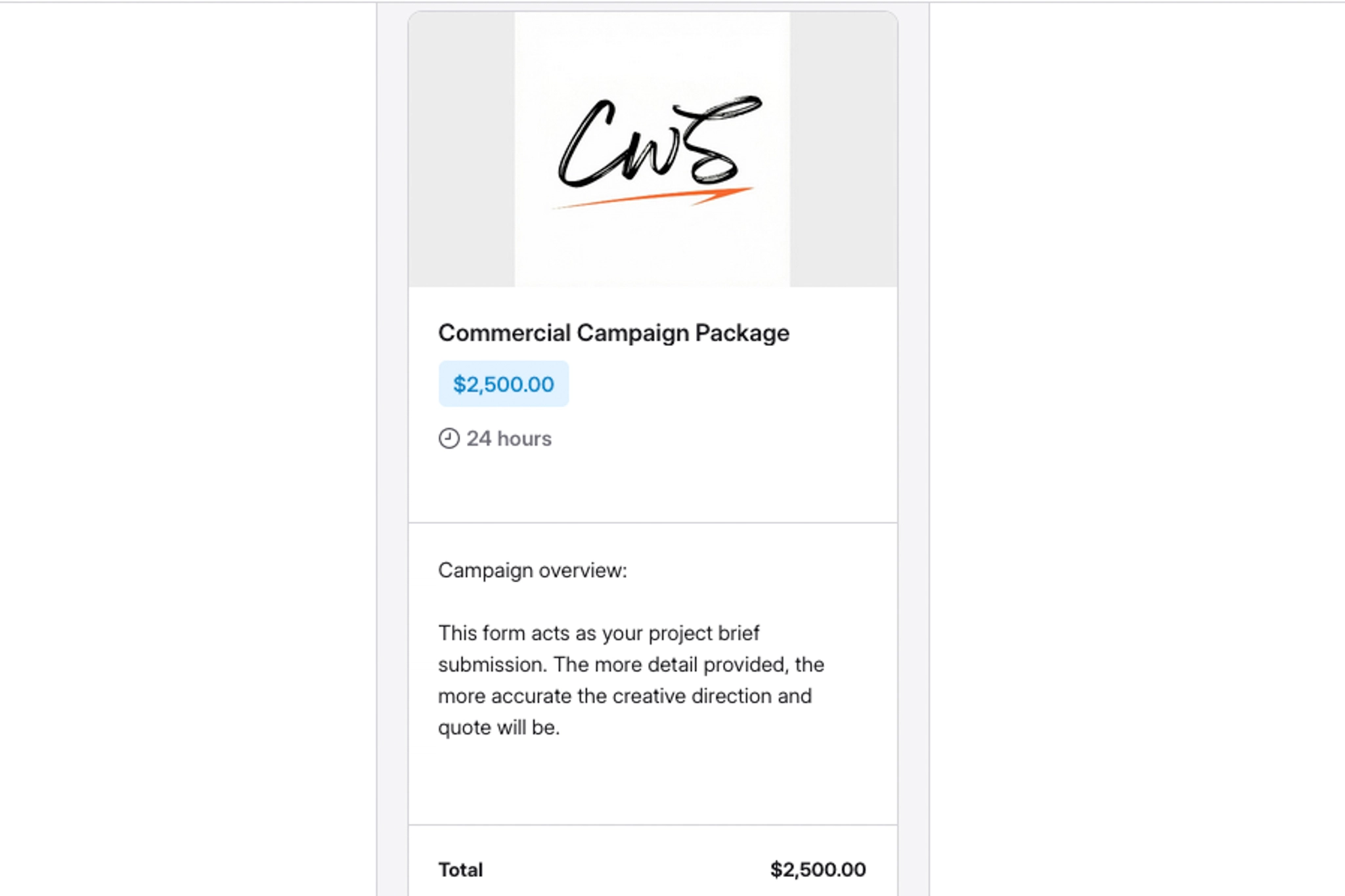
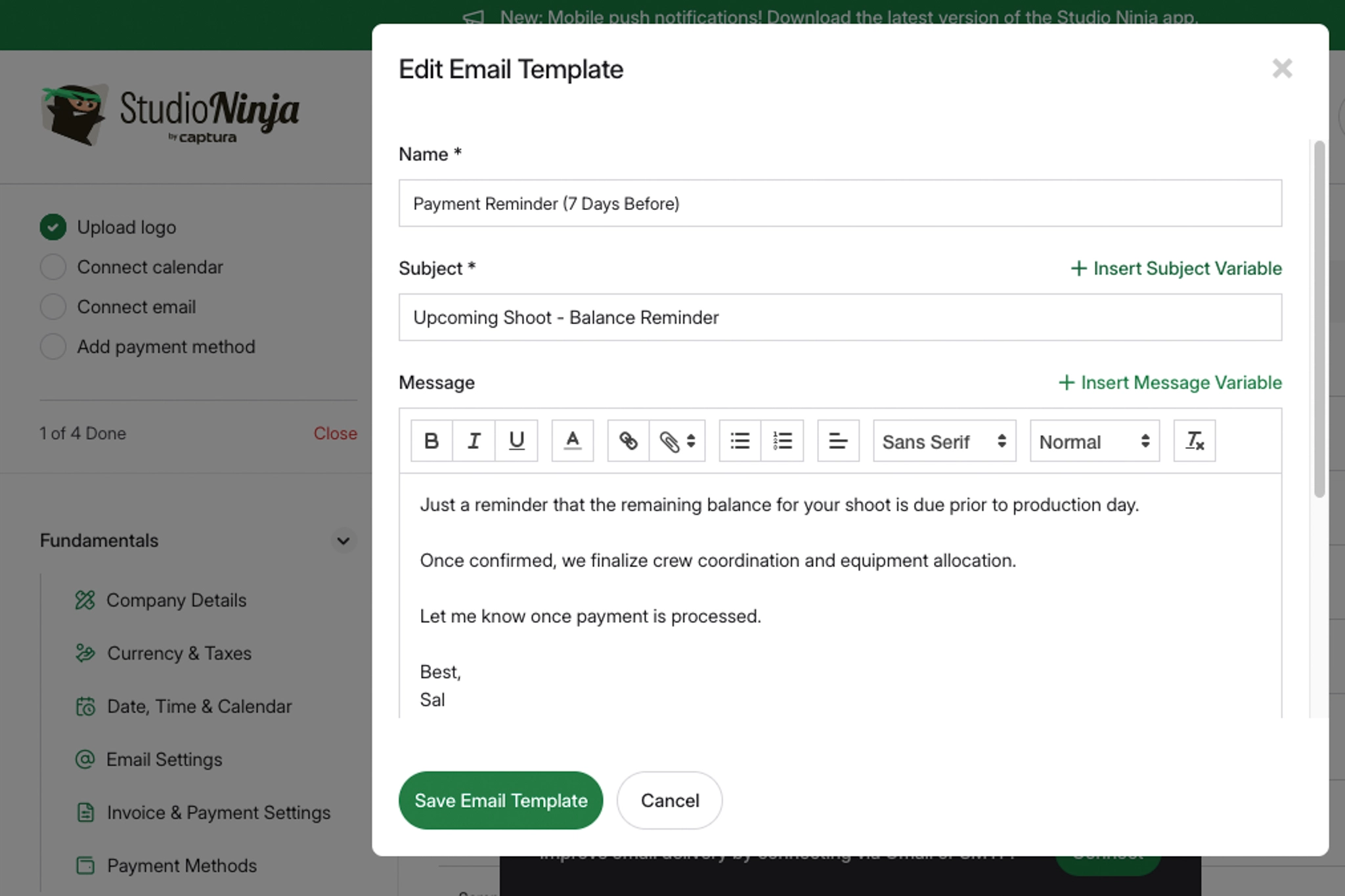
Lead Comes In: We create a booking form inside Studio Ninja. Every serious client qualifies themselves before you even respond.
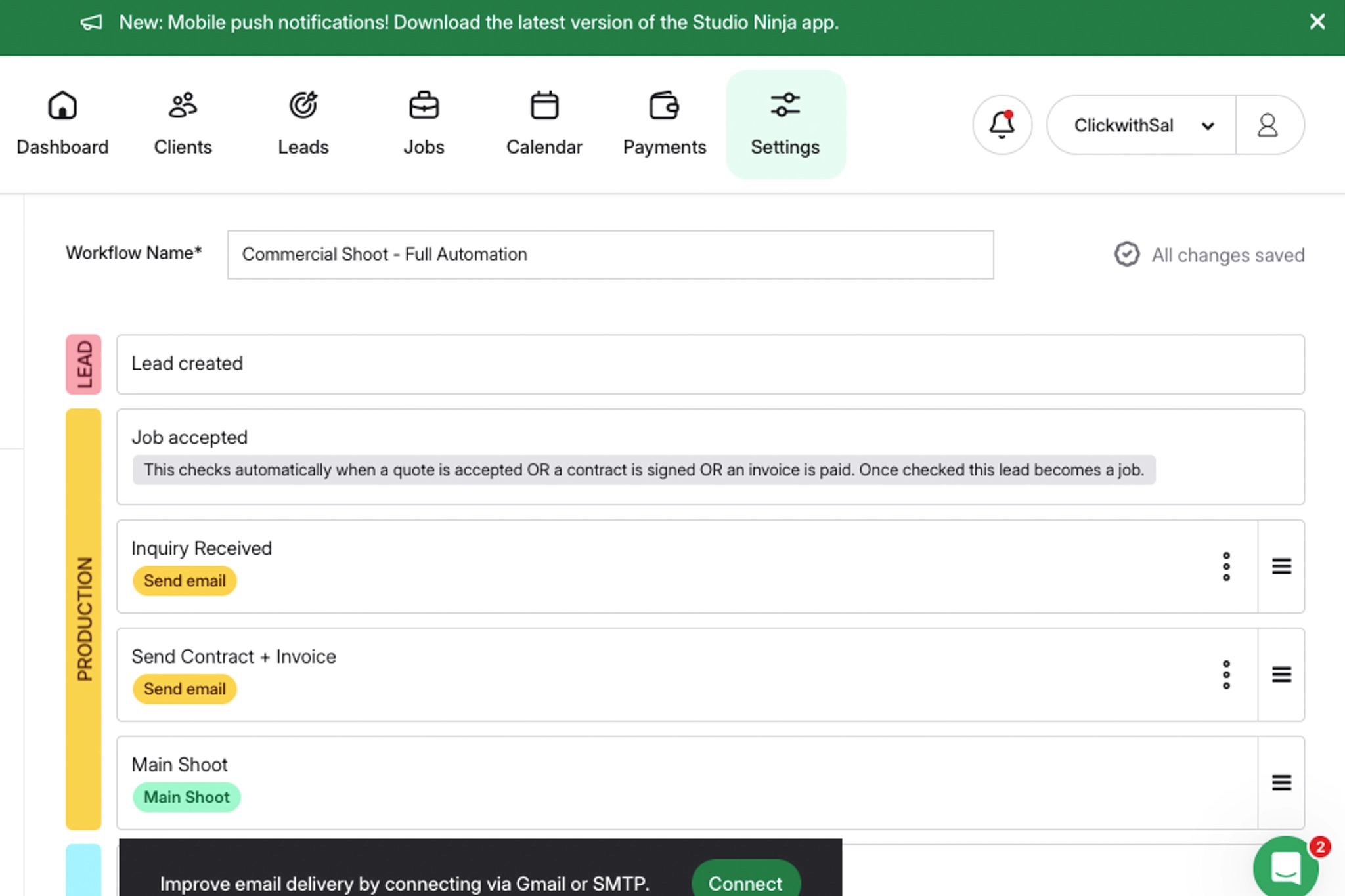
Automated Emails + Task Trigger:
- Auto email response fires
- Job created in dashboard
- Task added as “Review Inquiry”
- Calendar placeholder created (optional)
This eliminates forgotten or delayed replies, which silently kill bookings.
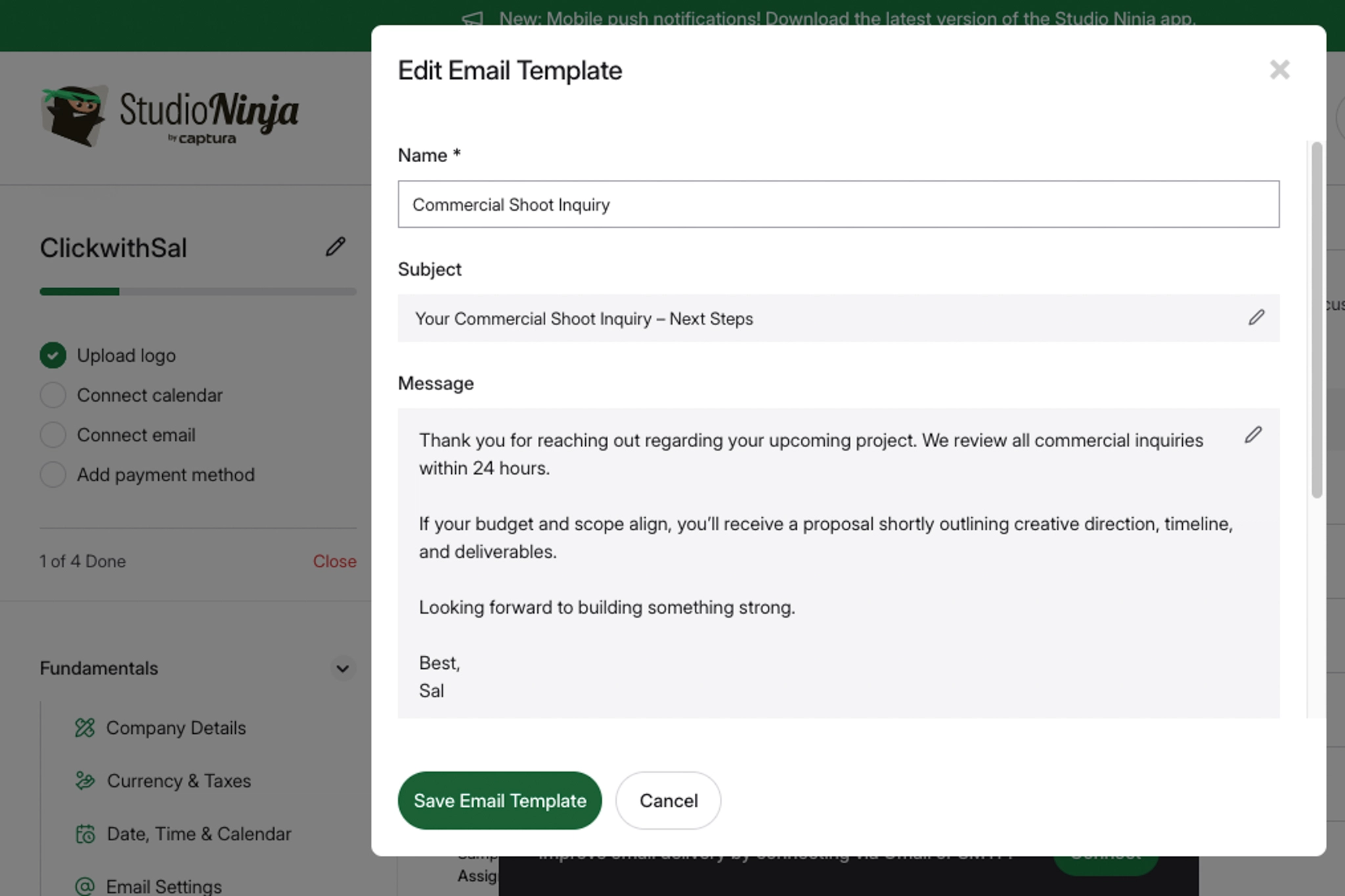
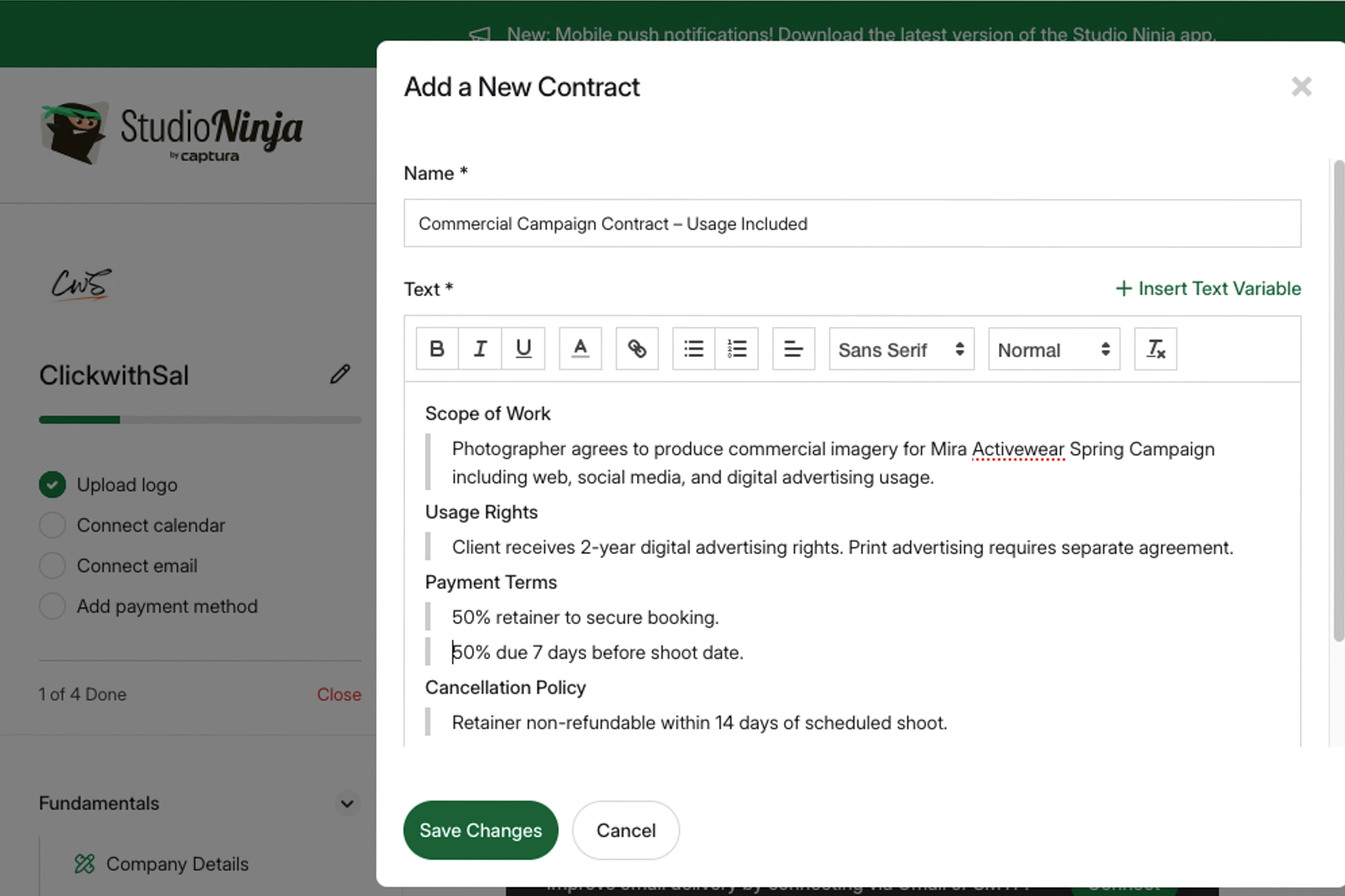
Contracts + E-Signatures:
Contracts are editable templates, you can insert:
- Client name
- Shoot date
- Payment schedule
- Cancellation terms
Client signs digitally. It stores the records automatically, avoiding PDFs floating messily in email chains.
Invoices & Payment Scheduling: Studio Ninja integrates with Stripe and PayPal, so you can:
- Split payments
- Auto-send reminders
- Track paid/unpaid
- Generate income reports
Studio Ninja Pricing
When evaluating Studio Ninja’s subscription plans, here is how it breaks down:
| Plan | Price | Best For |
| Starter | $160/year | Low volume photographers |
| Pro | $270/year | Most working photographers |
| Master | $400/year | Studios or multi-brand photographers |
The Starter plan is perfect for beginners testing the structure. The Pro plan is the sweet spot for most photographers, offering the features you need to grow your work. The Master plan is ideal for scaling studios and photographers managing multiple brands. Annual plans already provide the strongest pricing advantage, and if you’re committing to using it properly, that’s the smartest move. Using Studio Ninja promo code CLICKWITHSAL50 cuts any annual plans by 50%, which shifts the cost-to-value ratio heavily in your favor.
Studio Ninja’s value also lies in the following areas:
- 7-day free trial (no credit card)
- Free data migration
- 1-on-1 onboarding support
You can test the workflow first, then decide whether to activate an annual plan using CLICKWITHSAL50 if it fits your structure.
Is Studio Ninja the Best Photographer Booking Software?
It really depends on the stage of your photography business. Studio Ninja is ideal if you want:
- Simplicity
- Strong automation
- Clean UI
- Fast setup
- Photographer-first logic
It’s not ideal if you want:
- Advanced sales forecasting
- Complex teams hierarchy structures
- Enterprise-level reporting
Is Studio Ninja Worth It?
Studio Ninja is highly effective if you want to upgrade your client experience and perception, as clients will notice:
- Branded emails
- Structured contracts
- Organized portals
- Professional payment flows
These features elevate your perceived value, allowing you to charge more. In fact, premium pricing requires a premium structure. Plus, time is money, and saving 30–60 minutes per job across 20 client sessions in a month is highly valuable, as those hours can be reclaimed for another shoot or other business optimization tasks.
If you’re already planning to implement a CRM this year, the annual subscription makes the most financial sense, especially when you activate it with code CLICKWITHSAL50 for 50% off. That removes most of the hesitation barrier and lets you focus on implementation instead of cost.
| Category | Score |
| Easy of use | 9/10 |
| Photographer workflow fit | 9/10 |
| Automation | 8/10 |
| Customization | 7/10 |
| Value with promo code | 9/10 |
Studio Ninja Review FAQs
Yes, Studio Ninja is worth it for photographers who want a cleaner way to manage leads, bookings, contracts, invoices, payment schedules, questionnaires, and automated workflows. It is especially useful if you are booking multiple shoots per month and want fewer admin tasks sitting inside your inbox. The value comes less from one single feature and more from having your client process organized in one place.
Studio Ninja is best used as a photography CRM for managing client inquiries, booking forms, contracts, invoices, payments, questionnaires, workflows, and client communication. It works well for wedding photographers, portrait photographers, family photographers, branding photographers, and studios that want a more professional booking system without building everything manually.
Studio Ninja offers Starter, Pro, and Master plans, with monthly and annual billing options. The Starter plan is best for beginners with limited active jobs, the Pro plan is the strongest fit for most working photographers, and the Master plan is better for studios managing multiple brands or higher volume. Annual billing usually gives the best value, especially when combined with a valid Studio Ninja promo code.
Yes. You can use Studio Ninja promo code CLICKWITHSAL50 to save 50% on eligible annual Studio Ninja plans. This makes the annual plan much more attractive if you already know you want to build Studio Ninja into your photography workflow.
Most working photographers should start with the Pro plan because it gives you unlimited jobs, more booking flexibility, and workflow automation without jumping into the higher-tier Master plan. The Starter plan can work for beginners, but the active job limit may become restrictive quickly. The Master plan makes more sense if you run multiple brands, have a team, or manage a higher volume studio.
Studio Ninja is better if you want a CRM built specifically around photography workflows, with a simpler structure for leads, shoots, contracts, invoices, workflows, and client communication. HoneyBook and Dubsado can be stronger for broader creative businesses or people who want more customization, but Studio Ninja is usually easier for photographers who want a focused system without overbuilding their backend.
Key Takeaways

- Studio Ninja is one of the most photographer-aligned CRMs available.
- Automation saves measurable admin time and reduces booking friction.
- The annual Pro and Master plans are ideal for small to mid-sized and larger photography businesses, respectively.
- Annual plan offers the strongest value, especially with Studio Ninja promo code CLICKWITHSAL50 that saves you 50%.
Affiliate Disclosure: Some links or promo codes in this article may earn us a commission if you buy through them, at no extra cost to you. That does not change the opinion. We recommend tools based on whether they actually fit the workflow.












Leave a Reply