
If AI only helped with technical edits, such as skin retouching, sharpening, or color grading, an AI disclaimer usually is not needed. But if AI changes what was actually captured, then yes, you should disclose it. With hybrid photography, the answer becomes more flexible. It depends on whether AI generated meaningful parts of the final image or simply assisted with minor adjustments like generative expand, background cleanup, or small enhancement work.
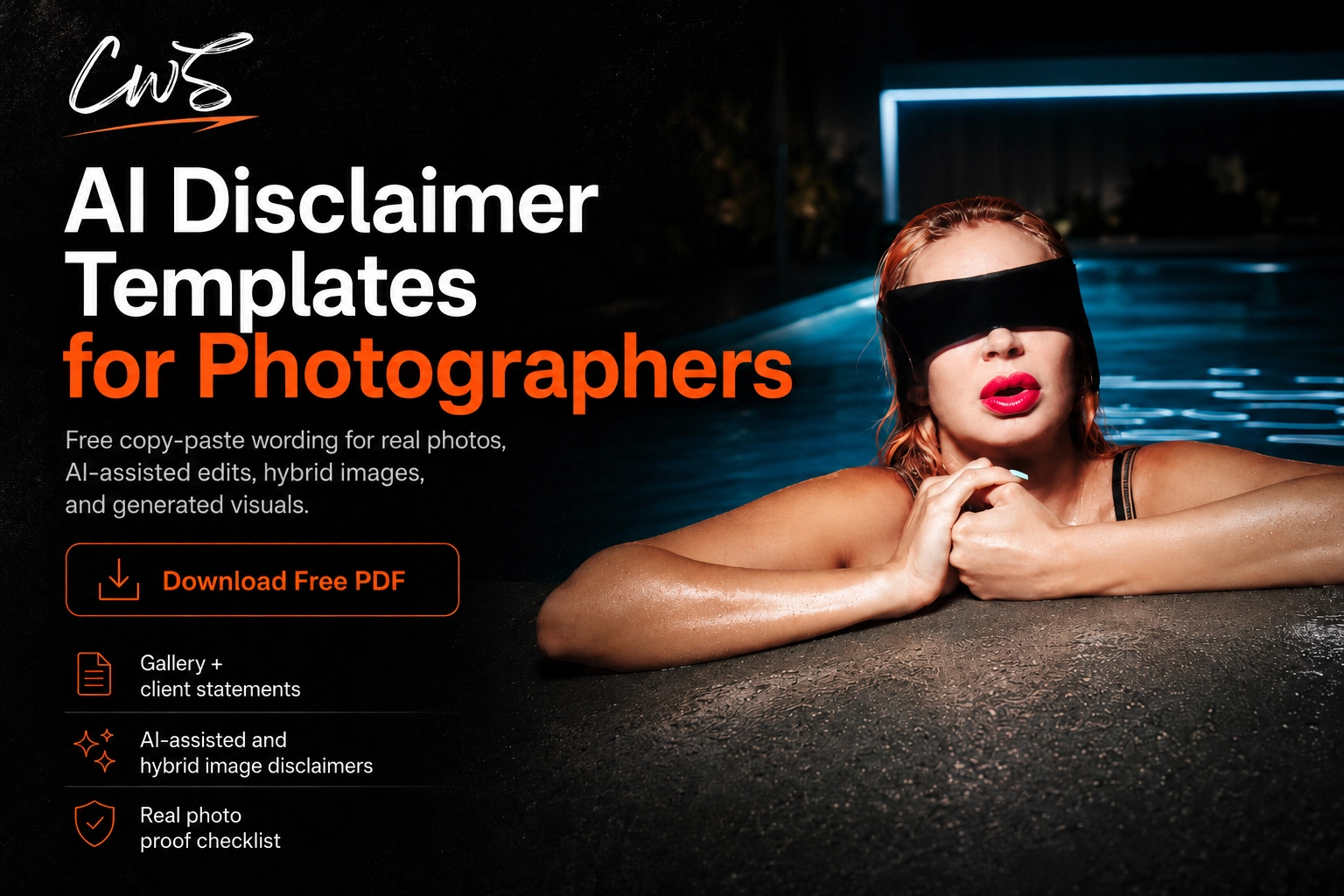
Download the free AI Disclaimer Templates for Photographers and get copy/paste wording for client galleries, print pages, social captions, AI-generated images, and Content Credentials notes.
What Is an AI Disclaimer in Photography?
An AI disclaimer is a short statement that tells viewers, clients, editors, buyers, or galleries how artificial intelligence was used in an image. A good AI disclaimer does not make normal editing sound suspicious. It gives the right amount of clarity. A standard AI disclaimer for photographers should be clear, direct, and professional without sounding weak, defensive, or dramatic.
When Should Photographers Disclose AI Use?
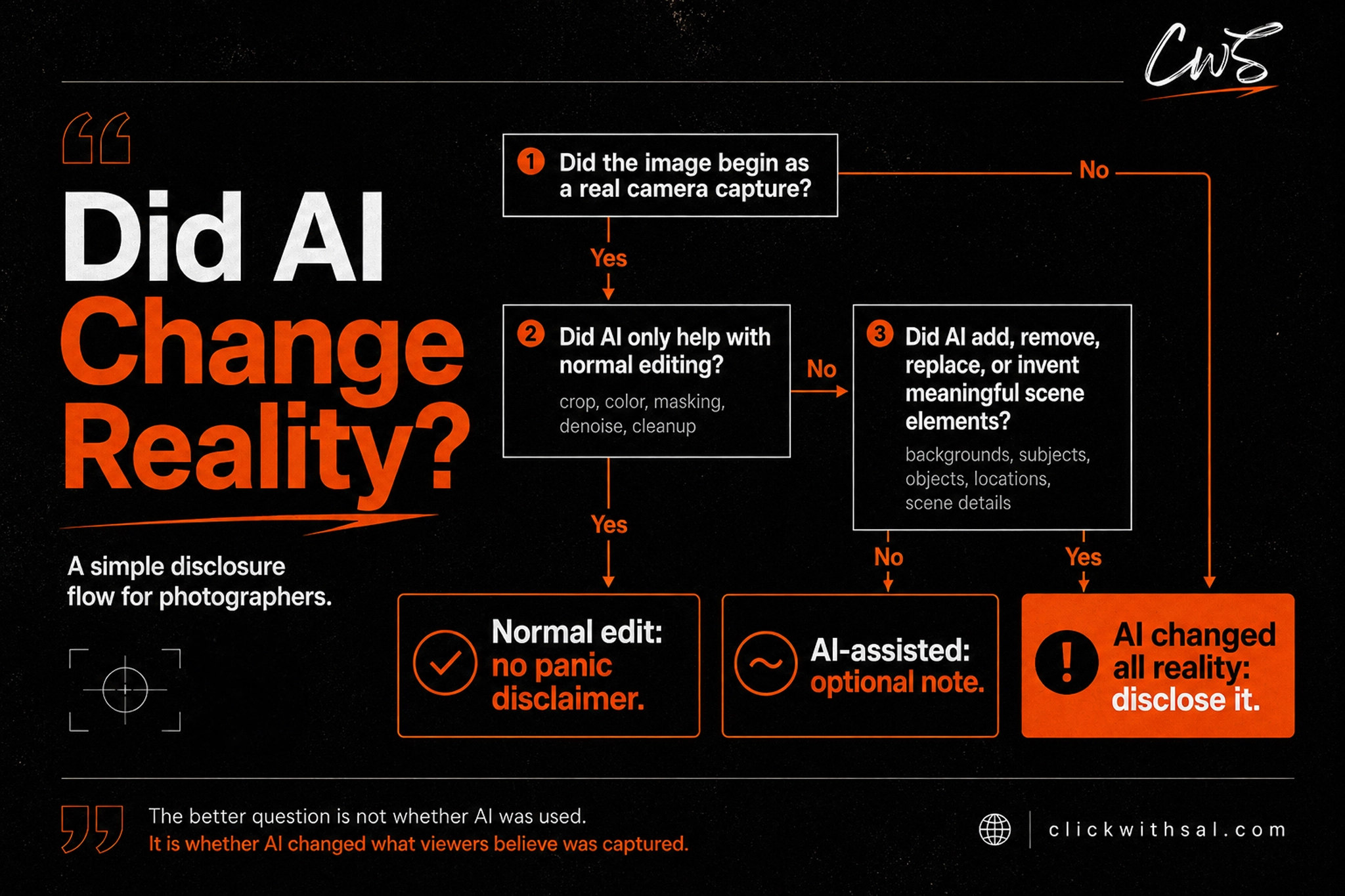
Photographers should disclose AI use when:
- AI generates the entire image
- AI adds a person, animal, product, or entirely changes a location
- AI adds, replaces, or removes something that changes the story of the image
- AI creates an unrealistic representation in commercial or client-facing work
- The image could be mistaken for a real camera capture when it is synthetic
Photographers do not need a formal AI disclaimer for:
- Exposure correction
- Color grading
- Cropping
- Lens correction
- Skin retouching
- Small object or distraction removal
- Sharpening
- Noise reduction
These edits polish the image, but they do not rewrite what the photograph is showing. We suggest disclosing only when AI changes reality. Over-disclosing can backfire. If you disclose every normal editing step, viewers may assume your work is more synthetic than it actually is.
EU AI Act Update for Photographers
From August 2, 2026, Article 50 of the EU AI Act introduces transparency requirements for certain AI-generated and manipulated content. This does not mean that every photograph edited with AI needs a visible label. The official guidance includes standard editing among the examples that may fall outside the transparency obligations.
The clearest concern for photographers is content that uses AI to create or materially alter a person, object, place, or event and could falsely appear authentic. For evidently artistic, creative, fictional, or satirical work, disclosure can be provided in an appropriate way that does not interfere with how the work is displayed or experienced.
The EU has also released optional icons for fully AI-generated and partially AI-modified content. The icons can support a disclosure, but using an icon alone does not guarantee legal compliance. Photographers working with EU clients, audiences, publications, or commercial campaigns should also review platform requirements, contracts, and professional legal advice where necessary.
This article provides general editorial guidance and is not legal advice.
AI Editing vs AI Generated Images
A real photo starts with a camera-captured scene. An AI-generated image is synthesized or substantially constructed by a model. For ClickwithSal, AI photo editing can still preserve photographic authorship when the original capture remains the foundation of the image. Generative AI elements, however, can move a photo into composite territory, especially when they change the scene, add subjects, or alter the original frame. If the AI work does not drastically change the captured scene and most of the final image still comes from the original photograph, disclosure should be optional and based on how the image is being used.
Use this simple workflow to decide how transparent you need to be about AI in your photography.
- Classify the image: Start by identifying what the image actually is. Is it a camera-captured photo, a manually edited photo, an AI-assisted photo, a fully AI-generated image, or a hybrid.
- Decide if disclosure is needed: If AI was only used for standard edits, disclosure is usually not necessary. If AI changed parts of the image but the original camera capture is still clearly dominant, disclosure becomes a judgment call. If AI changed the reality and story of the scene, disclose it.
- Keep proof: Save the RAW files, before-and-after versions, and layered files when relevant. Use Content Credentials or similar tools when available.
- Use specific wording: If you disclose AI use, avoid vague labels like “made with AI”. Be clear about what AI actually changed.
- Match the platform: Your wording should change based on the image use case. A personal Instagram post, a commercial campaign, a fine art print, a news image, and a portfolio piece do not all need the same level of disclosure.
Photographers do not need more random AI opinions. They need a clear strategy that protects the value of their work, their authorship, and their creative intent.
Download the free AI disclaimer templates for photographers and use them to describe AI-assisted work with more clarity, confidence, and control.
Content Credentials for Photographers
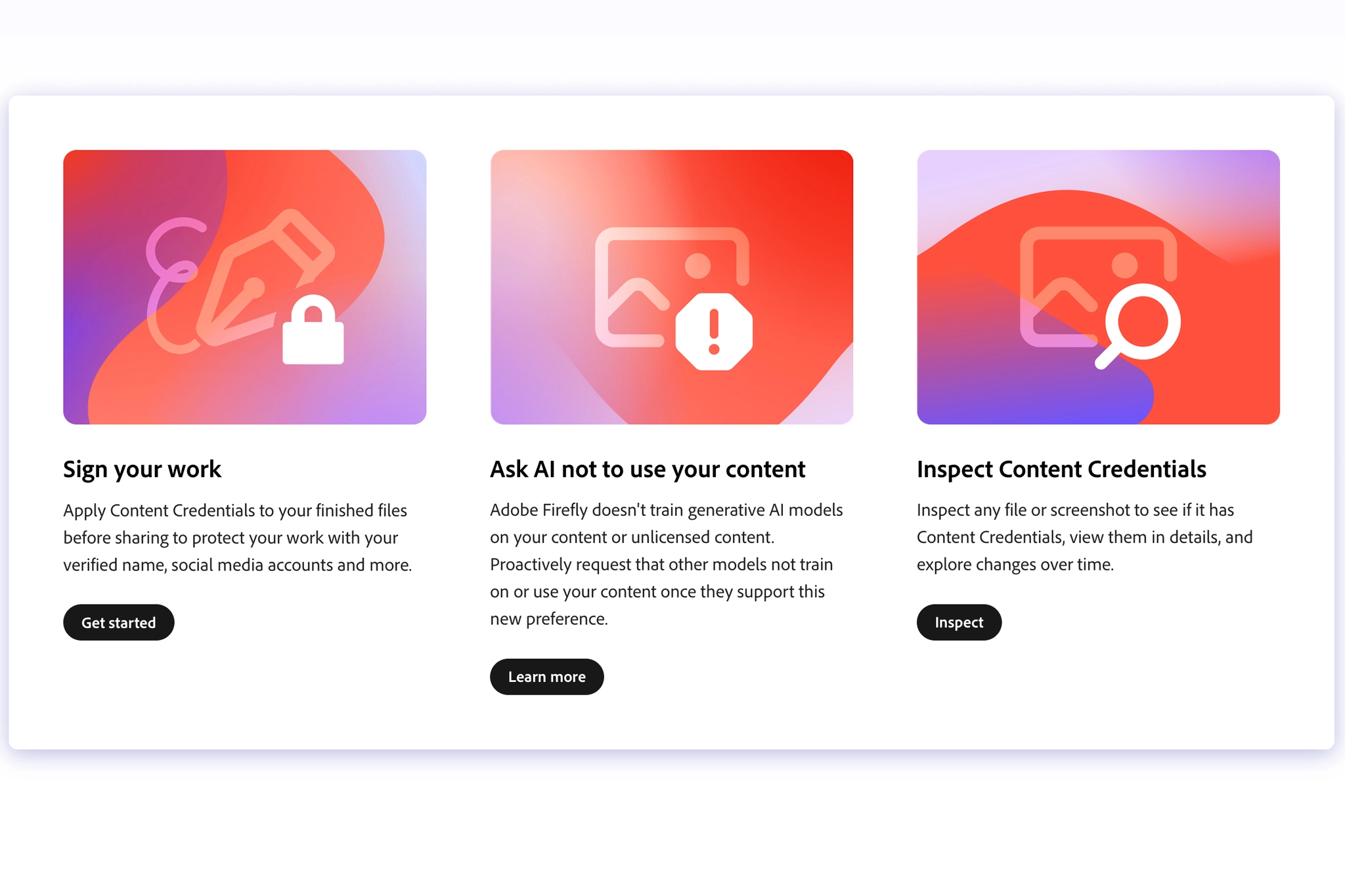
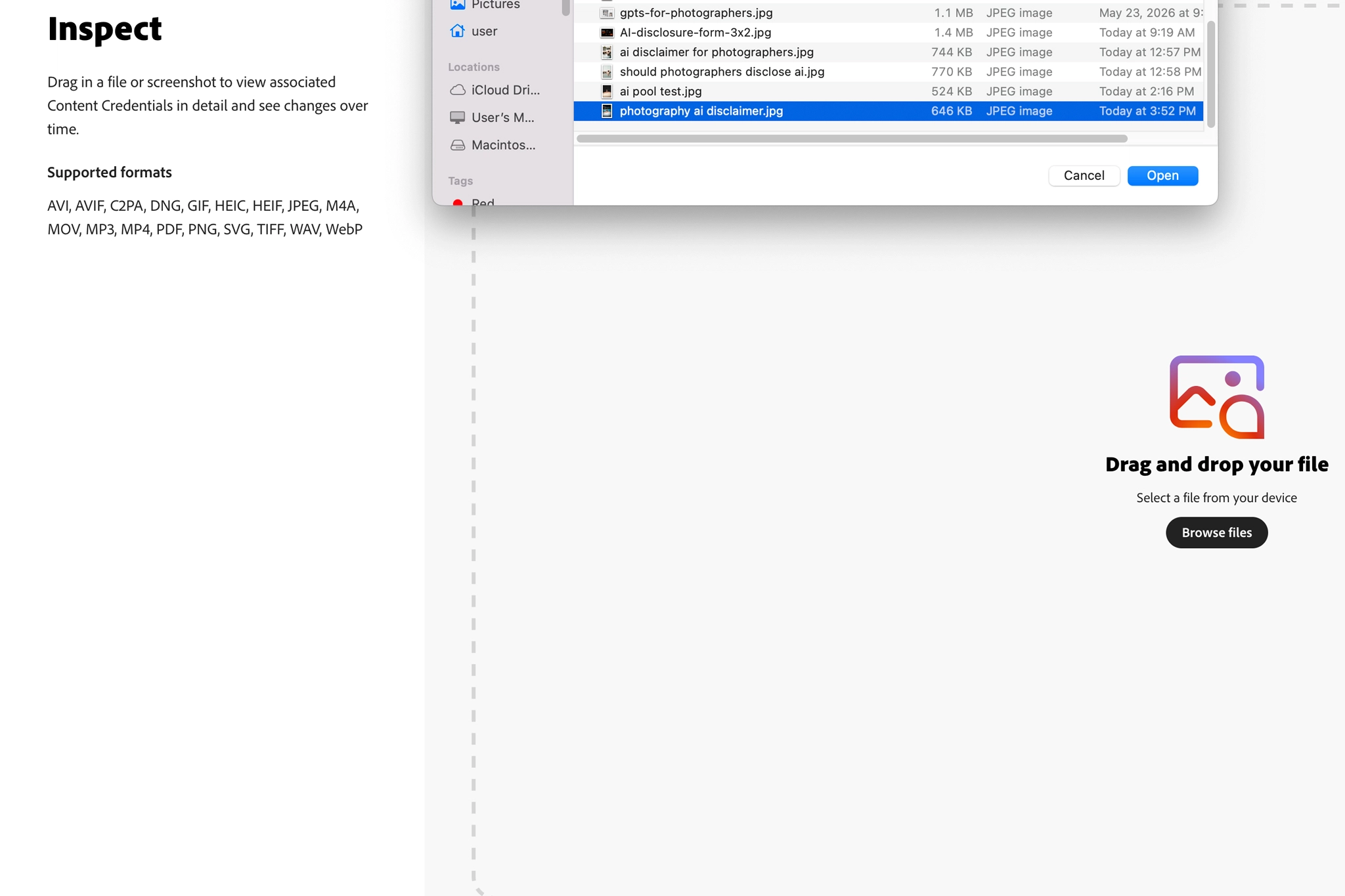
Content Credentials can give your AI disclaimer more structure. A written disclaimer explains what you want viewers to understand. Content Credentials can help document what happened to the file, including creation details, editing history, authorship, or AI involvement when available. They do not replace clear wording, but they can support your disclaimer with extra proof.
Here are some common AI disclaimer mistakes photographers should avoid:
- Saying “AI was used” with no detail: That phrase is too vague. It can mean AI culling, AI denoise, AI skin retouching, generative fill, or a fully synthetic image. If disclosing, say what AI did.
- Making normal editing sound fake: Standard AI photo editing is not the same thing as generating a fake person. Do not weaken your own work by over-explaining basic AI editing.
- Hiding generative changes in commercial images: If the image sells a product, place, property, be careful. If AI created something material, say it.
- Using fully AI-generated images as “photography” without context: AI-generated images can be useful for concepts, moodboards, storyboards, and visual experiments. But if the viewer thinks you captured it with a camera, and you did not, label it. People who understand the difference between photography and AI can usually spot the gap quickly. Trying to pass off a generated image as a real photograph is an instant credibility killer.
Our brand position on this topic is straightforward. Strong photography does not need to pretend AI does not exist, or that every frame is untouched. Intentional, curated photography has always involved decisions. Those decisions can include lens choice, lighting, contrast, color, mood, retouching, and now, whether AI is used and to what degree. If an image was captured with a camera, then edited or enhanced to push a story that was real at the moment of capture, we disclose it as hybrid photography.
AI Disclaimer for Photographers FAQs
Photographers do not usually need to disclose basic AI-assisted editing. Disclosure becomes more important when AI changes the reality of the image, adds or replaces meaningful elements.
It should say whether the image was camera-captured, AI-assisted, AI-manipulated, hybrid, or fully AI-generated. Specific wording is better than “AI was used”.
If AI-assisted retouching only cleans skin, reduces noise, improves masking, or removes small distractions, a formal disclaimer usually is not necessary.
AI editing starts with a real camera-captured photo and uses AI to assist with post-production. An AI-generated image is synthesized or substantially created by a model. The difference matters because a real photo can be edited, while a generated image should not be presented as a camera capture.
Content Credentials are provenance metadata that can show who made content and how it was made, including whether it was captured, edited, or involved AI.
Not every AI-assisted edit needs a label. Standard editing such as color correction, sharpening, noise reduction, or restrained retouching may fall outside the relevant transparency rules. Disclosure becomes more important when generative AI materially changes the image and makes synthetic people, objects, places, or events appear authentic. The rules apply from August 2, 2026, and the exact obligation depends on the image, its use, and the photographer’s role.
Key Takeaways
- Normal photographic editing usually does not need a formal AI disclaimer
- If AI generates the whole image, adds meaningful scene elements, or creates a synthetic result that looks like a real capture, disclose it clearly
- Hybrid photography does not always need a dramatic disclaimer. If the original photo remains the foundation and AI only supports the final polish, disclosure becomes a judgment call based on usage
- Be specific. Do not just write “AI was used”. Say whether the image was camera-captured, AI-assisted, hybrid, or fully AI-generated
- Content Credentials, RAW files, before-and-after exports, and layered files can help photographers prove what was captured, edited, or generated
If you want the exact wording instead of guessing every time AI touches a photo, download the free AI Disclaimer Templates for Photographers.
Want to use AI without flattening your photography? Explore the free ClickwithSal GPTs for Photographers. They are built to help with shoot concepts, editing direction, AI tool choices, and business growth without turning your work into generic machine-made noise.








Leave a Reply