
With Apple Photos AI editing, artificial intelligence is becoming part of how regular people fix images every day. But there is a big difference between quick photo correction and professional photo editing, and that distinction matters. Fixing a photo is not the same as building a professional image. Apple Photos AI editing can be useful for quick corrections, casual adjustments, and everyday snapshots, but it does not replace a professional editing workflow. The real question is when it is enough, when it falls short, and when someone still needs a professional photographer or a more serious editing process.
Quick verdict: Apple Photos AI editing is not a replacement for a professional workflow built around RAW files, large galleries, repeatable editing style, portrait retouching, or print output.
Bonus for photographers: Know when an edit is harmless cleanup, and when it should be disclosed. Download our free AI disclaimer templates for photographers to explain your editing process clearly, protect client trust, and avoid the vague panic around AI in photography.
What Apple Photos AI Editing Does
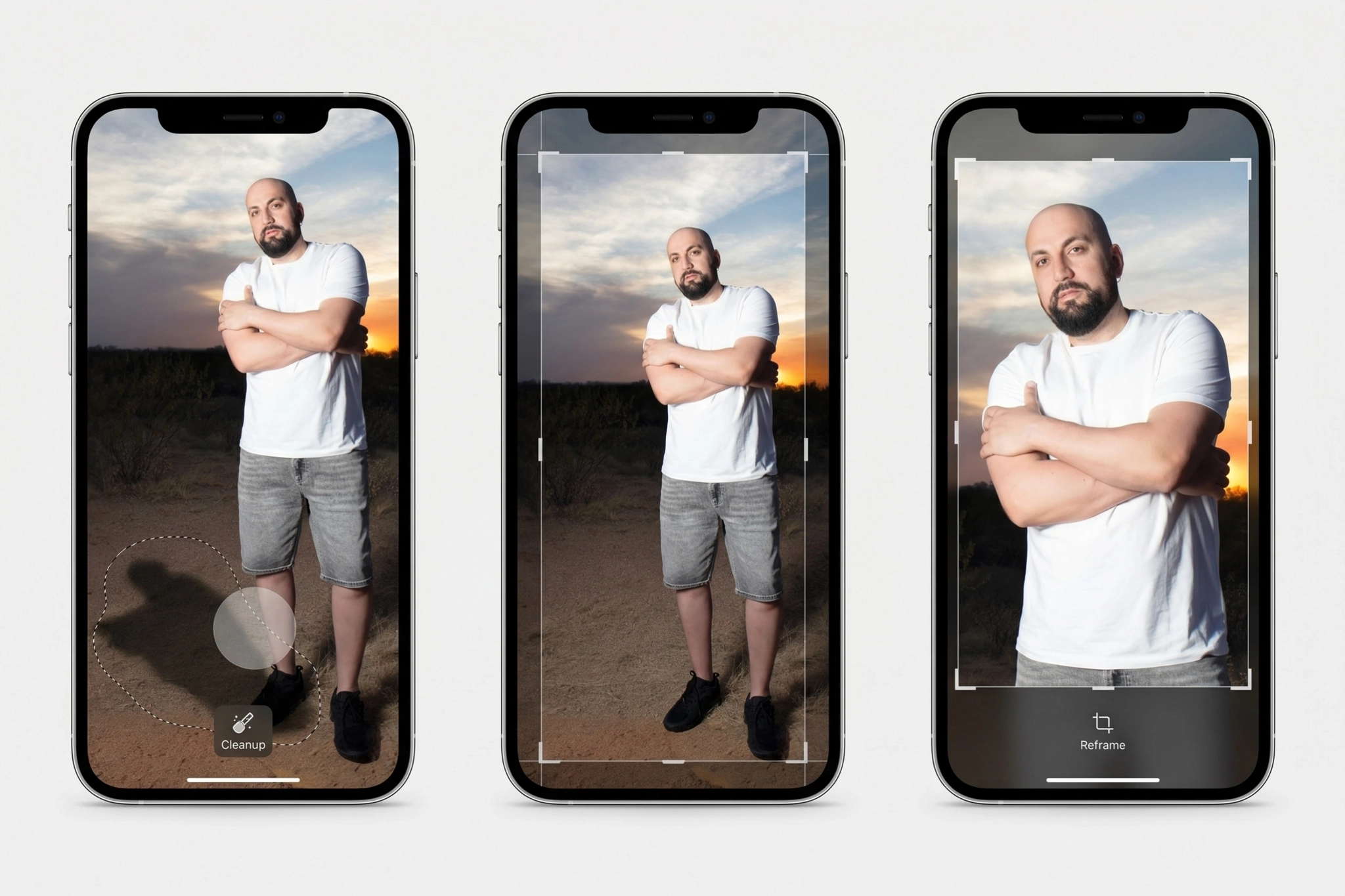
Apple Photos AI editing is built for everyday image repair. The most important current feature is Clean Up, which lets users remove distracting background objects from a photo. Apple may also highlight some objects automatically so they can be removed faster. However, Apple Photos has not turned into a full editing suite. Photographers should still pay attention because clients are getting used to AI fixes as a normal part of photography.
Besides Clean Up, Apple Photos also includes AI-powered editing features like Extend and Spatial Reframing, along with Enhance. Extend works as a generative image expansion feature, helping stretch the edges of a photo when the original crop feels too tight. Spatial Reframing lets you adjust the frame after capture, while Enhance automatically improves light, color, and overall image balance with a single tap.
Apple Photos AI editing is definitely useful when an image does not need to carry professional weight. A photo sent in a text message does not need the same finishing standard as a client gallery, a brand campaign, a large print, or a product page. This is where it actually works best:
- Casual image fixes
- Social media posts
- Travel snapshots
Apple Photos vs Professional Editing
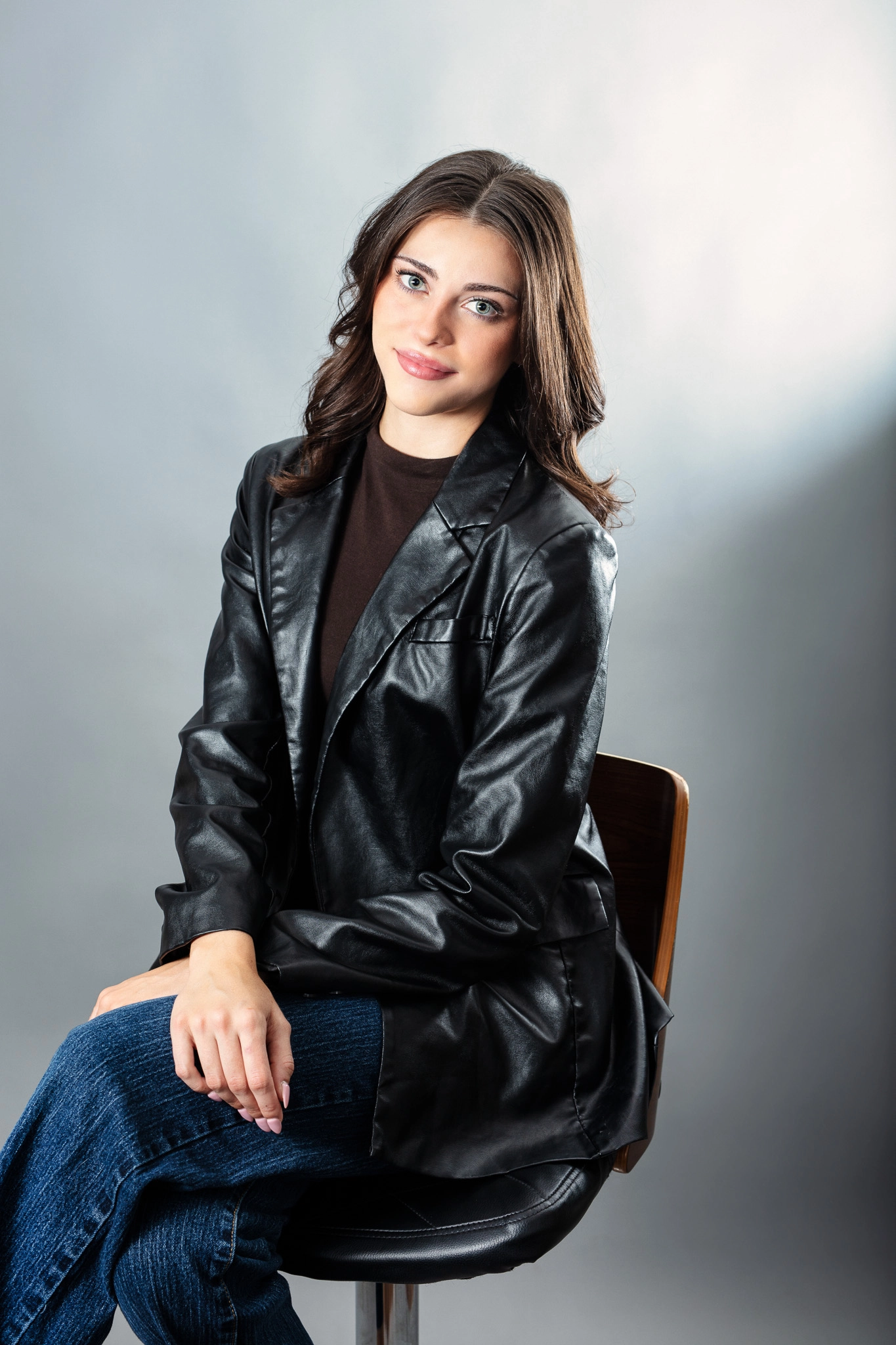
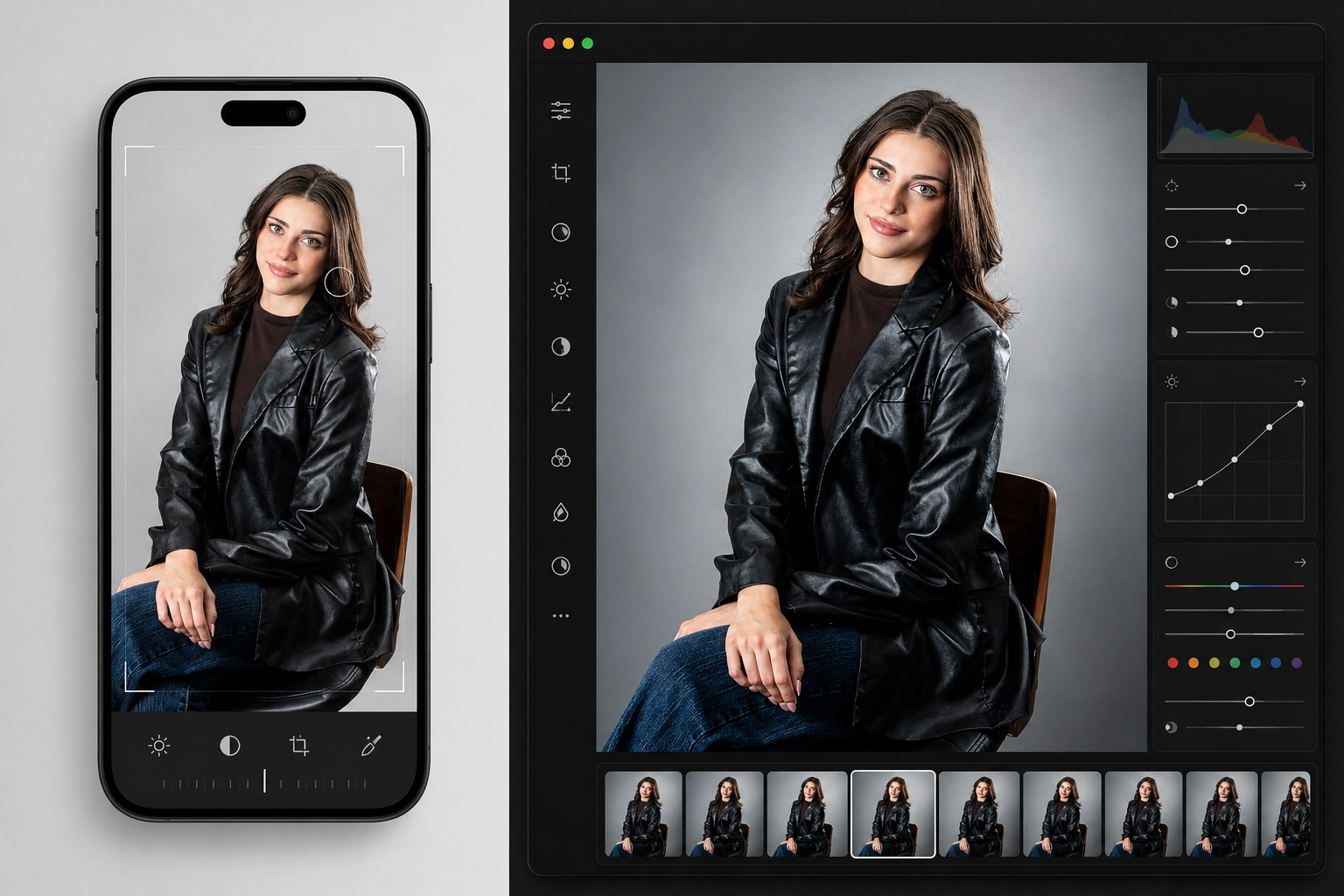
Here is the clean comparison:
| Editing type | Apple Photos editing | Pro editing |
| Simple object clean up | Good for casual fixes | Better for controlled, detailed removal |
| RAW editing | Limited | Built for RAW files |
| Batch editing | Limited | Essential for galleries and client deliveries |
| Retouching | Too blunt for serious skin work | Optimized for control over texture, tone, and realism |
| Reframing | Useful | Stronger |
The comparison shows that Apple Photos editing and professional editing solve two different problems. Apple Photos is useful for fast, casual improvements. Professional editing is built for control, consistency, and final images that need to hold up in client galleries, commercial work, large prints, and serious photography.
Where Apple Photos Is Not Enough
Apple Photos AI editing starts to fall short when an image needs a professional finish:
- RAW files: RAW files give photographers more latitude with exposure, white balance, highlight recovery, shadow detail, and color work. Phone-based AI editing is not built around the same level of file control found in professional photo editing software.
- Batch editing: Professional editing helps maintain consistency across a full set of images. Without that consistency, a client gallery can quickly start to feel amateur, especially when every photo has a slightly different color, contrast, or skin tone treatment.
- Skin texture: Bad AI retouching can make skin look plastic. Professional retouching protects natural texture while polishing the image enough to feel clean, intentional, and believable.
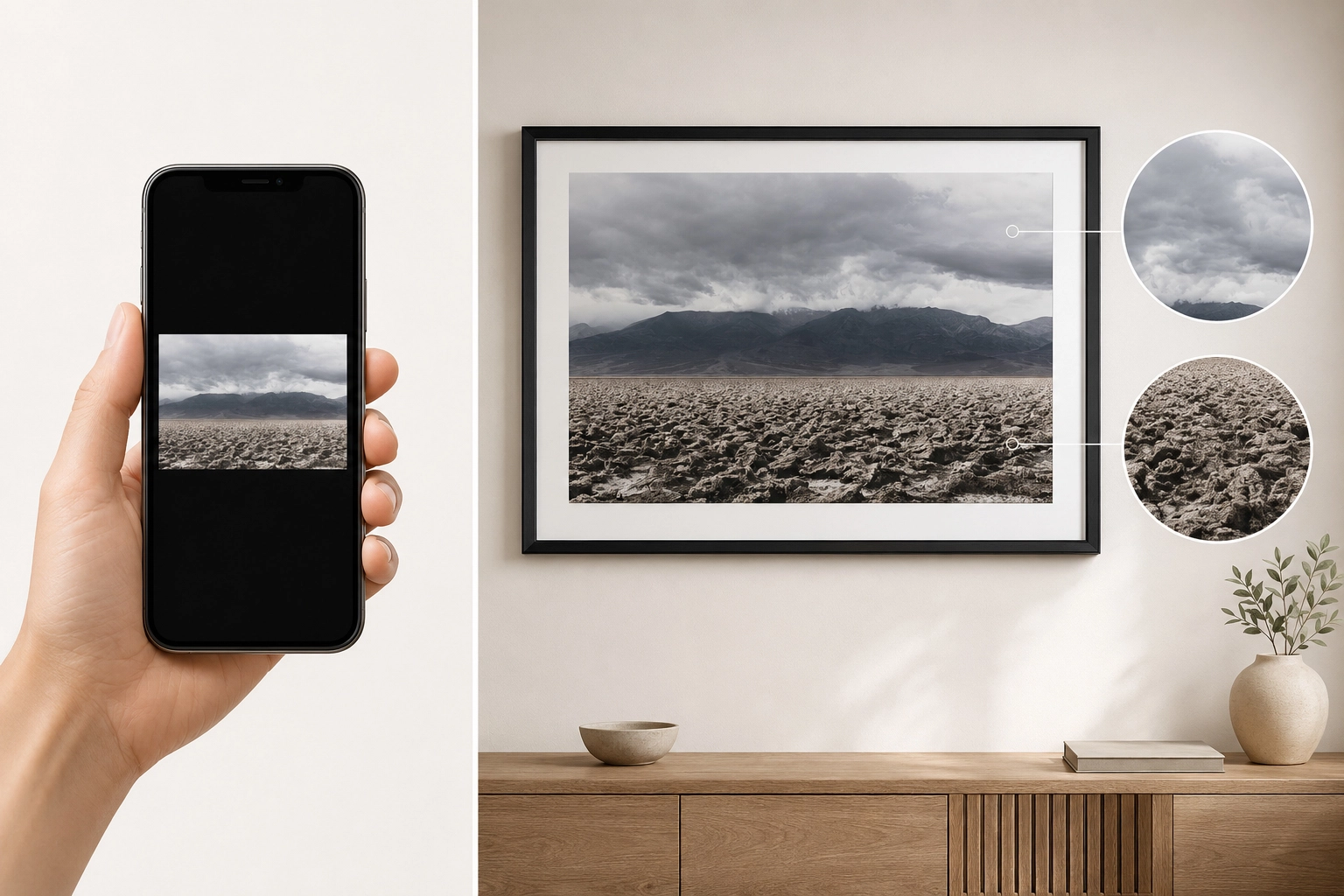
- Print output: This is where phone-based AI editing can fall apart. Large prints expose problems that a small screen hides, including weak detail, over-smoothed textures, color shifts, and artifacts.
Here are the mistakes photographers should avoid with Apple Photos AI editing:
- Competing with convenience: Your work needs to be stronger than casual phone photos because of taste, authorship, and visual direction. Cleanup can be part of the process. The real value is the vision behind the image.
- Over-editing: Keep some resistance in the photo. When an image is over-edited, it can start to feel flat.
- Trusting a small screen: Phone screens can make images look sharper and cleaner than they really are. They also hide flaws like artifacts, color shifts, weak detail, and over-smoothed texture. If the image will be used outside a phone, check it on a larger screen before calling it finished.
With Apple Photos AI editing, the floor of casual editing is going to rise. That is inevitable. As average photos start to look better, photographers who sell taste, authorship, consistency, and direction become more valuable. So no, AI is not killing photography, not even in this case.
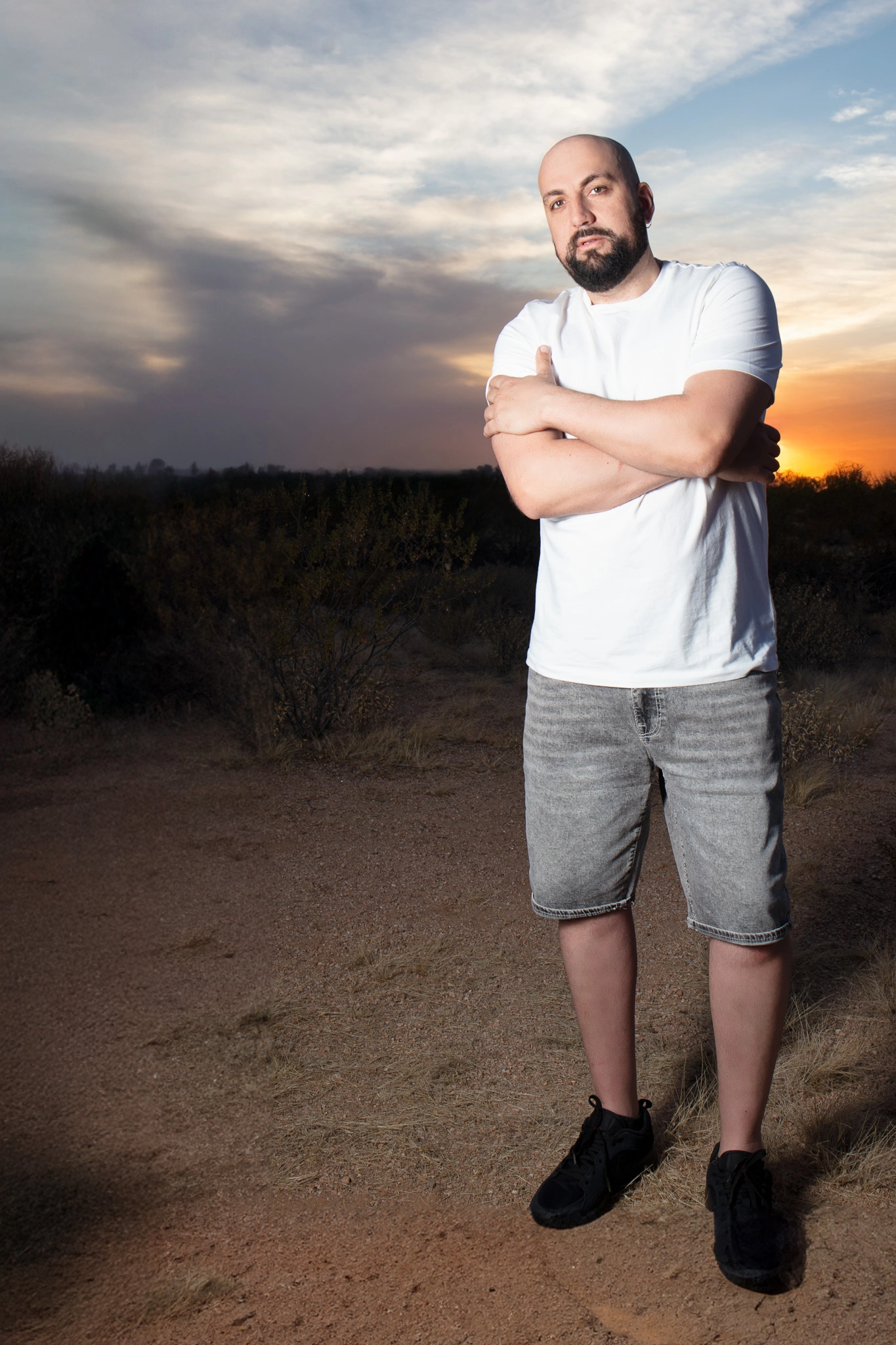
This applies especially to photography that lives on a device. But if you are printing photo albums for clients or creating wall art, skip the phone editing. Imagine a 24×36 Gallery Canyons print. The photograph has to survive scale, paper, contrast, color, and sharpness. The image has nowhere to hide. In that case, professional photo editing is mandatory.
Final Verdict
Apple Photos AI editing is a useful tool, and it makes cleanup easier. It also makes AI editing mainstream. However, photographers should not panic because it does not replace professional editing and retouching, RAW control, print preparation, or image authorship. Easy casual phone editing is not in the same category as professional editing, and convenience is not the same as vision.
Apple Photos AI Editing FAQs
Apple Photos AI editing is useful for quick fixes, casual cleanup, and social media images, but it is not enough for most professional photography workflows.
No. Apple Photos AI editing can help clean up, extend, reframe, and enhance images, but it does not replace professional editing. Professional editing involves color control, file management, retouching decisions, consistency across galleries, and final output preparation.
Apple Photos AI editing is best for everyday images that need quick, simple improvements. It is useful when the image does not need RAW control, advanced retouching, client consistency, or print-ready finishing.
Phone edits may look clean on a small screen, but prints reveal more detail. Large prints can expose weak sharpening, color shifts, over-smoothed textures, artifacts, and poor file quality.
No. Apple Photos AI editing raises the quality of casual images, but it does not replace professional taste, direction, consistency, or authorship. As quick fixes become easier, photographers who offer stronger vision and finished workflows become more valuable.
Key Takeaways
- Apple Photos AI editing is useful for casual fixes, quick cleanup, social media posts, and everyday images
- Clean Up, Extend, Reframe, and Enhance can improve a photo, but they do not replace a professional editing workflow
- Phone screens can hide weak detail, artifacts, color shifts, and over-smoothed texture
- Professional editing still matters for RAW files, batch consistency, retouching, client delivery, and print output
- AI raises the floor for casual editing, but it makes taste, authorship, consistency, and direction more valuable












Leave a Reply